How can I access and view 24/7 recording and playback?
To check continuous recordings or playback, please follow these steps:
-
Open the Eufy app.
-
Go to Home > Live View > Playback.
-
Select a time period with saved recordings to view.
Please note: Playback may take some time to load — please wait for the process to complete.
If you have any other questions, please don't hesitate to contact eufy Support Engineers for further assistance.


20 undefined
What are the differences between E20/E21 and C10?


What is the principle of the split-screen function?
How to perform OTA on the monitor and camera?
What is Privacy Mode?
Does the device support viewing events and playback?
What is the maximum distance used by a local connection?
What is the function of the Wi-Fi switch on the monitor?
What types of detection functions does the camera support?

Baby Monitor C10 User Guide (T6310)
Baby Monitor C10 取扱説明書 (T6310)
Anker eufy Audio_Video Recording Notice Sticker_EN
【T6310】【eufy Baby Monitor C】EU Declaration

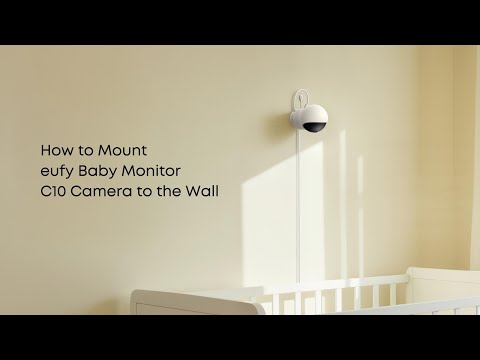
How to Mount eufy Baby Monitor C10 Camera to the Wall
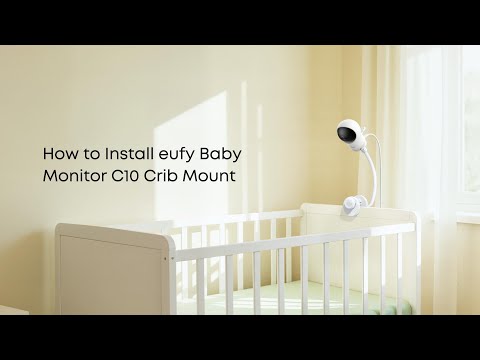
How to Install eufy Baby Monitor C10 Crib Mount


