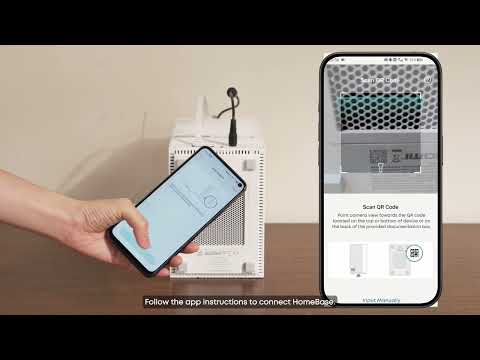
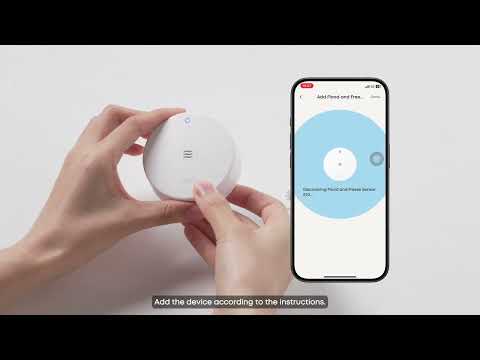
Certain steps need to be accomplished before the camera monitoring function becomes effective, after you have installed the Homebase Professional S1.
First, you need to subscribe the monitoring service in the eufy app. This process requires your personal information (name, location, phone number) and signature on service contract.
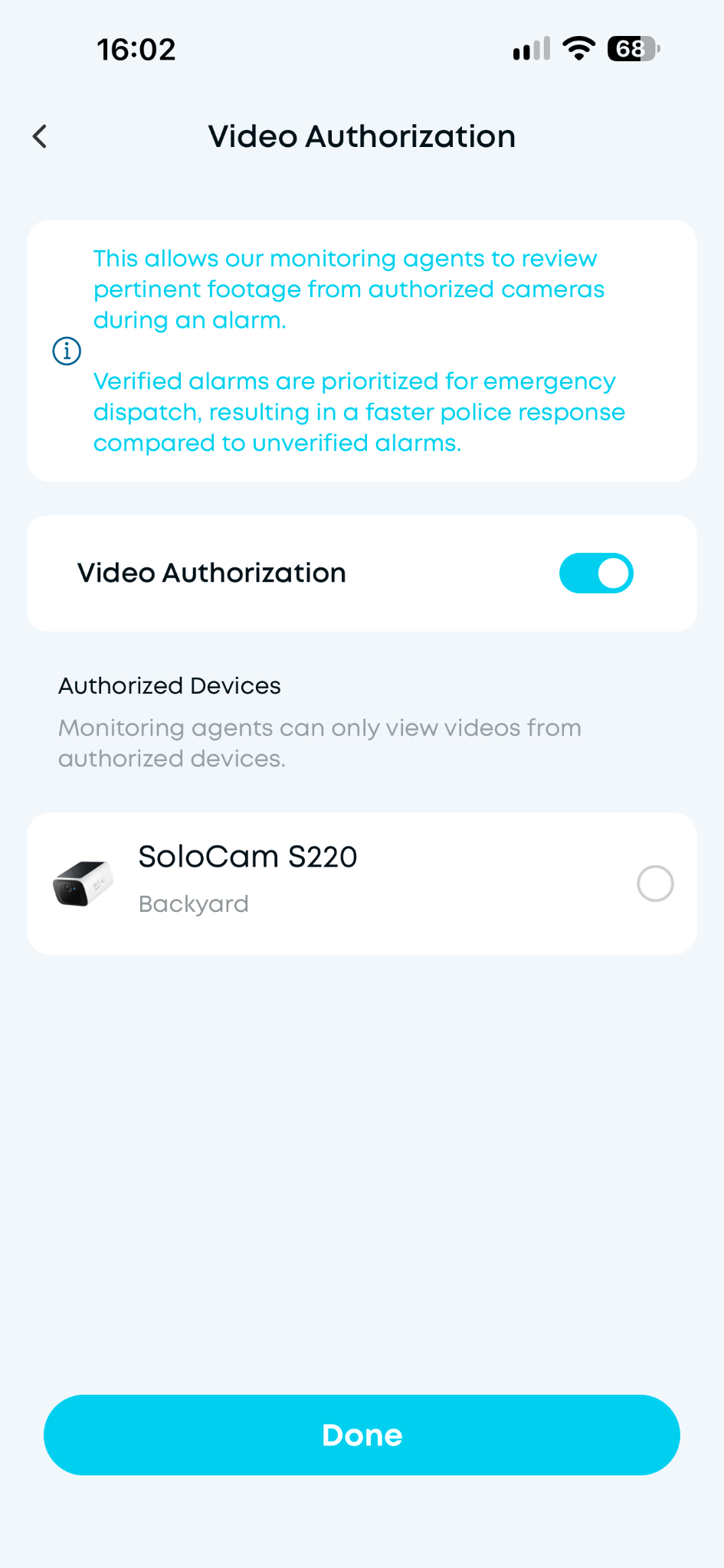
Second, remember to enable the video monitoring function in the plan setup page. Agents from the monitoring center can only view the authorized cameras.
Third, select the device that can notify the monitoring center under certain security modes.
1. Set up the professional Monitoring Plan
-
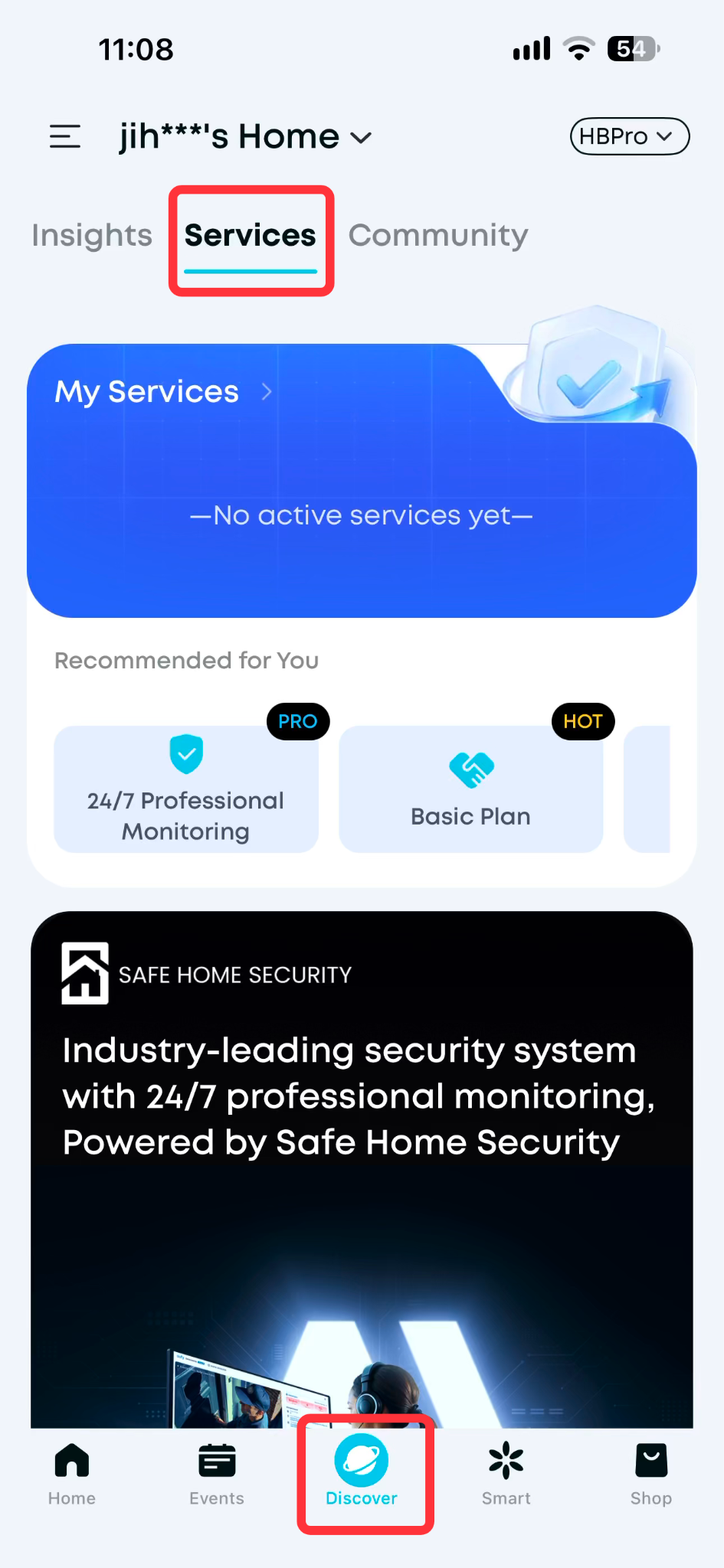
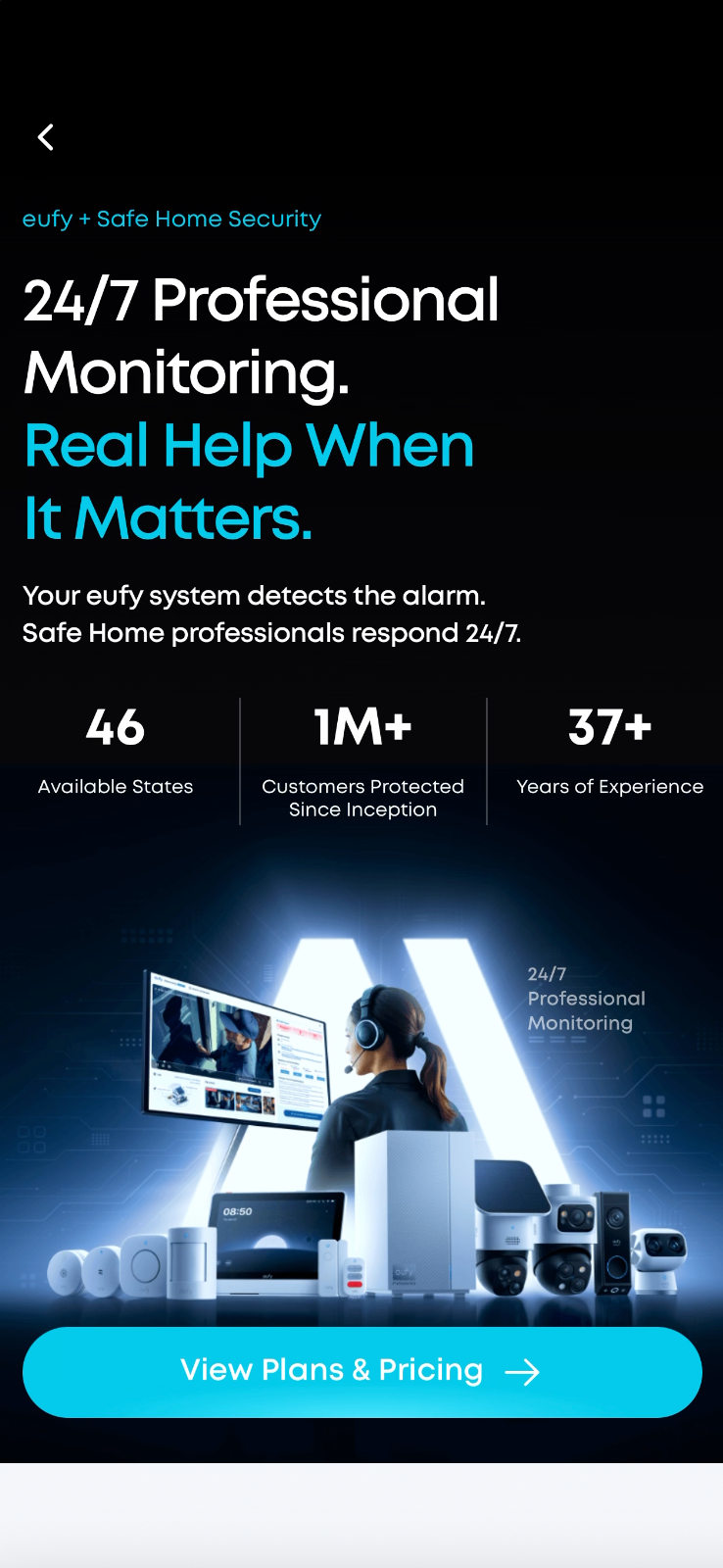
Go to ‘Discover’ and click ‘Services’ to see the service purchasing entrance. Click the blue box to start purchasing a monitoring service.
-
Fill out important information, including your personal contact methods, address, verbal password, and emergency contact.
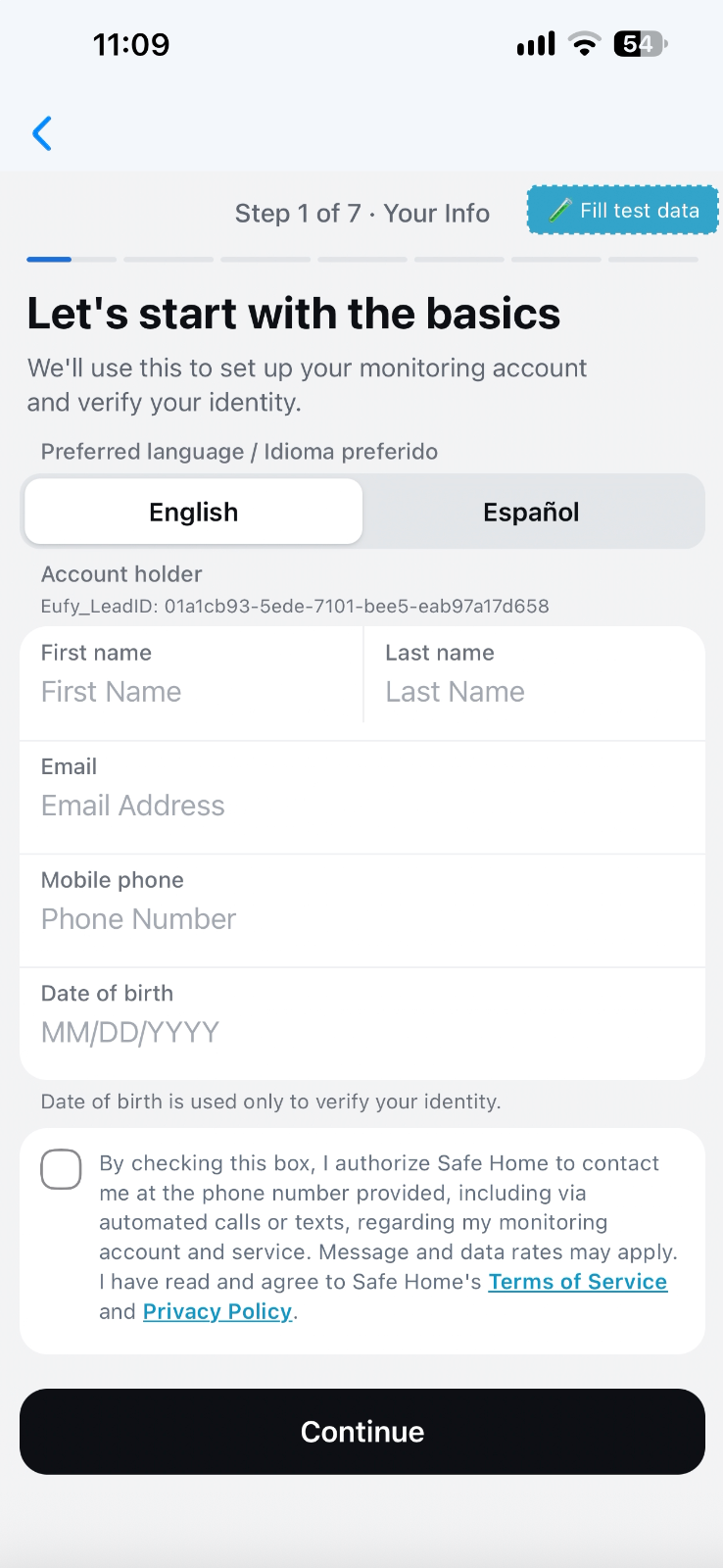
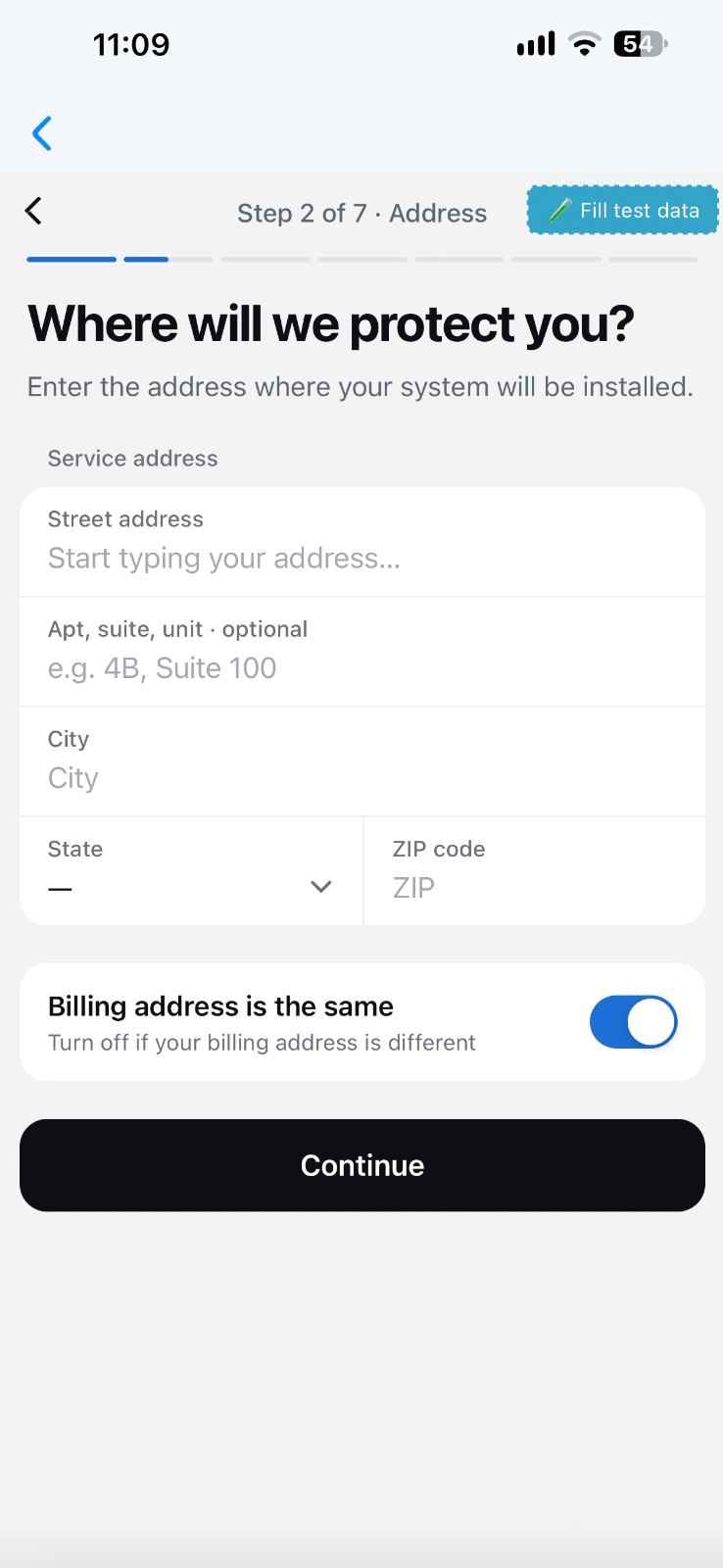
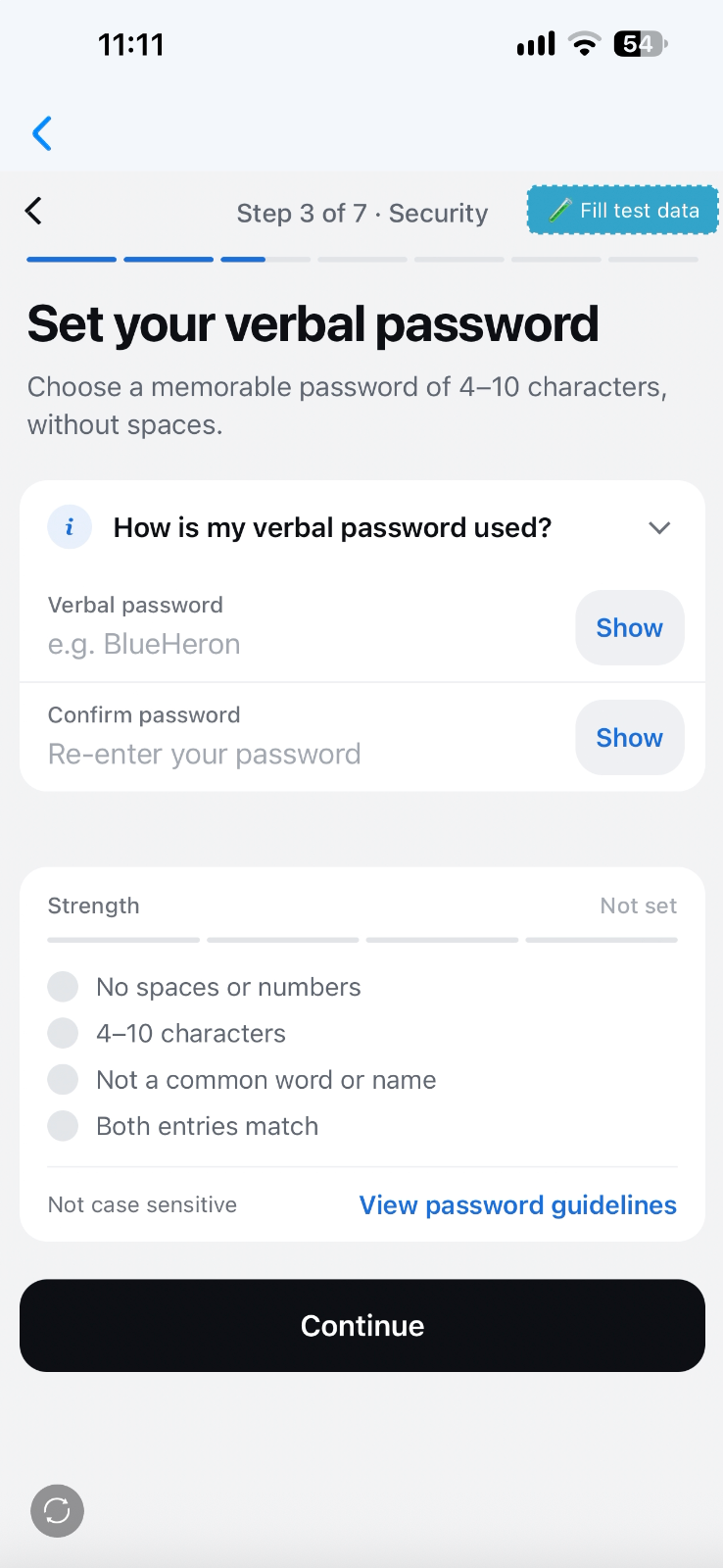
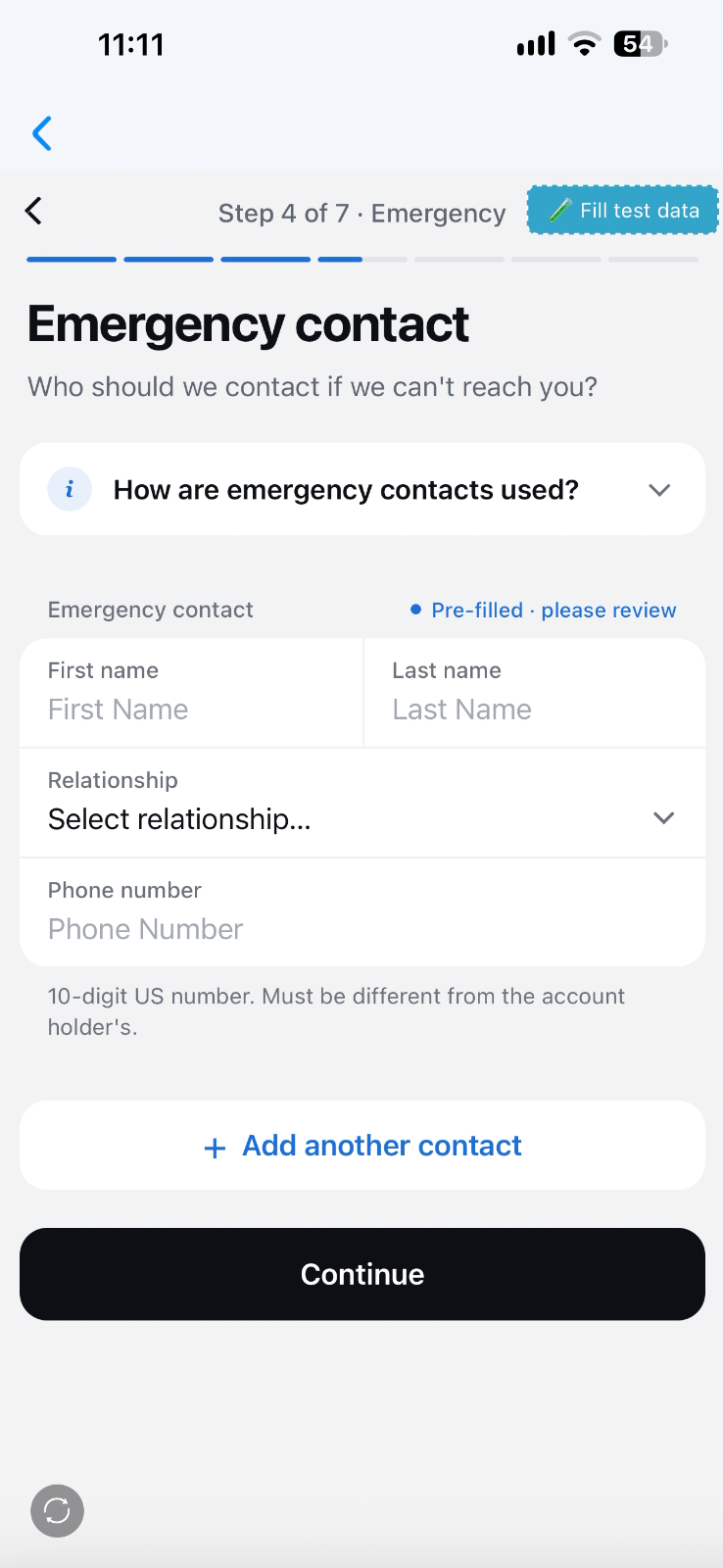
-
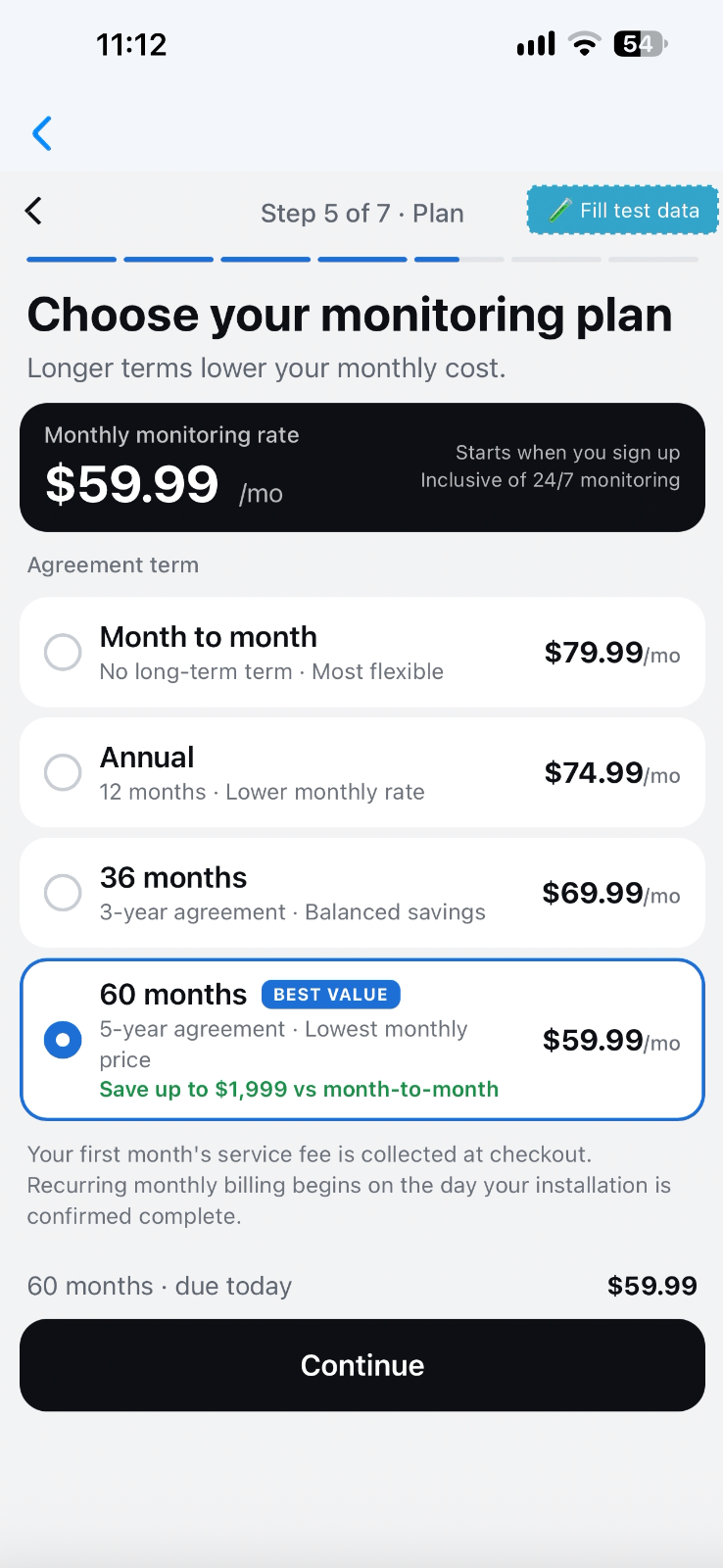
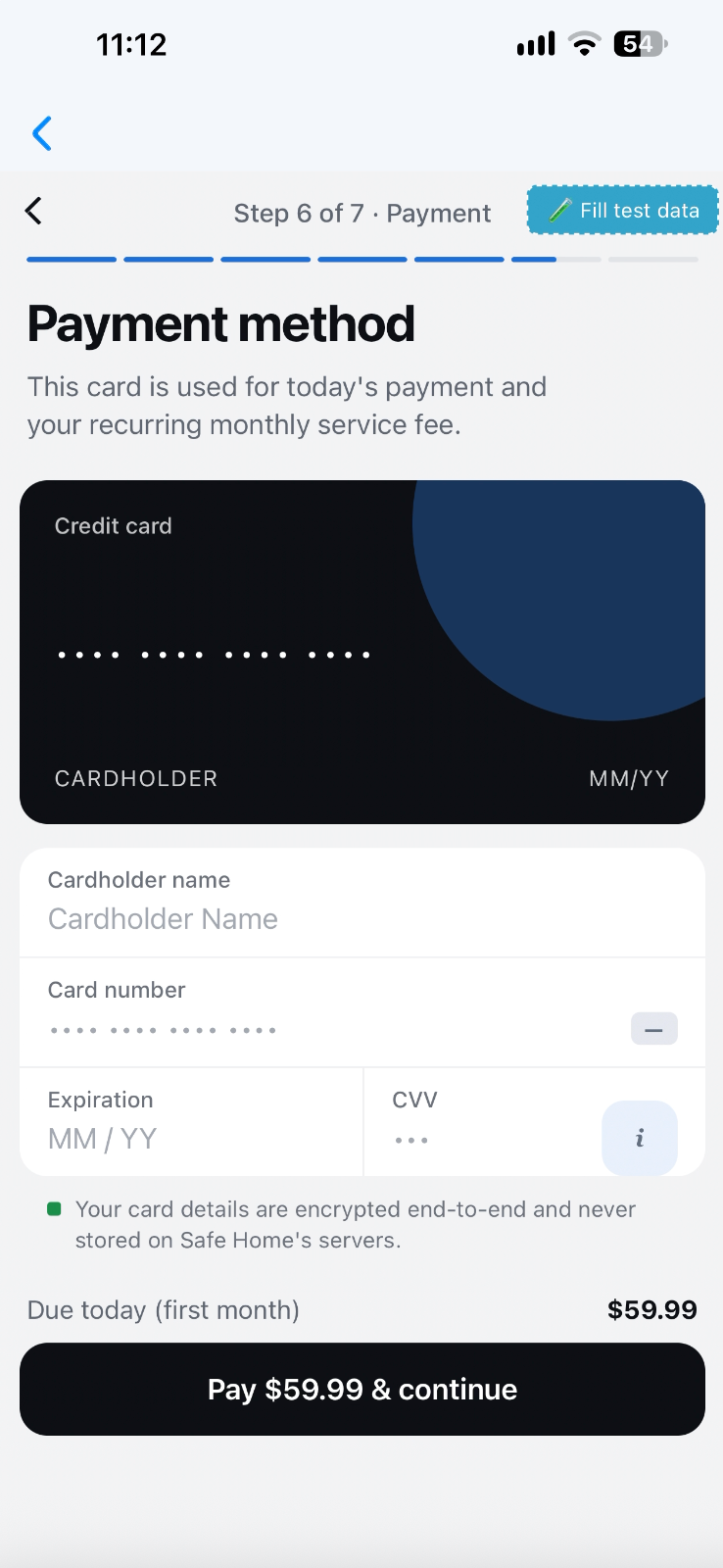
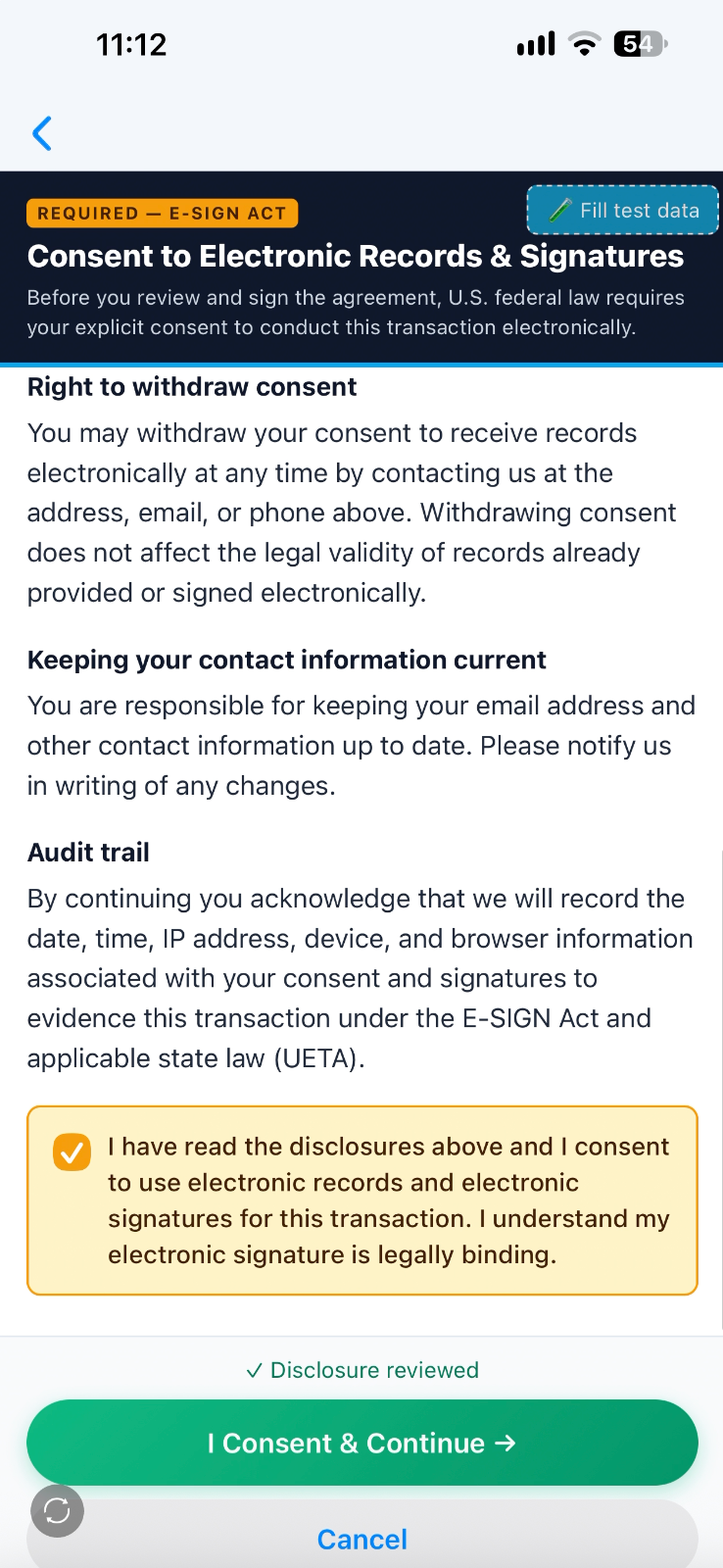
Finally, complete your purchase by selecting the subscription plan, enter payment information, and sign the electric agreement.
2. Authorize the Monitoring Center
Authorize the monitoring center with access to your camera recordings and live streams. The live agents can quickly react to alarms and look into your emergencies.
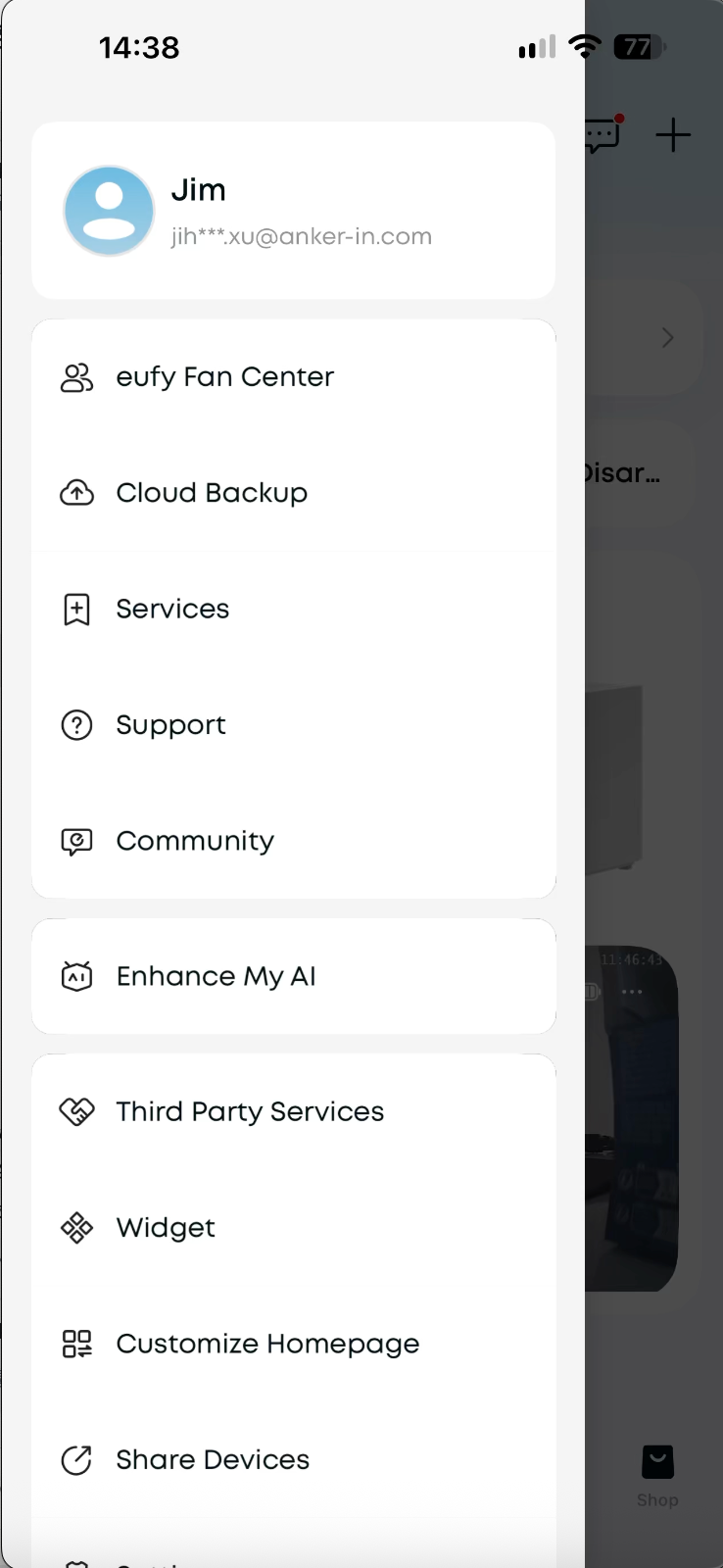
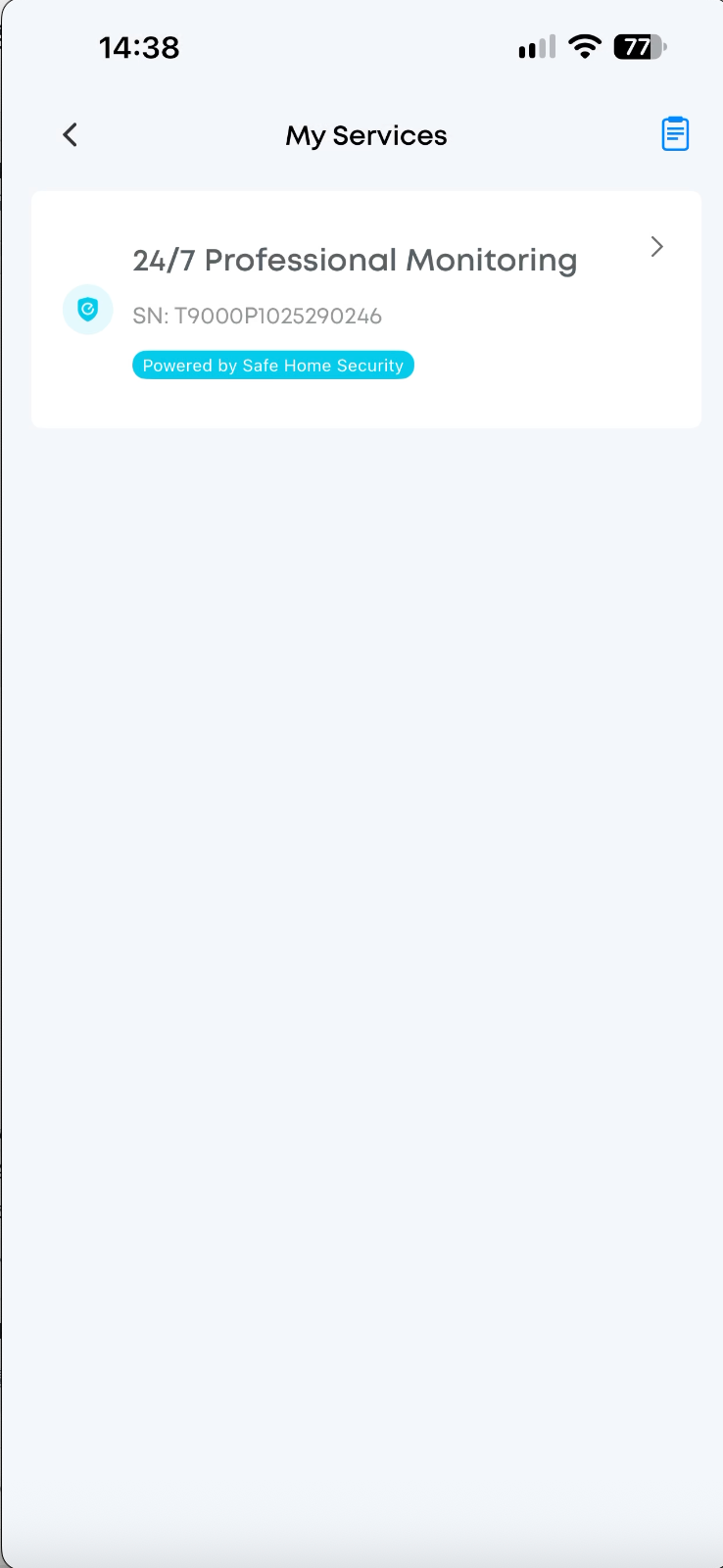
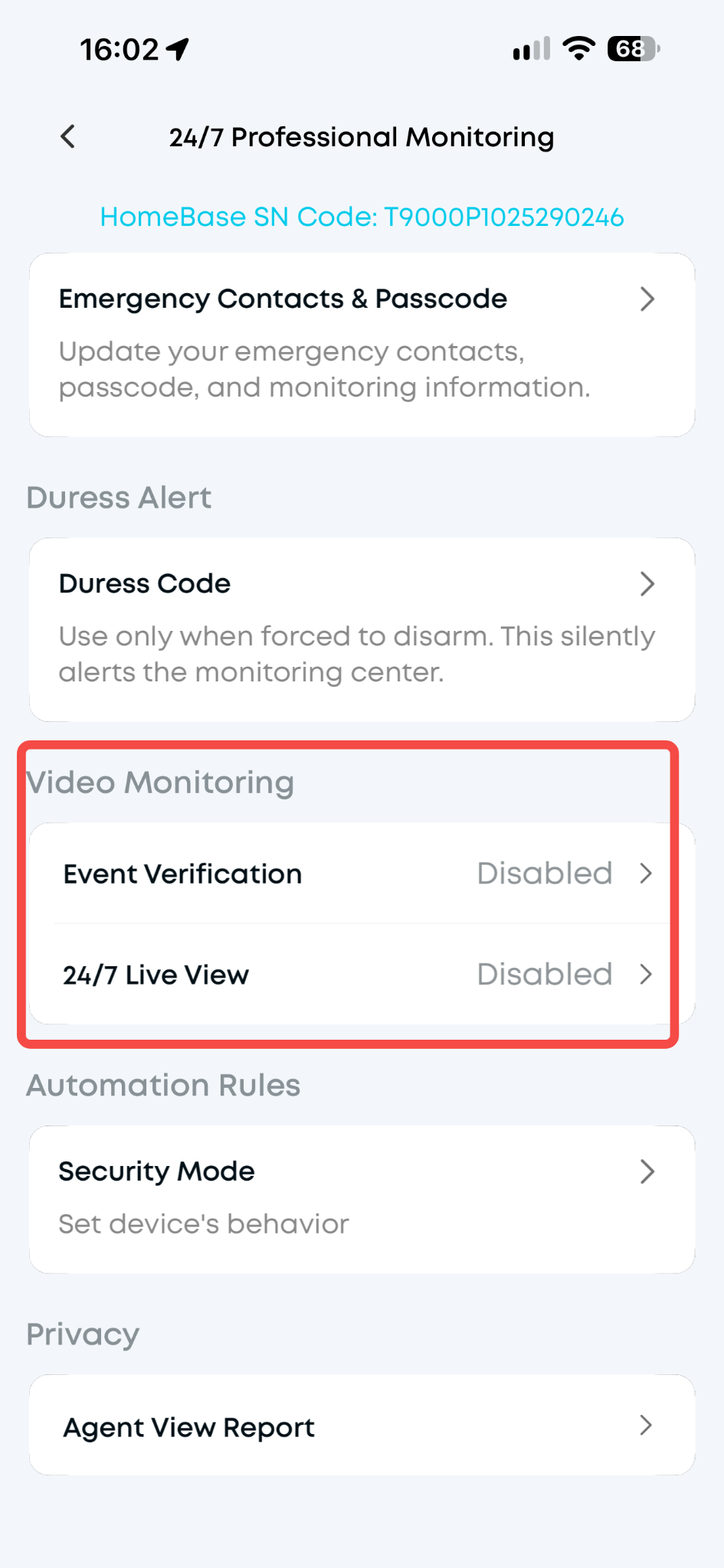
Open the eufy App → open side bar → click “Service” → Go to "24/7 Professional Monitoring" → "Video Monitoring".
Activate "24/7 Live View" and "Event Verification" by selecting specific cameras to authorize.
Tap "Done" to save
-
24/7 Live View
During an alarm, authorize the agent at the monitoring center to see your live stream and communicate with the suspicious person on the selected camera. It is important that an agent can judge the situation and dispatch quickly.
-
Event verification
During an alarm, authorize the agent at the monitoring center to see your recent video recordings from the selected cameras. It is important that an agent can judge the situation and dispatch quickly.
3. Select the Devices that will notify the Monitoring Center
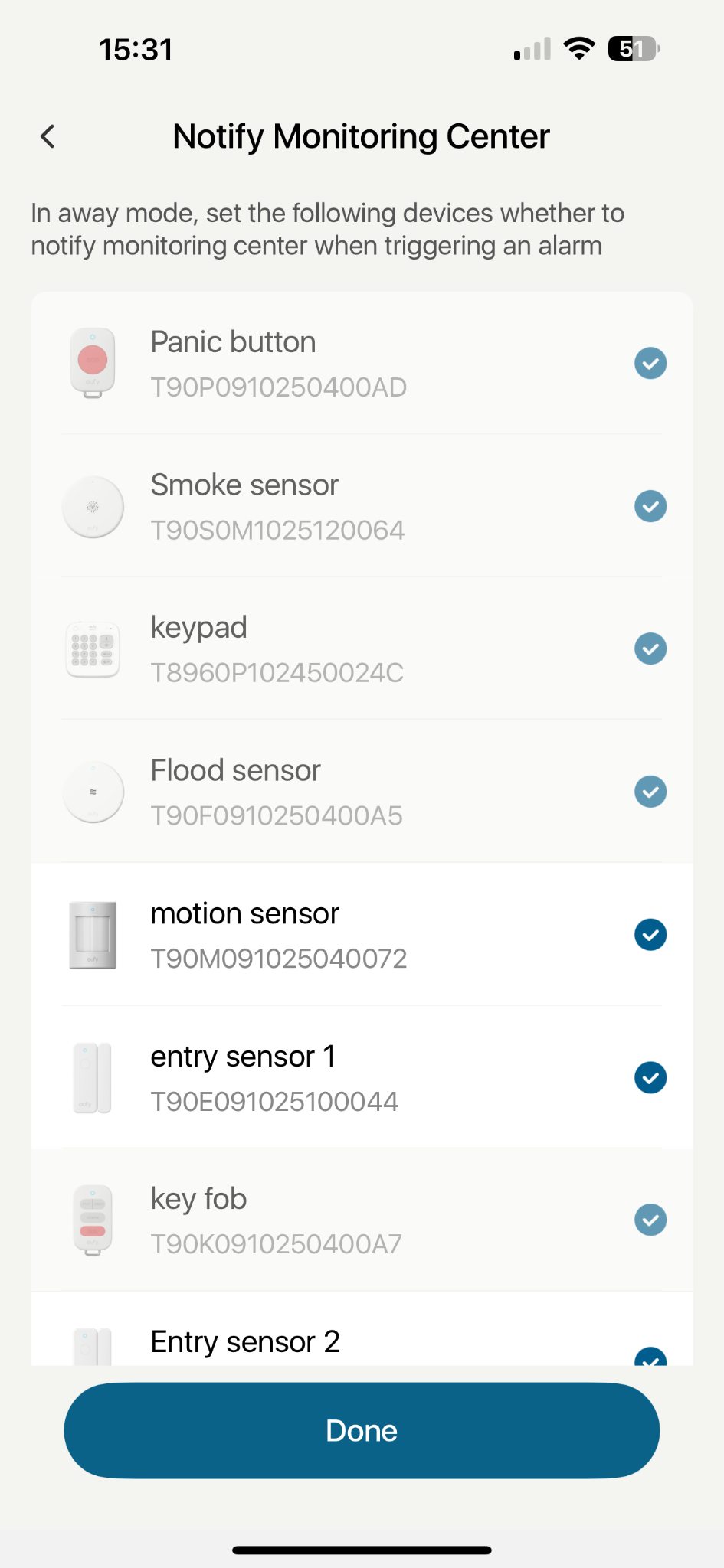
The alarm generated by the selected device will be forwarded to the Monitoring Center.
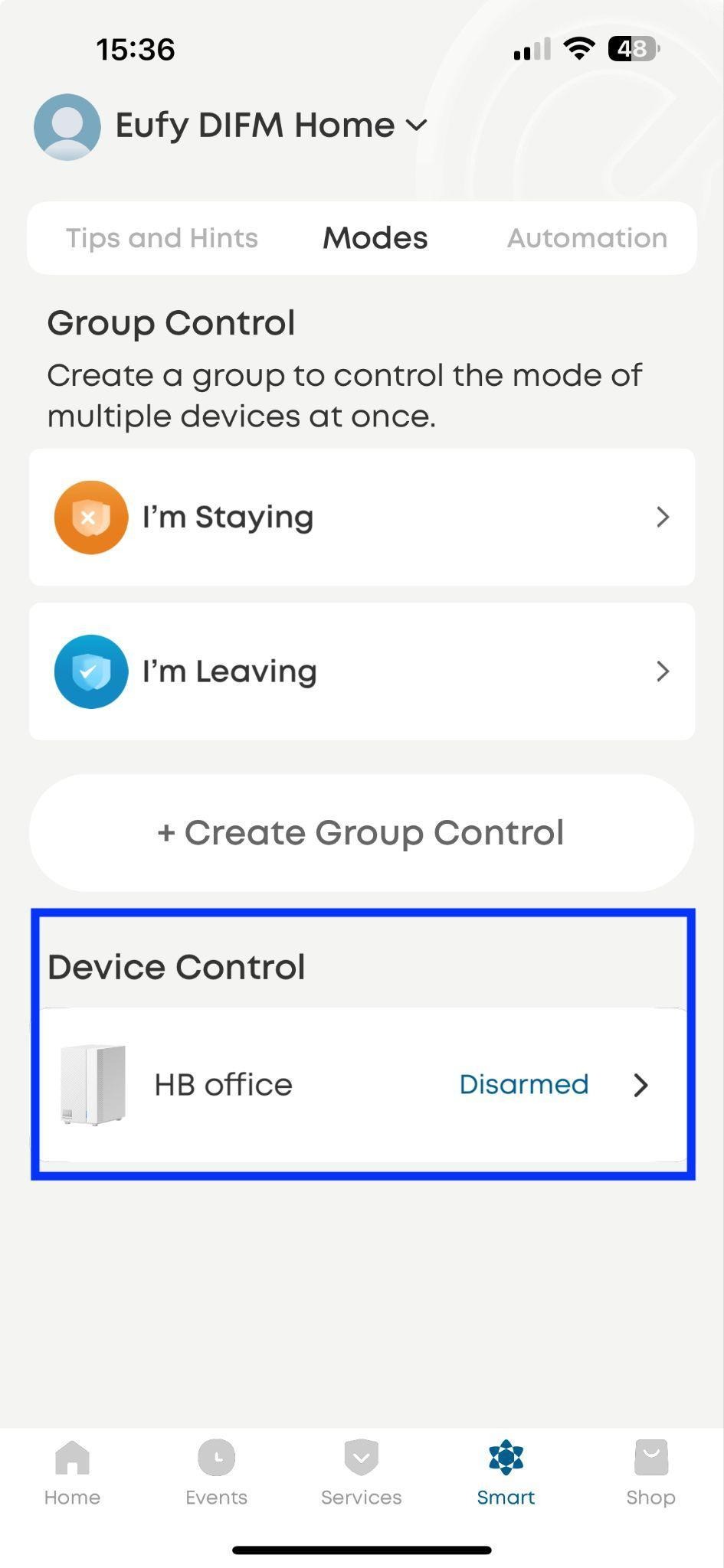
Click on HomeBase Professional in ‘Smart’ tab→
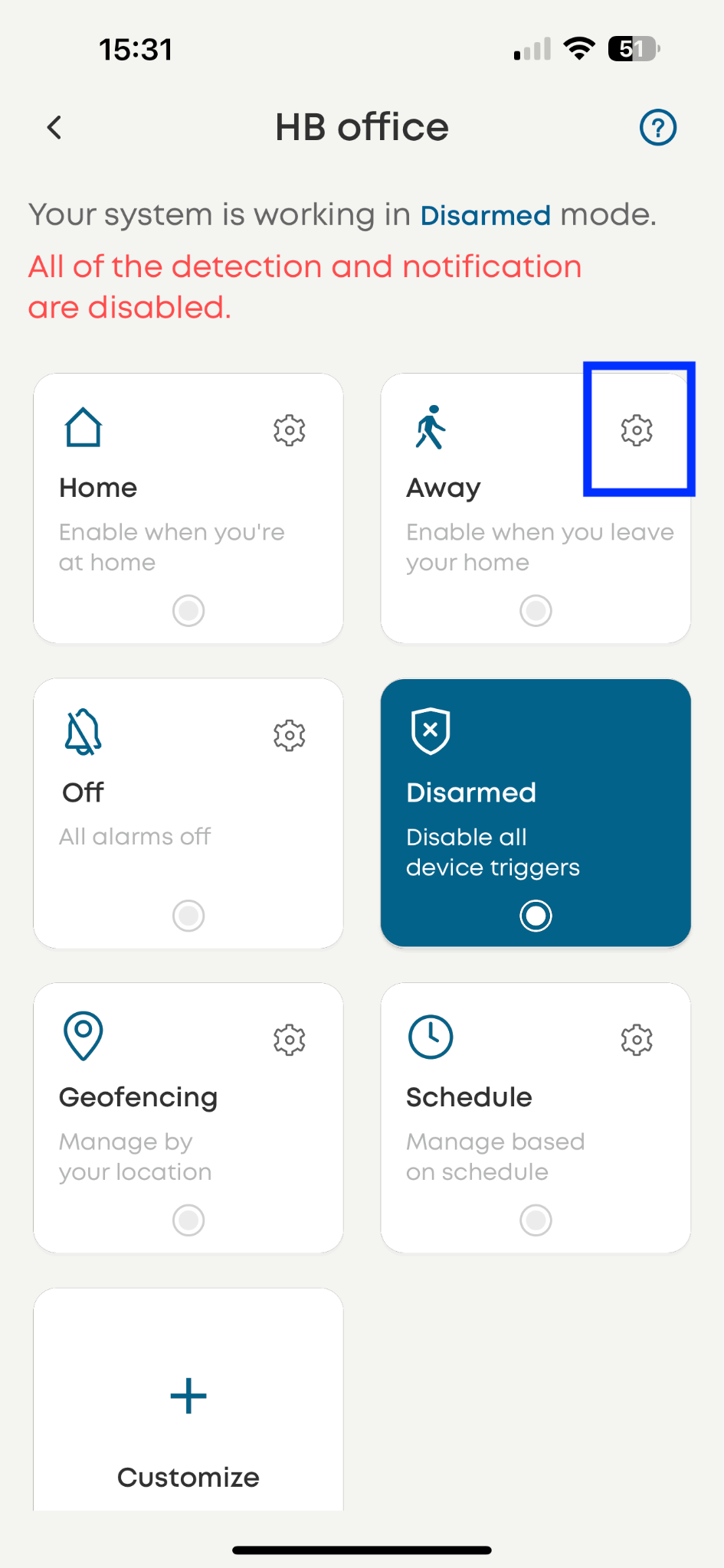
Click on the ‘gear’ icon →
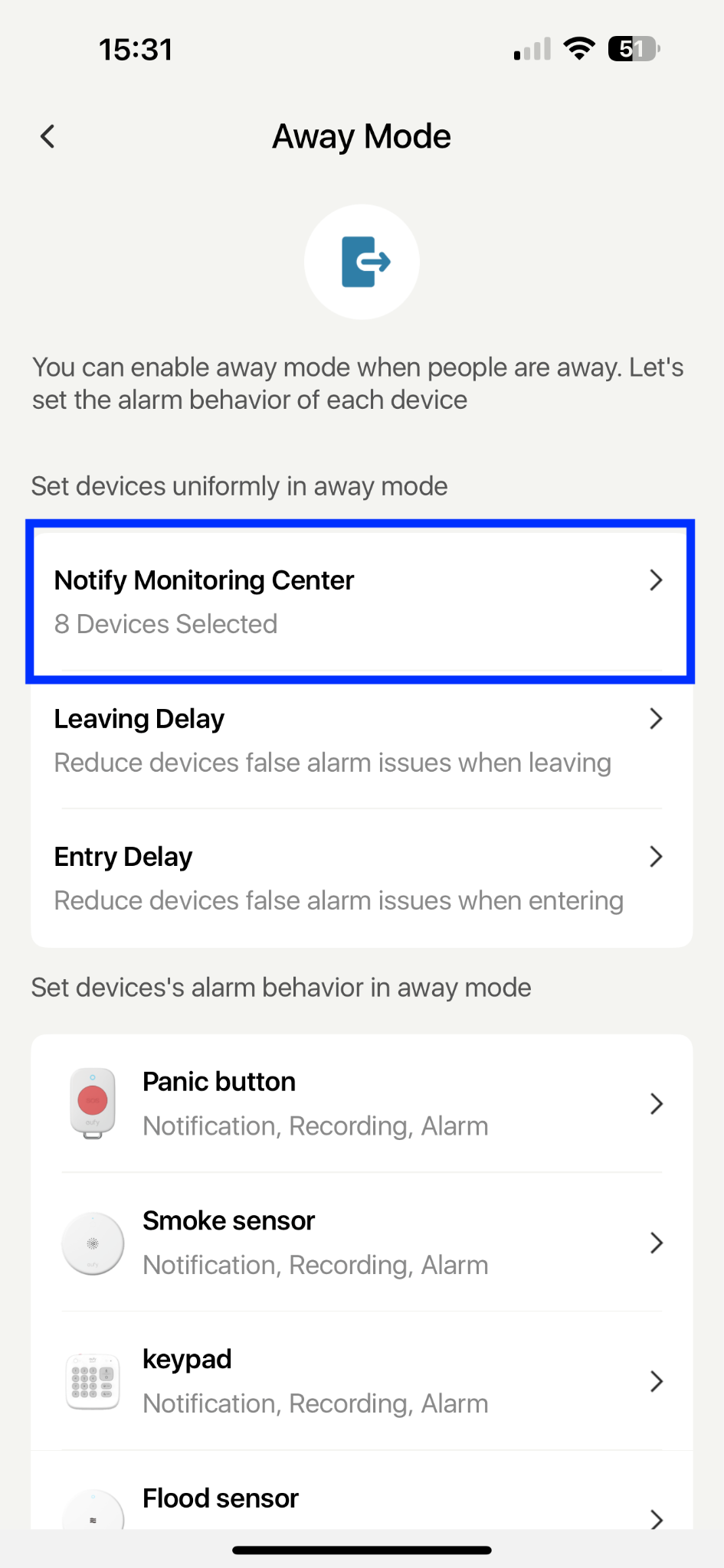
Click on ‘Notify Monitoring Center’ →
Select the devices that can notify the Monitoring Center