How to Add Access Code For Family and Guest On the Keypad
To help you add an access code for family and guests on the keypad.
1. Click the Keypad Card on the App homepage to enter the keypad homepage.
2. On the keypad homepage, click the Access Code tab to enter the list of existing access codes.
3. Hit the Add Access tab to create a new access code for a family member or guest.
If you have any questions, please contact us for further assistance.


20 undefined
Can one eufy keypad connect to two HomeBases?


Why the shared account can’t view the Daily Security Report?
How to Unsubscribe Newsletter From Anker/Soundcore/eufy/Nebula?
Mounting Your eufy Keypad
A Quick Guide to eufy Protection Plan (Basic)
eufy Security / eufy Pet / eufy Baby Devices Go Offline
eufy Referral Program: Get $40 for Every Friend You Refer
How do I install and add a keypad to my eufy App?
Using Touch ID or Face ID to Automatically Log in eufy App
How to Delete Your eufy Account

5-Piece_Home_Alarm Kit_manual_us
Keypad_manual_us
5-Piece_Home_Alarm Kit_manual_eu
Keypad_manual_eu
T8960_EU Declaration of Conformity
【T8960】【alarm keypad】EU Declaration


How to Set the Automation Function
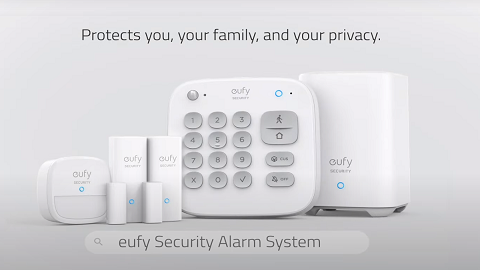
Introducing eufy Security Alarm System

How to Set Up and Install Keypad E10

How to Use Geofencing on eufy App

eufy App Functions

How to Schedule Your eufy Devices
View More


