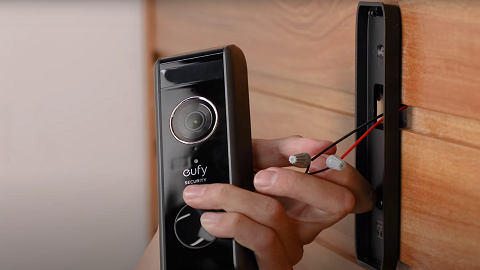
The pairing method depends on whether this is your first or a subsequent chime.
Scenario 1: Adding Your First Minibase Chime
If this is the first chime you are adding, you can pair it directly through the doorbell settings.
Steps:
-
Open the app and navigate to your Doorbell device page.
-
Tap Settings (⚙️) > Indoor Chime.
-
Tap Add Device and follow the on-screen instructions to complete the pairing.
-
Once paired, the chime will ring when the doorbell is pressed.
Scenario 2: Adding a Second (or More) Minibase Chime
If you have already paired one chime and want to add another, you need to pair the new chime on the App Home Page first, then add it to the doorbell.
Steps:
-
Pair the new chime to the App:
-
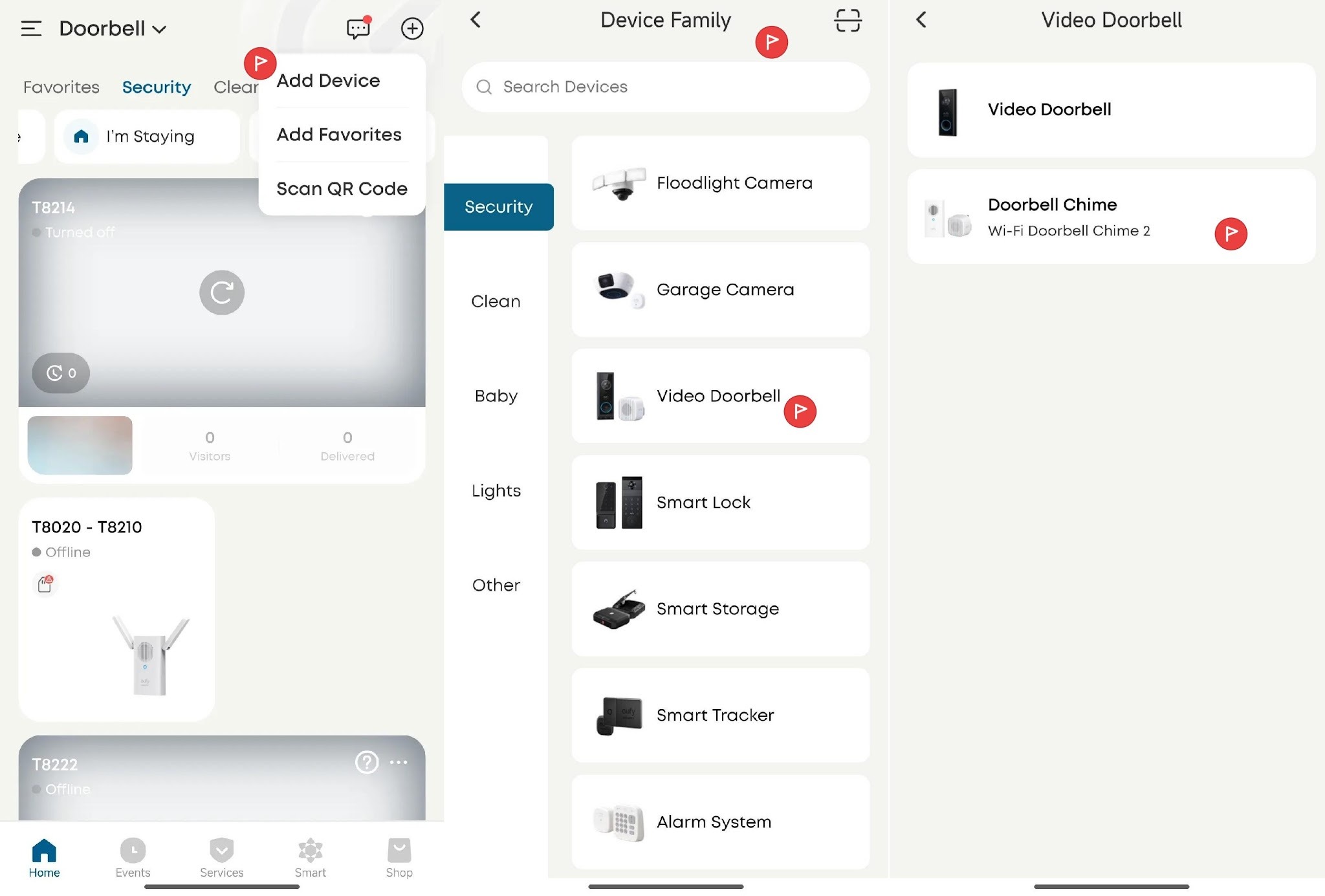
Go to the App Home Page.
-
Tap Add Device (+).
-
Select Video doorbell->Doorbell chime and follow the pairing instructions to pair the device to your account.
-
Add the chime to your Doorbell:
-
Open the app and navigate to your Doorbell device page.
-
Tap Settings (⚙️) > Indoor Chime.
-
You will see the newly paired chime listed. Tap to select and enable it.
-
The additional chime is now connected and will ring along with the first one.
Tips
-
Currently, the Minibase chime is compatible with the Battery Video Doorbell C30, Battery Video Doorbell C31, and Battery Video Doorbell E340.
-
Make sure the chime is plugged into a power outlet and within range during the pairing process.
-
You can add 8 Minibase chimes to a single doorbell.
-
If the chime does not appear in the list, try resetting the chime and repeat the pairing steps.
If you have any other questions, please don't hesitate to contact eufy Support Engineers for further assistance.