How to Calibrate Indoor Camera Pan&Tilt
How Do I Calibrate My Pan/Tilt Indoor Cam?
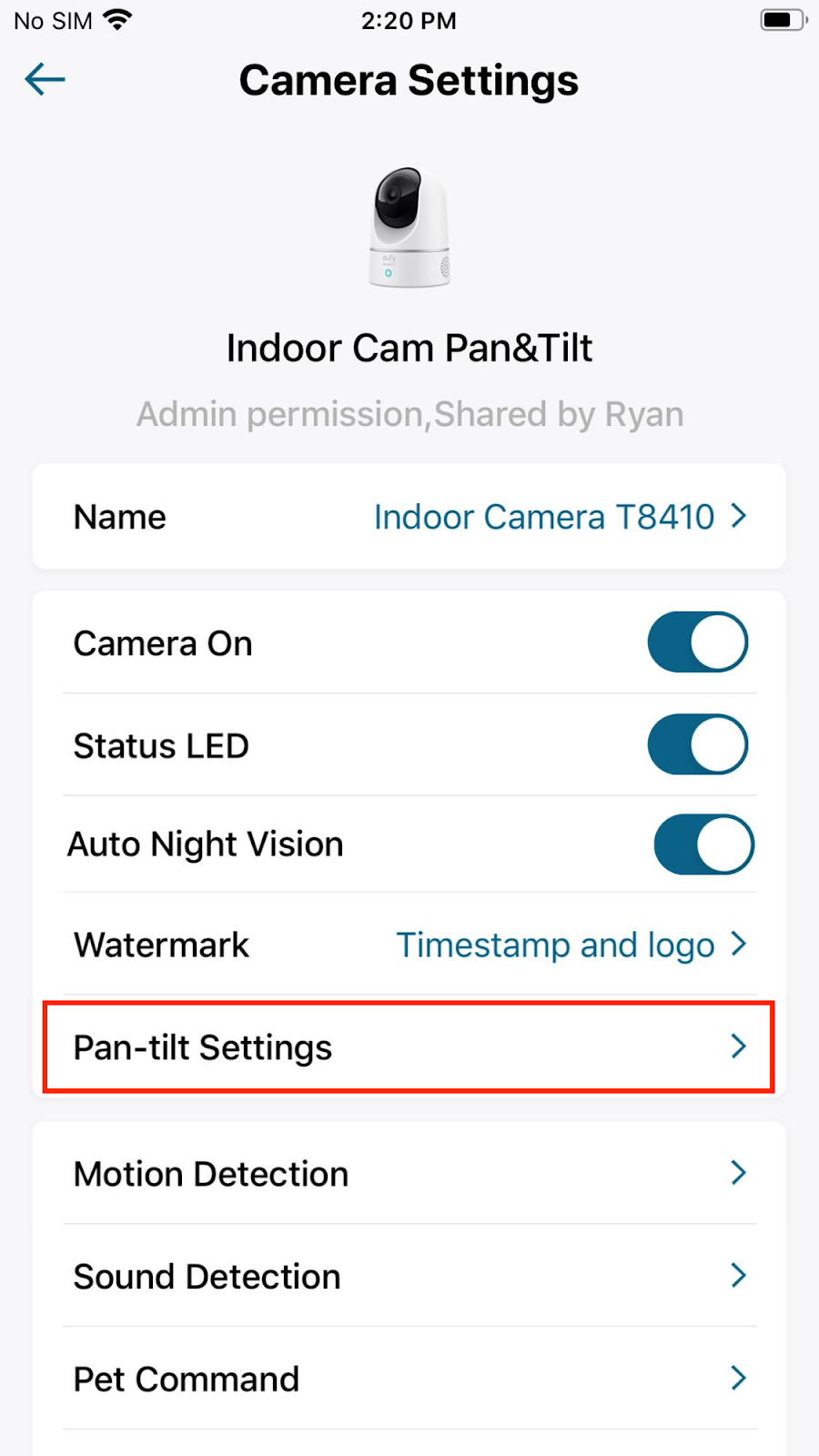
In order to calibrate the Pan/Tilt Indoor Cam, please select Camera Settings > Pan-tilt Settings > Pan-tilt Calibration. Camera will start rotating both vertically and horizontally to calibrate the camera, and the calibration process is successfully completed once the camera lens stops moving.

If you still need help calibrating Pan/Tilt Indoor Cam, please contact us for further assistance.


20 undefined
How can I use Geofencing on HomeKit?


How can I connect to other smart home devices on HomeKit?
Will my data be stolen if the device is being stolen?
Why the shared account can’t view the Daily Security Report?
Introducing eufy Indoor Cam 1080p Pan & Tilt
Differences Between eufy Indoor Cams
How to Unsubscribe Newsletter From Anker/Soundcore/eufy/Nebula?
Which App should I use HomeKit?
How can I disable notifications on HomeKit?

Indoor_Cam_2K_Pan&Tilt_manual_us
Indoor_Cam_2K_Pan&Tilt_manual_eu
T8410_EU_Declaration_of_Conformity
Indoor_Cam_1080p_Pan&Tilt_manual_us
Indoor_Cam_1080p_Pan&Tilt_manual_eu
T8410_Indoor Cam 2K Pan & Tilt_INT_QSG
View More

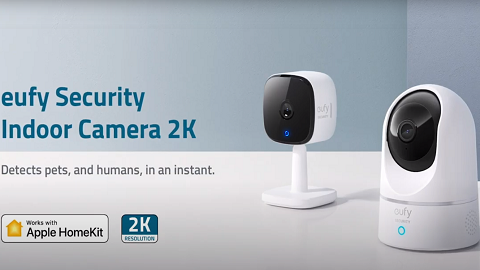
Introducing eufy Security Indoor Cam 2K Pan & Tilt

How Do I Connect My eufy Cameras with Amazon Alexa

How Do I Connect My eufy Cameras to the Google Assistant App

How to Use Geofencing on eufy App

eufy App Functions

How to Schedule Your eufy Devices
View More


