How to Calibrate eufy Indoor Cam Mini 2K

In order for the camera image to remain sharp with accurate focusing, it is recommended to periodically calibrate your eufy Indoor Cam Mini by launching the eufy app > Camera Settings > Pan-tilt Settings > Pan-tilt Calibration, or tap the Calibration icon in live view.  Camera will start rotating both vertically and horizontally to calibrate the camera, and the calibration process is successfully completed once the camera lens stops moving.


If you still need help calibrating eufy Indoor Cam Mini, please contact us for further assistance.

Unresolved icon
20 undefined
Download icon
Indoor_Cam_Mini_2K_manual_eu
Download icon
Indoor_Cam_Mini_2K_manual_us
Download icon
T8414_EU_Declaration_of_Conformity
Play video
How Do I Connect My eufy Cameras with Amazon Alexa
Play video
How Do I Connect My eufy Cameras to the Google Assistant App
Play video
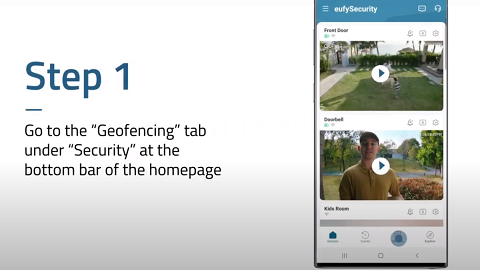
How to Use Geofencing on eufy App
Play video
eufy App Functions
Play video
How to Schedule Your eufy Devices
Play video
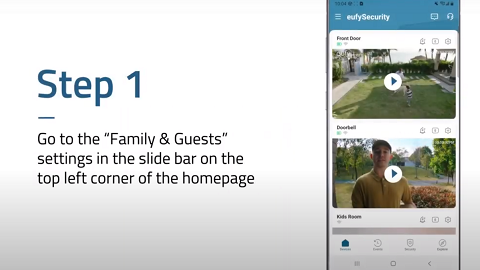
How to Share Account Access of eufySecurity Devices
View More
Contact Us
Buy on the eufy Store
Download the App
affirmamazonPayamexapplePaydinnersClubdiscovergooglePaymastercardpaypalshopPayvenmovisa