One-Click Migration for Devices
Steps for One-Click Migration:
Q1: What happens if I don’t use the One-Click Migration feature?
If you are an existing eufy Security user with HomeBase 2 or HomeBase 3 and want to upgrade to the new HomeBase Pro, this guide will walk you through the migration process. The One-Click Migration feature streamlines the process, eliminating the need for manual removal and re-adding of devices. Additionally, we’ll cover how to transfer your hard drive from HomeBase 3 to HomeBase Pro.
One-Click Migration for Devices
The One-Click Migration function is designed to make transferring your devices from HomeBase 2 or HomeBase 3 to HomeBase Pro as seamless as possible. Here’s how it works:
Steps for One-Click Migration:
-
Detecting HomeBase Pro:
-
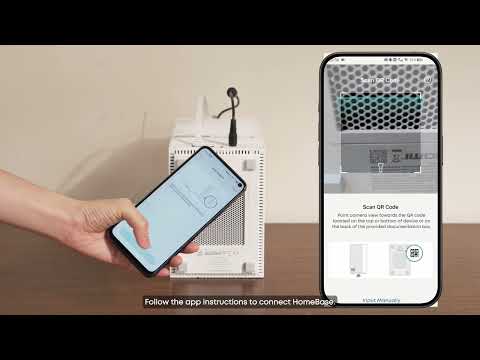
Ensure your new HomeBase Pro is powered on and connected to the same network as your existing HomeBase 2 or HomeBase 3.
-
The eufy app will automatically detect the new HomeBase Pro and prompt the One-Click Migration option.
-
-
Initiating Migration:
-
Open the eufy app and follow the on-screen instructions.
-
Select the devices you want to migrate to HomeBase Pro.
-
Confirm the migration process, and the app will handle the rest.
-
-
Automatic Binding:
-
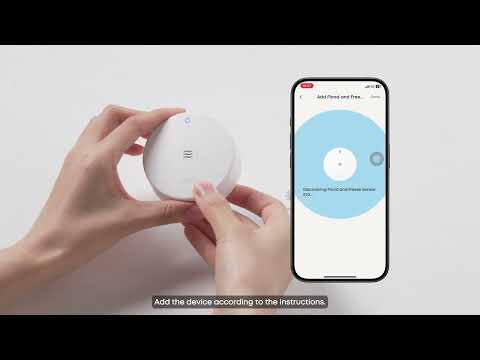
The app will automatically bind your devices to HomeBase Pro without requiring you to remove and re-add them manually.
-

FAQs
Q1: What happens if I don’t use the One-Click Migration feature?
If you don’t use the One-Click Migration feature, you will need to manually remove devices from your existing HomeBase and re-add them to HomeBase Pro. This process is more time-consuming and may require physical interaction with each device.
Conclusion
Upgrading to HomeBase Pro is simple and efficient, thanks to the One-Click Migration feature and hard drive transfer options. Following the steps outlined above, you can seamlessly migrate your devices and data to the new HomeBase Pro, ensuring a smooth transition to enhanced security and functionality.
If you encounter any issues during the migration process, please contact eufy Support for assistance.