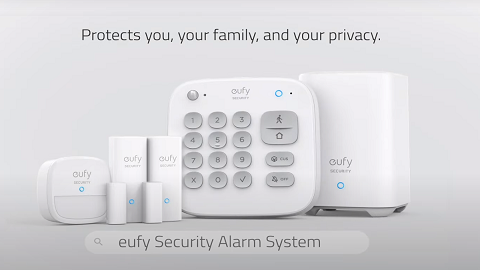
How to Use the Keypad Without Entering Access Code
It is a simple step - You only need to turn off the "Switch modes with access code" on the keypad's settings page.
Steps in the app: Keypad Settings > Disable the “Switch mode with access code”.
When you switch your system status from a lower-level security mode to a higher-level security mode (for example, from Off mode to Away mode), you do not need to enter your access code. Otherwise, you will need to enter your access code before selecting a mode button to switch modes.
The following different situations are for your reference:
Original Mode
Switched Mode
Access Code Requirement
Home
Away
Access code not required
Customize
Access code required
Off
Access code required
Away
Home / Customize / Off
Access code required
Off
Away / Home / Customize
Access code not required
Customize
Home
Access code required
Away
Access code not required
Off
Access code required
If you have any questions, please contact usfor further assistance.