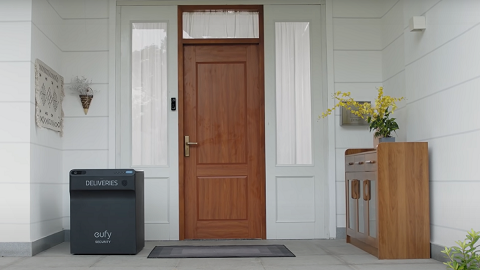
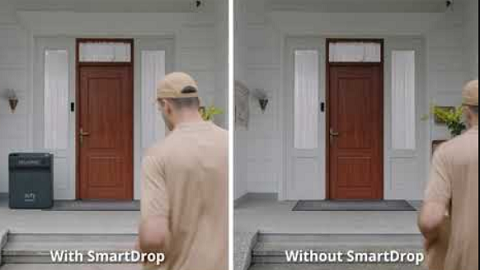
The Master PIN code is set by the owner and used to open the SmartDrop T8790. Generally, it is recommended for the owner to use the Master PIN code to retrieve packages from the SmartDrop T8790.
How to Set Up or Change the Master PIN
1. Tap the Master PIN in SmartDrop Settings.

2. If you haven’t set up the Master PIN, you will be guided to a screen to create a new Master PIN code. On the other hand, if you already have an existing Master PIN code and would like to change your Master PIN code, simply enter your current Master PIN code and then tap Next to enter and verify the new Master PIN code.
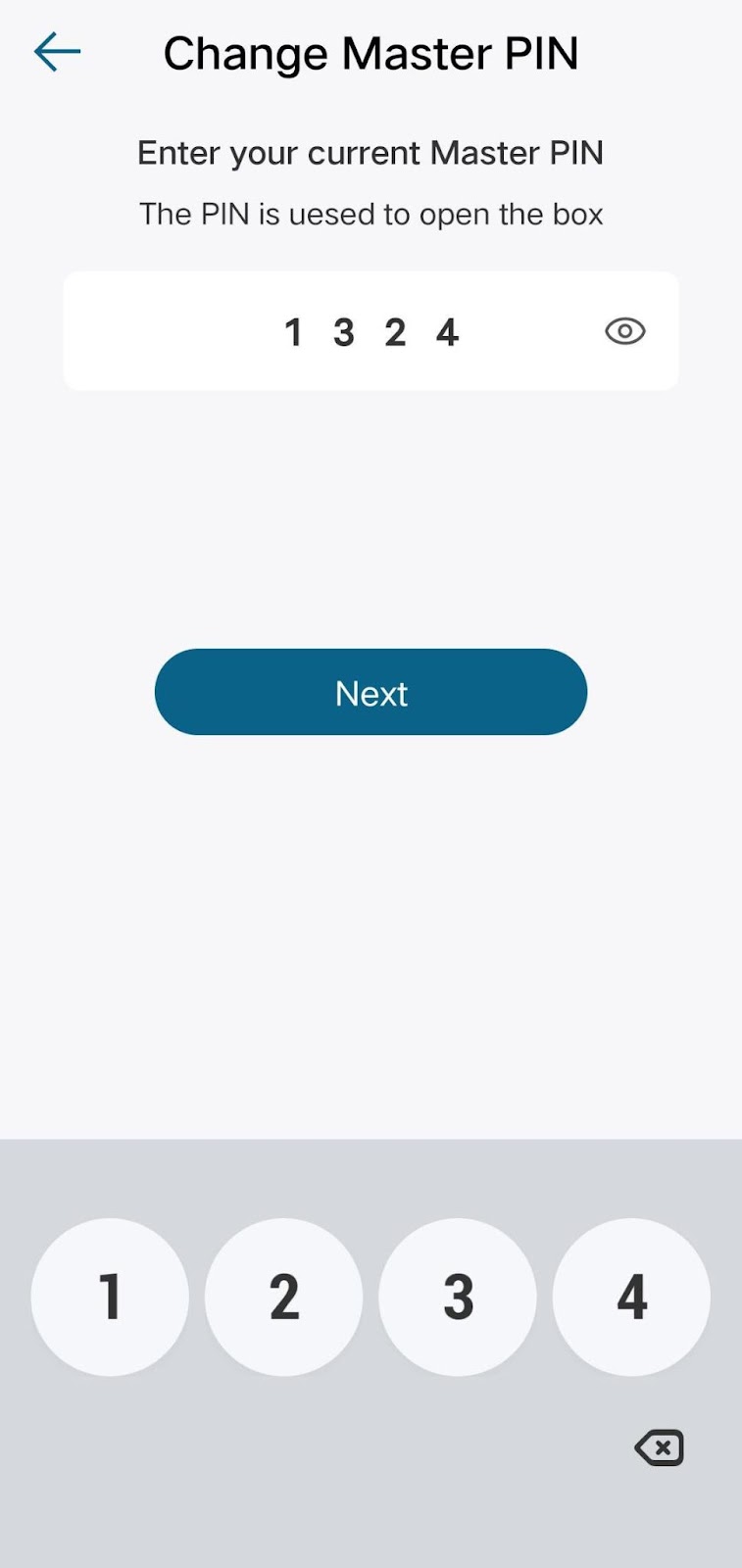

Once you have successfully set up the Master PIN code, you will be able to use the code to retrieve packages from the SmartDrop T8790 by entering your Master PIN code.
If you still have questions, please contact us for further assistance.