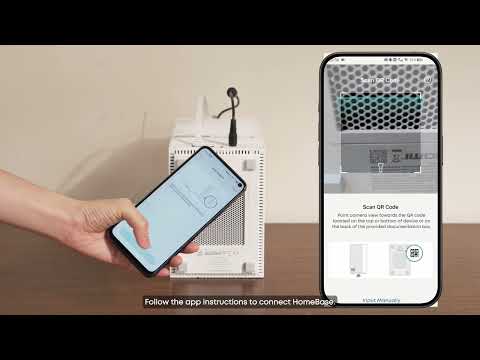
One can download recordings from HomeBase Professional S1 to local storage (USB) via the Video Archive function.
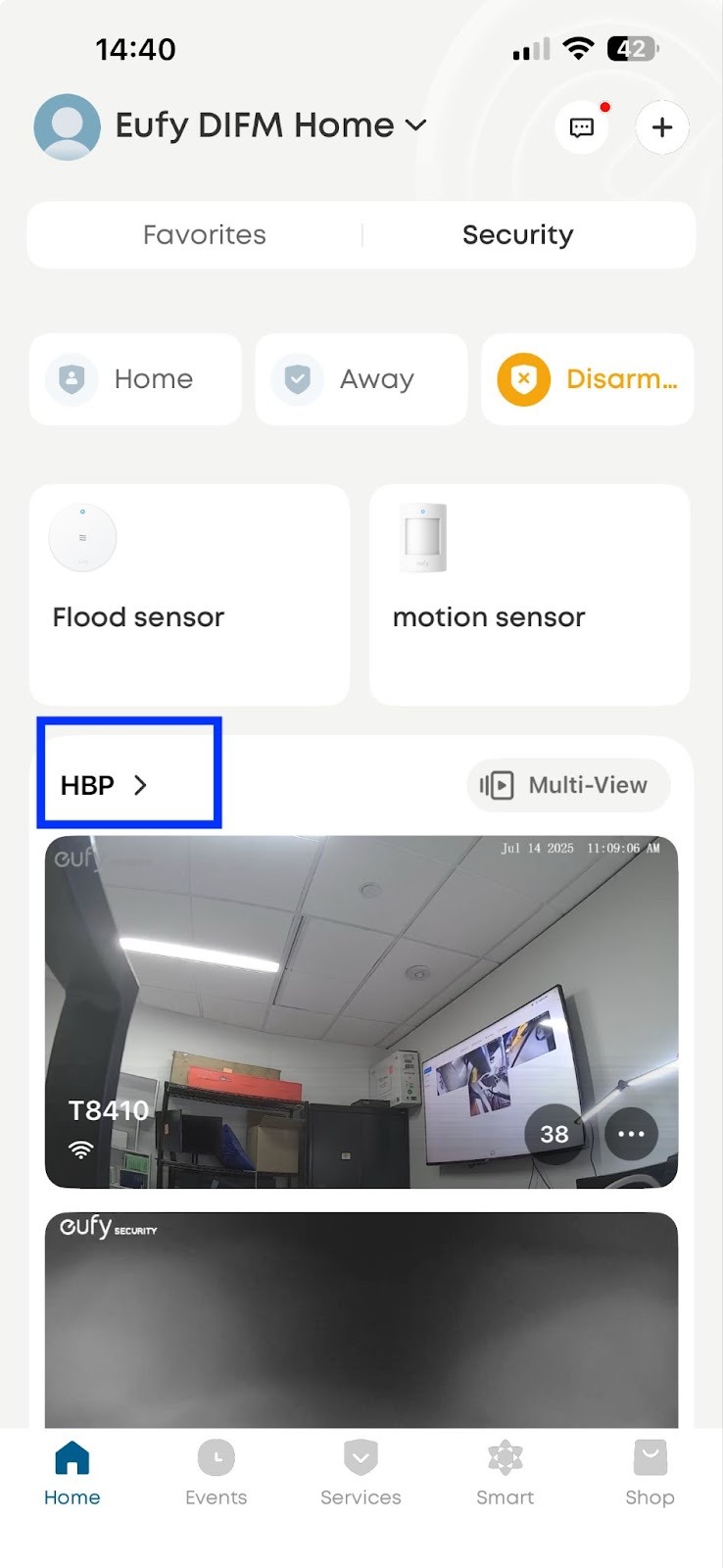
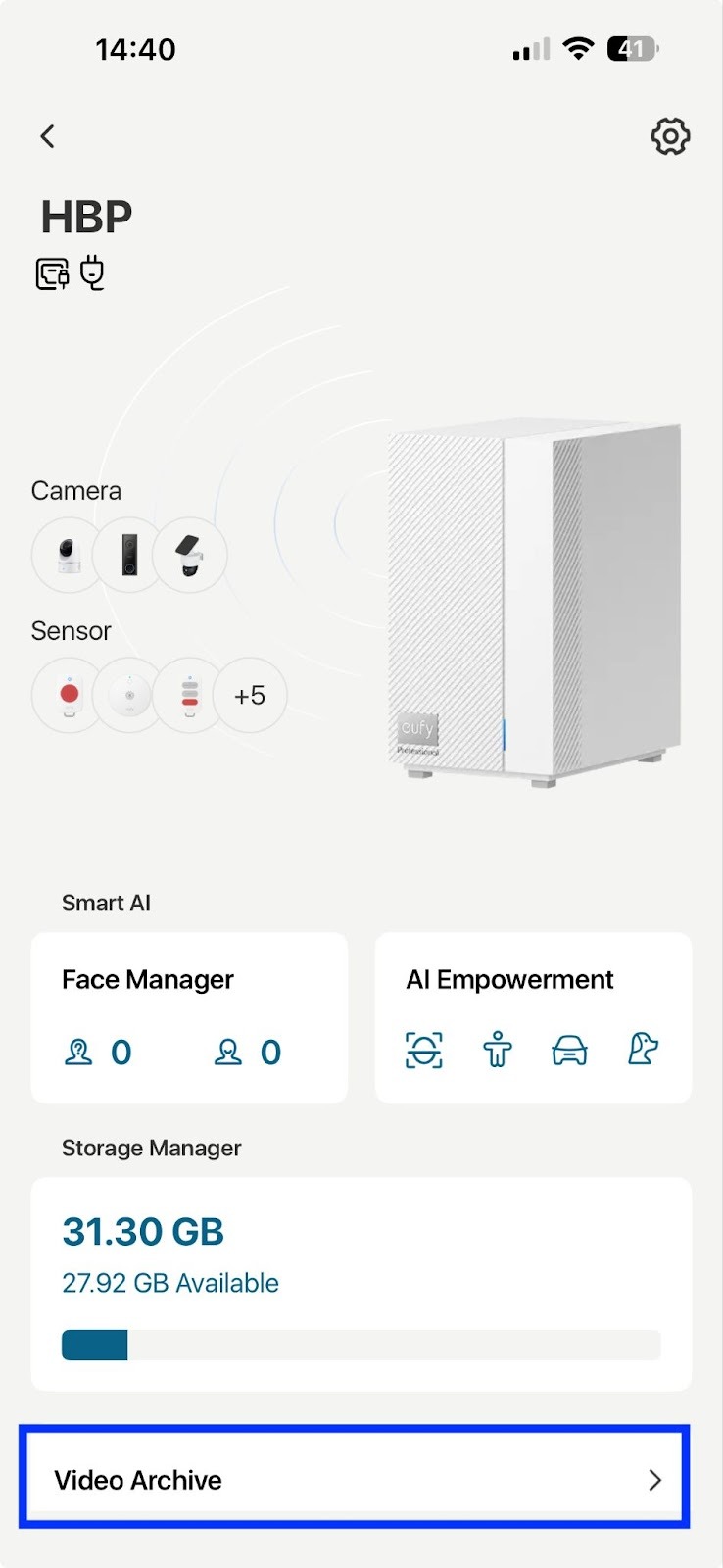
Video Archive
HomeBase Professional S1 stores all video recordings with secure encryption technology.
When to use the Video Archive Function
Sometimes, you may need to retain some important video footage on a computer or provide video evidence to the police. You can back up your footage by plugging in a USB Stick via the USB A or USB C port on the back of the HomeBase Professional S1. The backup videos will be converted to MP4 format.
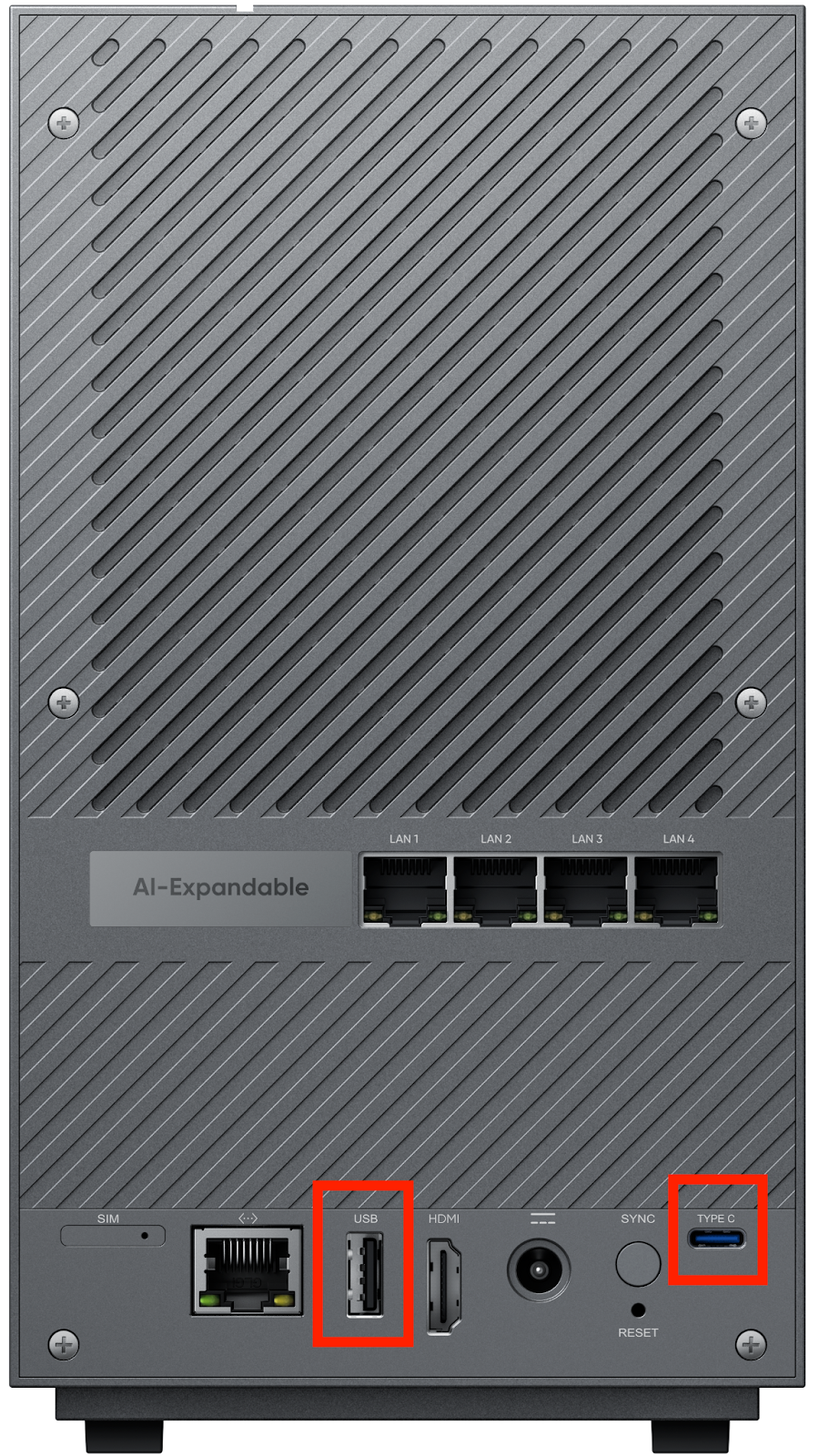
How to use the Video Archive Function
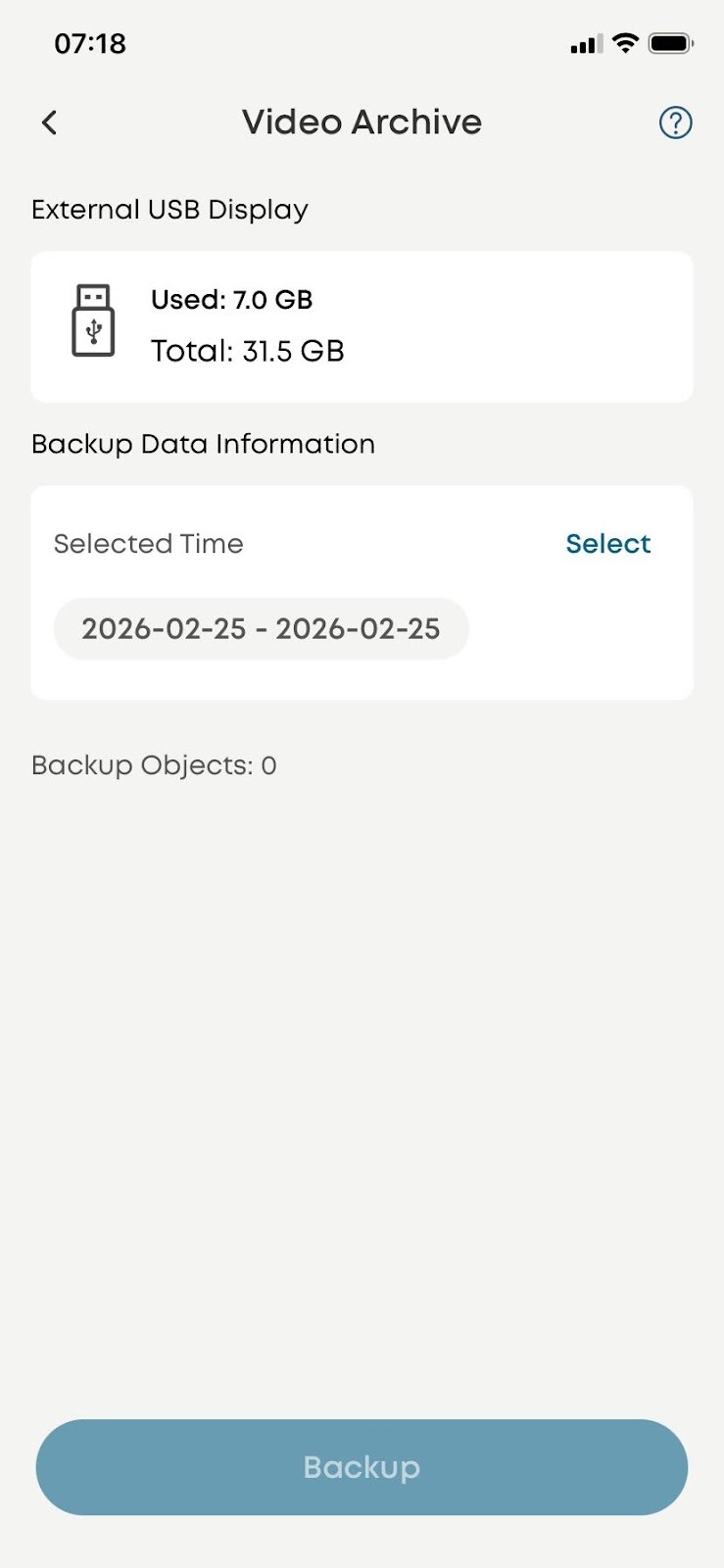
To back up the videos, you can insert a USB Stick first. Then open the App: HomeBase Professional> Settings> Video Archive> Select a period> Select the object> Archive
Notes for using the Video Archive Function
1. Use the USB port on the HomeBase Professional S1 for video archiving
2. Support FAT32 and exFAT format extend USB drive or HDD, exFAT is recommended
3. Support the time-selecting option
4. Don’t unplug the USB drive during video archiving
5. The downloaded videos are decrypted and ready for watching.