IP Ratings
IP rating means that ingress protection rating or international protection ratings, which are used to qualify levels of dust- and water-sealing effectiveness. The standard aims to provide users more detailed information than vague marketing terms such as waterproof.
In most cases, you will see two numbers after the IP characters. The first number offers a scale of 0–6 and relates to the protection levels against solids like dirt, sand, dust, and debris, while the second number (0–8) represents protection against liquids like moisture and water. The higher the number, the greater the protection against solids and liquids.
IPX Ratings
In certain cases, you might see an IP rating given as ‘IPX3’ or similar. Ratings that feature an ‘X’ somewhere in the code simply denote that a numerical rating has only been provided for one of the two main ingress types (solid or liquid), but not for the other. See IP rating chart for detailed understanding.

Differences Between Different IP Ratings
Depending on the scenarios you want to install for the eufy devices, you have to consider the IP ratings.
1. IPX3
Protection against direct moisture sprays at angles up to 60° off vertical.
2. IP65
It is water-resistant. The device cannot be submerged in water, but it can stand up to rain, snow, condensation, and normal weather conditions.
3. IP67
Protected against complete temporary water submersion. The device can be used outdoors without any problems.
eufy Products with Different IP Ratings
Here is the list of products with different IP ratings.
1. IPX3 Products
- Smart Lock Front Door
- Smart Lock Front Door with wifi bridge
- Solo Smart Lock D20
2. IP65 Products
- eufyCam E
- Video Doorbell 2K (Wired)
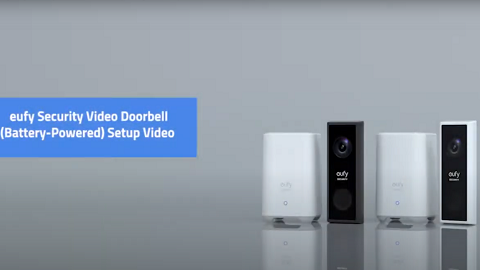
- Video Doorbell 2K (Battery-Powered)
- Video Doorbell 1080p (Wired)
- Video Doorbell 2K Pro (Wired)
- Video Doorbell 1080p (Battery-Powered)
- Video Doorbell Slim
- Video Doorbell 2C (Battery-Powered)
- Solar Panel
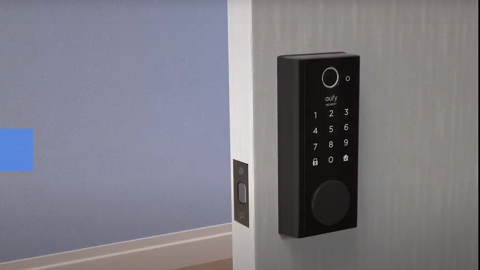
- Smart Lock Touch
- Smart Lock Touch with WiFi Bridge
- Smart Lock Touch & Wi-Fi
- Floodlight Cameras
3. IP67 Products
- eufyCam
- eufyCam 2
- eufyCam 2C
- eufyCam 2 Pro
- eufyCam 2C Pro
- OutdoorCam / OutdoorCam Pro
If you have any questions, please contact us for further assistance.