Introducing eufy Indoor Cam 1080p

What is the Indoor Cam 1080p (Solo IndoorCam C22)?


The Indoor Cam 1080p (Solo IndoorCam C22) is a type of wired camera produced by eufy. Here is an overview of the product and its features. 


Specifications

Solo IndoorCam C22

Part Number

T8401

Dimensions & Weight

2.17 x 2.17 x 4.09in or 55 x 55 x 104 mm

Weight: .23 lbs or 104g

Max Resolution

1080p(1920 x 1080)

Field of View

125°

Pan and Tilt

No

WDR

Yes

AI Functions

Human detection

Sound detection

Crying detection

Pet detection

Power Options

5V/1A adapter; must be plugged in at all times

Operating Temperature

32℉~104℉ / 0°C~40 °C

Waterproof

No, to be used indoors only. Do not place the camera in a weatherproof enclosure when in use, as it will affect performance of the motion sensor.

Connect to Home Wi-Fi

Yes

Connect to HomeBase

No


Wi-Fi Type

2.4 gHz only

Zoom

8x Digital Zoom

Alarm

Yes

24/7 recording

Yes, need MicroSD card for this option 

Video Storage methods

SD storage; supports up to 128GB class 10 MicroSD Card (Not included)

Cloud Storage

NAS Storage


Operating systems/Compatible with

IOS 11.0 and Android 8.0 or above

Warranty

12 Months

What's in the Box

1. Camera

2. Micro USB cable

3. USB Adapter 

4. Mounting plate

5. Mounting screws

6. User Manual


Main Features

  • No Monthly Fee
  • Continuous recording(with MicroSD card)
  • Two-Way Audio
  • 1080p HD Resolution
  • Human, pet, and crying detection
  • AES - 128 Data encryption
  • Local storage (with MicroSD card)
  • Instant mobile alerts
  • Customized activity zones


If you discover that one of the scenarios below appeals to you, select the link to learn more: 

Unresolved icon
170 undefined
S380 HomeBase (HomeBase 3) Compatibility
215103 views37 likes/2024-12-25 14:45:40
How to View eufySecurity Cameras on a Computer
69335 views10 likes/2025-04-07 18:27:47
Compatibility Between eufySecurity Devices
18317 views1 likes/2025-11-17 15:19:54
What type of microSD card does eufySecurity device use?
49920 views4 likes/2025-04-07 18:27:10
Share Your eufySecurity Devices With Your Family
46737 views6 likes/2025-04-07 18:27:23
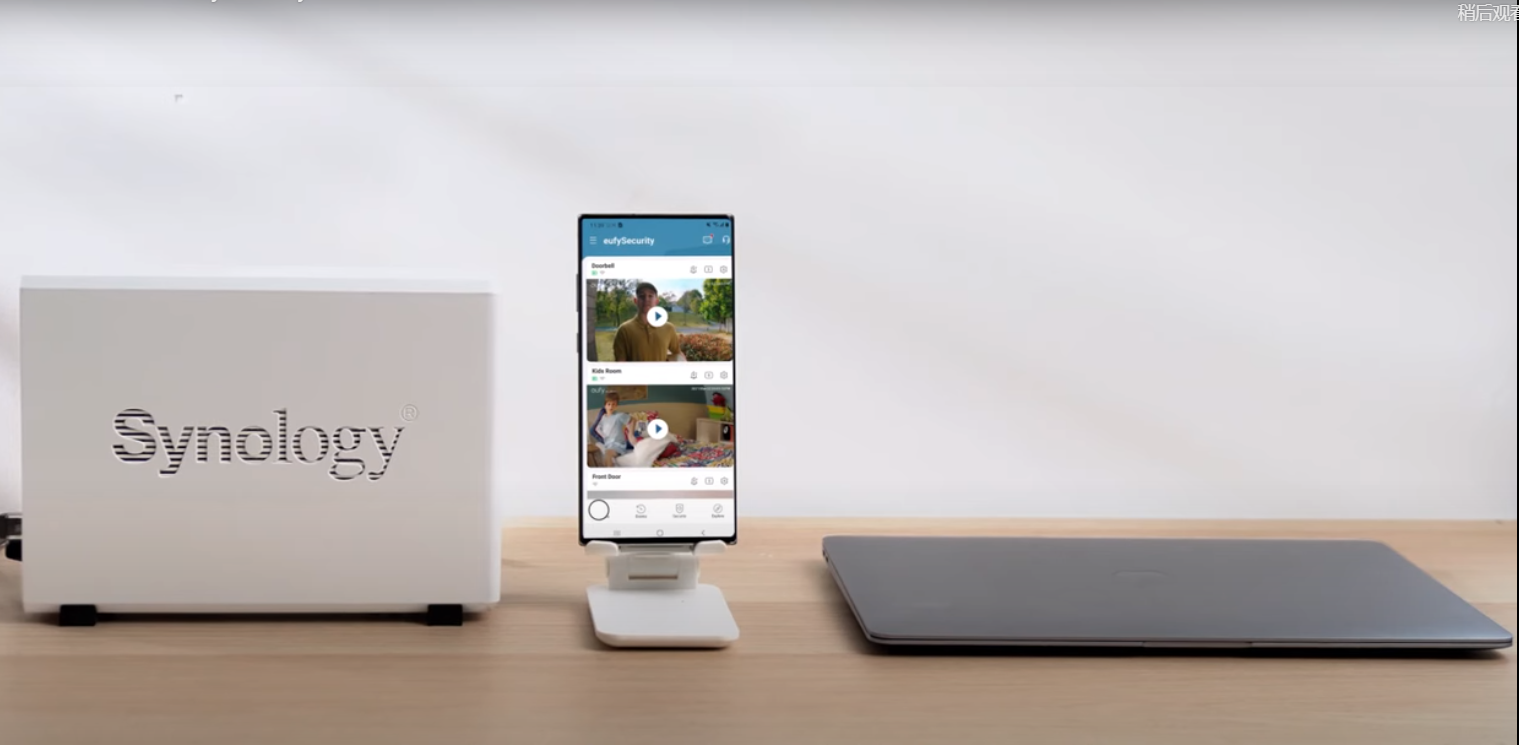
Using NAS Storage Step by Step
43809 views1 likes/2025-04-07 18:04:31
Introducing Cloud Backup
30685 views1 likes/2025-04-15 14:12:20
Two-Step Verification for eufySecurity App
49156 views10 likes/2025-04-07 18:27:11
How to Find Out if You Have 2.4 GHz or 5 GHz WiFi Network
36990 views1 likes/2025-04-07 18:05:46
How to Change the Wi-Fi Details for eufySecurity Devices
32849 views3 likes/2025-04-15 15:48:16
Download icon
Indoor_Cam_2K_manual_us
Download icon
Indoor_Cam_2K_manual_eu
Download icon
Indoor_Cam_1080p_manual_us
Download icon
Indoor_Cam_1080p_manual_eu
Play videoHow to Use NAS to Control eufy Security Products
How to Use NAS to Control eufy Security Products
Play videoHow to Use Geofencing on eufySecurity App
How to Use Geofencing on eufySecurity App
Play videoHow Do I Connect My eufy Cameras with Amazon Alexa

How Do I Connect My eufy Cameras with Amazon Alexa
Play videoHow Do I Connect My eufy Cameras to the Google Assistant App

How Do I Connect My eufy Cameras to the Google Assistant App
Play videoHow to Share Account Access of eufySecurity Devices
How to Share Account Access of eufySecurity Devices
Play videoHow to Schedule Your eufySecurity Devices
How to Schedule Your eufySecurity Devices
View More
Contact Us
Buy on the eufy Store
Download the App
affirmamazonPayamexapplePaydinnersClubdiscovergooglePaymastercardpaypalshopPayvenmovisa