Applies to: HomeBase Professional S1 (T9000) and its subordinate eufy Security cameras.
What Is Cross-Camera Tracking?
Cross-Camera Tracking is a BionicMind™ AI feature that lets your security system follow a person as they move from one camera's view to another. When one camera detects motion, the system uses a human-feature recognition algorithm to recognize the same individual across multiple cameras — even when the face is not clearly visible — and automatically stitches those separate clips into one continuous event video.
Key capabilities:
-
Follows a person across cameras and merges the related footage into a single, coherent event.
-
Runs locally on-device on the HomeBase Professional S1 — no cloud processing and no monthly fee required.
-
Creates separate events when multiple people appear at the same time, so each person's path stays distinct.
-
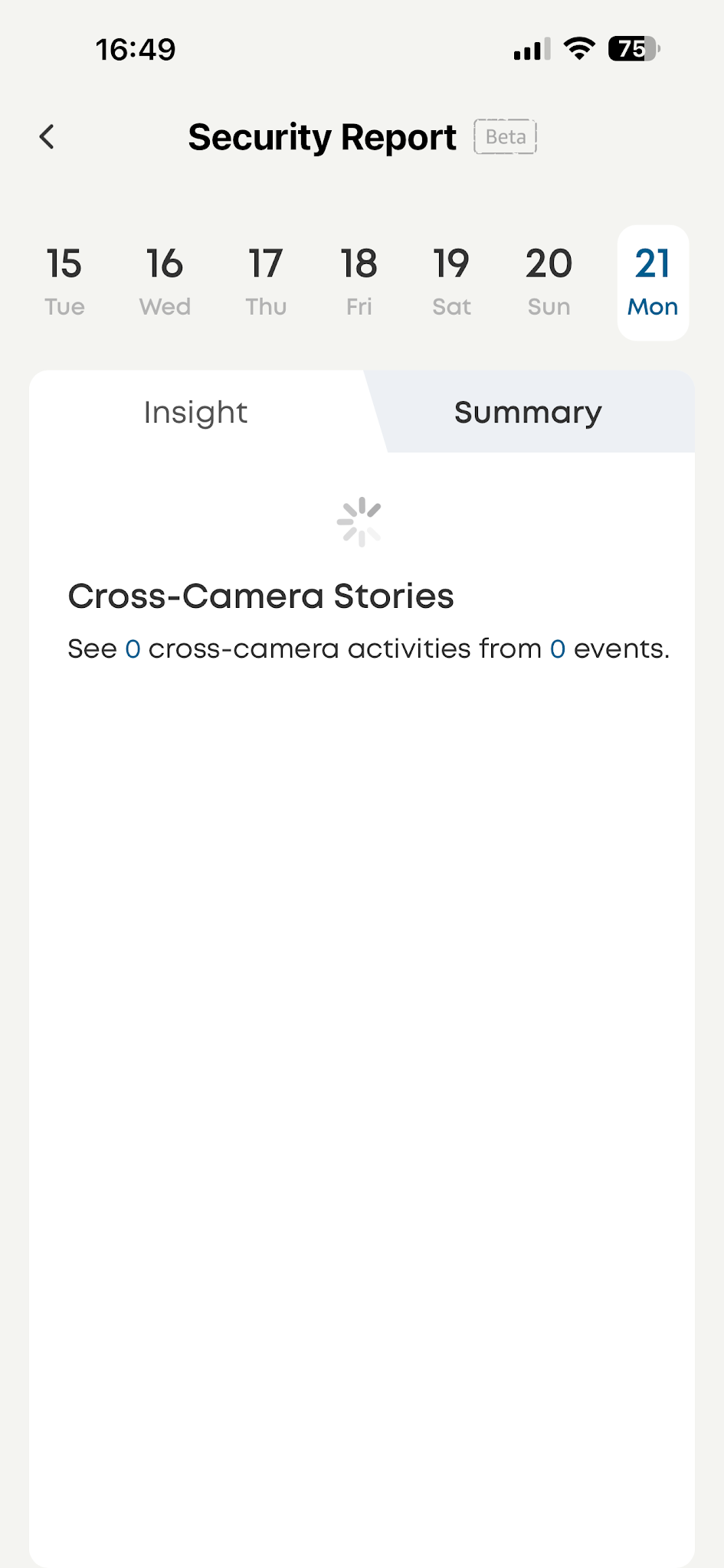
Results appear in your Daily Security Report and on the Security Report page in the app.
How to Set Up
-
Update your HomeBase Professional S1 and the eufy Security app to the latest firmware/app version.
-
Open the eufy Security app and confirm your compatible cameras are added to the HomeBase Professional S1.
-
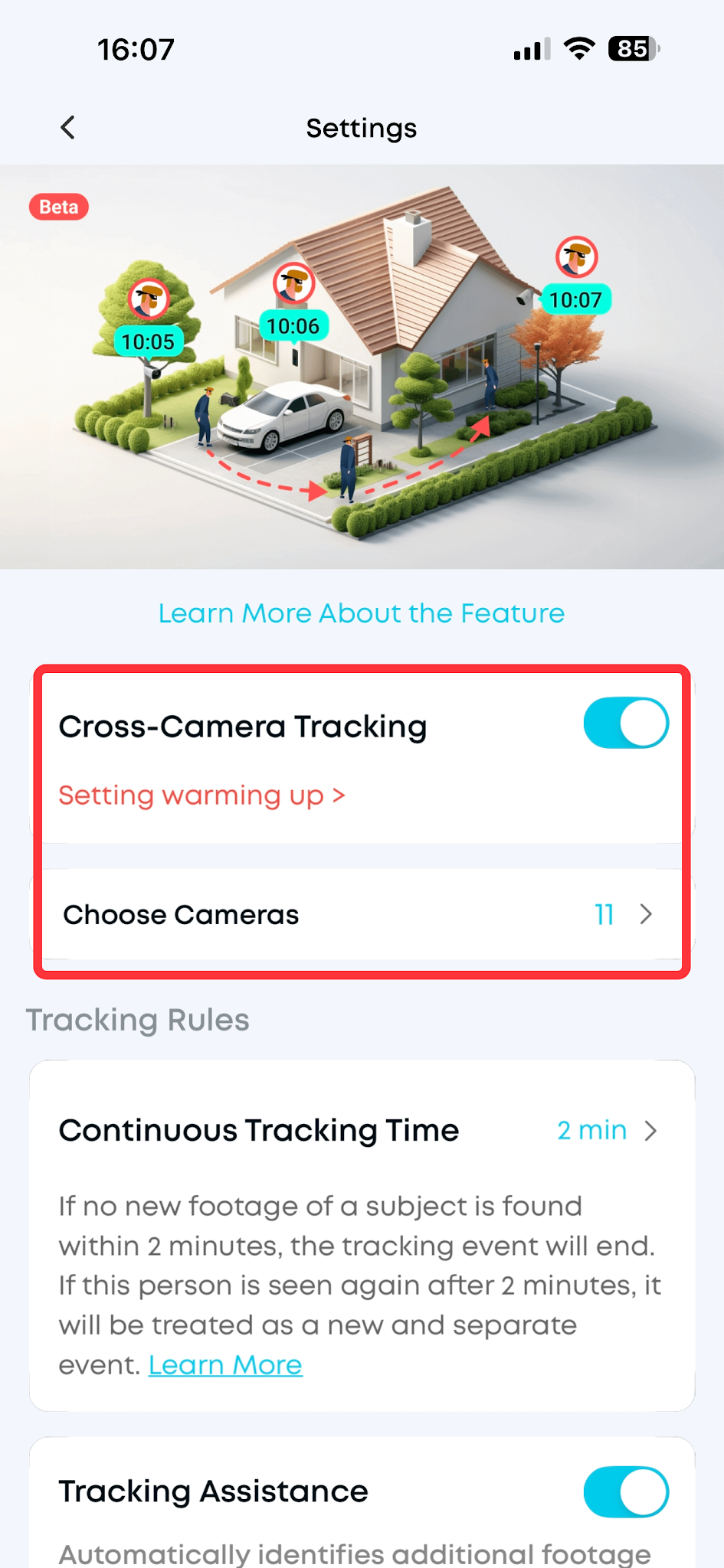
Enable AI tracking in the app.
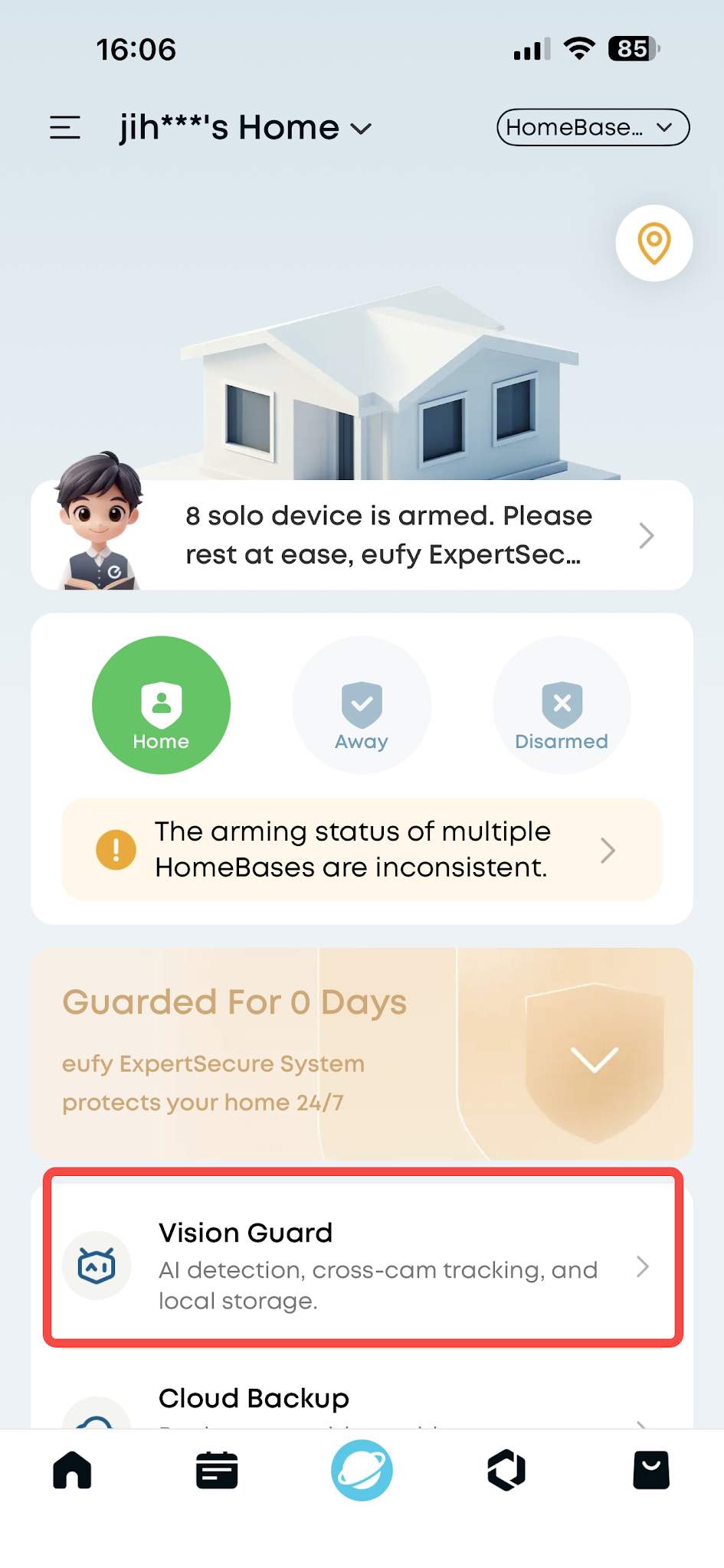
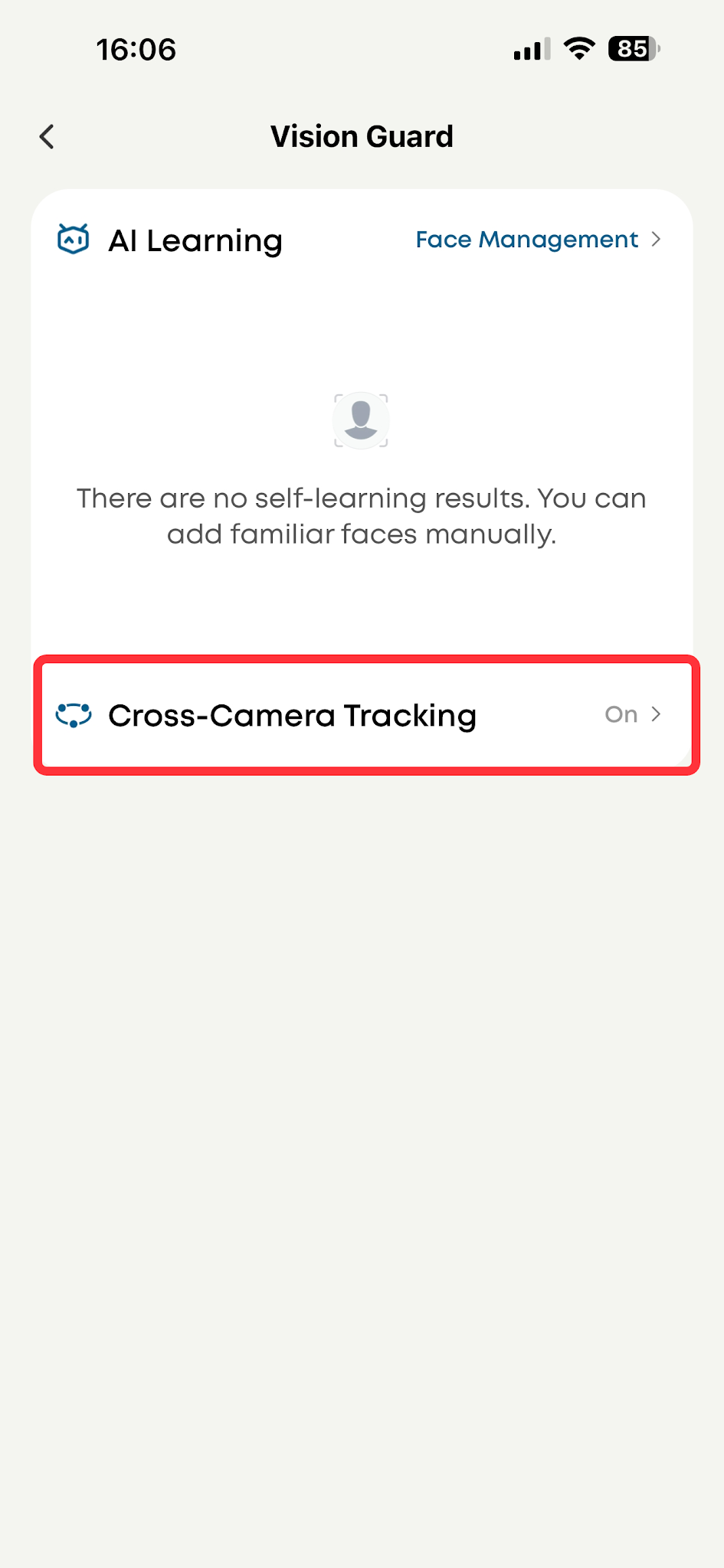
go to Smart > Vision Guard > Cross-Camera Tracking and turn on Tracking.
-
Select the cameras you need for cross-camera tracking, and the system will then begin recognizing the same person across cameras and stitching the footage automatically.
-
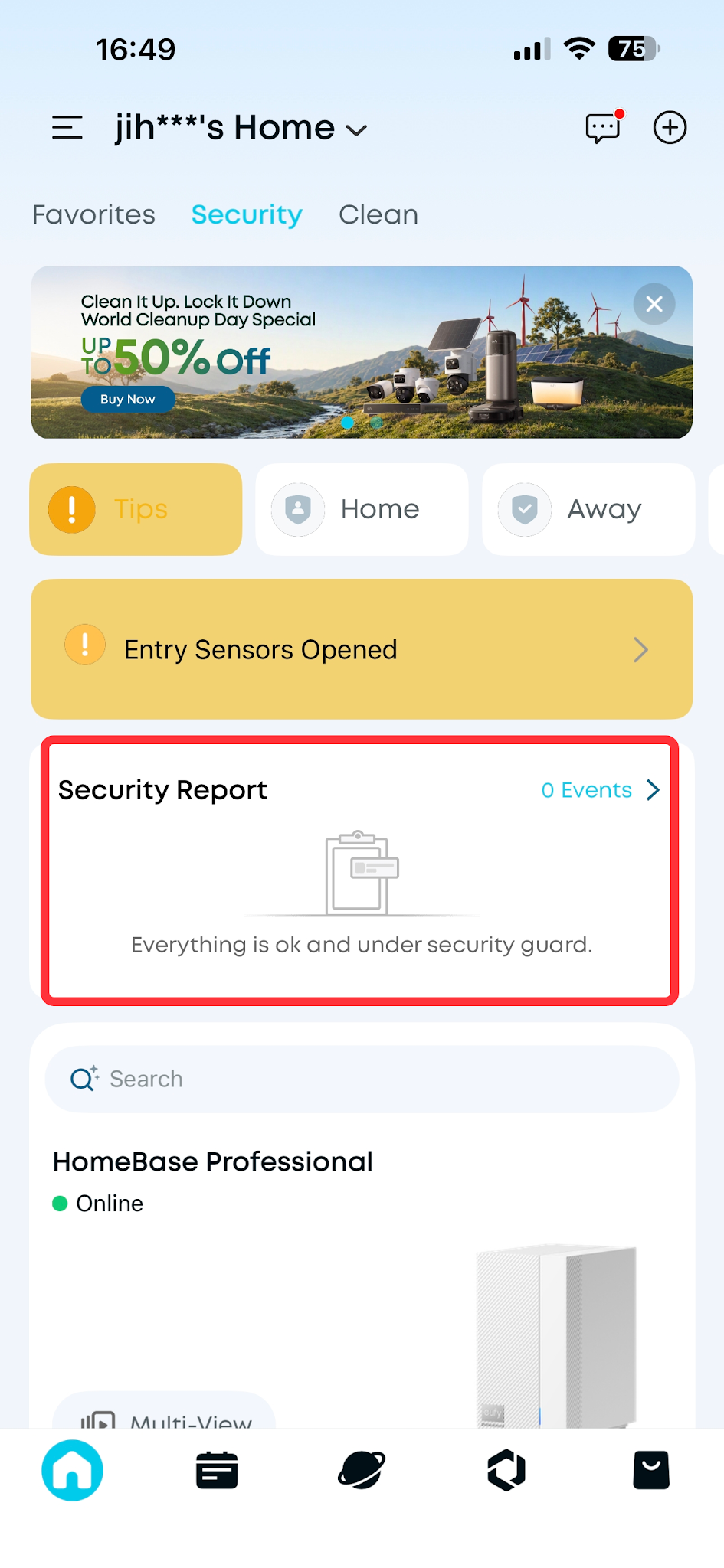
View your results in the app's Security Report page, or check your Daily Security Reports for the combined cross-camera event videos.
Camera Placement Tips for Best Results
-
Mount cameras about 2–3 m (7–10 ft) high.
-
For installations under 3 m, keep the pitch angle below 25°.
-
Avoid steep downward angles, especially with pan-and-tilt (PTZ) cameras.
-
Ensure good lighting; add light in dark areas where possible.
-
Keep the camera's line of sight clear and avoid image blur or obstructions.
Troubleshooting
-
Missing or inaccurate stitching — adjust the camera angle, location, or lighting, then check again.
-
Still having issues — mark the problem on the tracking video player page and share the video with eufy Support for investigation.


