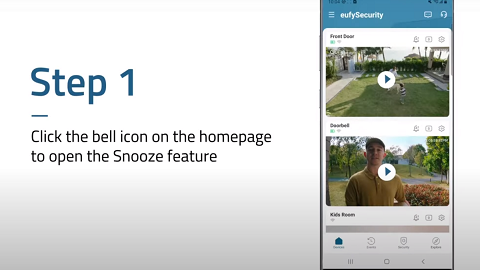
Please note that the Snooze function for your S100 Wall Light Cam is designed for the camera to record videos but not send push notifications over a specific period of time, which allows you to have peace of mind knowing the camera is still detecting motion and recording events without receiving constant push notifications from the camera to your phone.
For example, your S100 Wall Light Cam is installed in the backyard for the camera to monitor a certain area in the backyard. If you are hosting an event with family members or friends in the backyard, you can then choose to enable the Snooze function for the camera to still record videos but not send constant push notifications to your phone when the Wall Light Cam detects motion in the backyard.
If you have any further questions, please contact us for assistance.