Unable to Play Livestream on eufy SmartDrop
If you cannot watch livestream on your eufy SmartDrop, please try the following troubleshooting tips:
1. Please check if you have set a firewall or white/blacklist on your router. If yes, please try to remove the firewall/blacklist, or add the SmartDrop to the whitelist.
2. Pull down the device list to refresh the device's status in the eufy app.
3. Please try to place the router closer to the SmartDrop.
4. Make sure the Low Data Mode is turned off on your SmartPhone: How to Turn Off Low Data Mode or Data Saver: iPhone & Android
If the above instructions did not resolve your issue, please contact us for further assistance.


20 undefined
Why the shared account can’t view the Daily Security Report?


How to figure out a device's battery percentage in the eufy app v4.0?
Failed to Add eufy SmartDrop in the eufy App
What is the difference between “Share Home” and “Share Device” in the eufy app v4.0?
Where is the Snooze function in the eufy app v4.0?
The Meaning of the eufy SmartDrop's Icons in the eufy App
Does eufy SmartDrop T8790 record videos for proof purposes?

Monitoring_sticker
eufy_Smart_Drop_T8790_manual_us
eufy_Smart_Drop_Delivery_Sticker
eufy_Smart_Drop_T8790_Assembly_ Guide
T8790_EU_Declaration_of_Conformity

eufy SmartDrop - Love Always Finds a Way
Protect Deliveries Big and Small with SmartDrop

Easy and Safe Deliveries with SmartDrop

Get Delivery Notifications from SmartDrop Wherever You Are
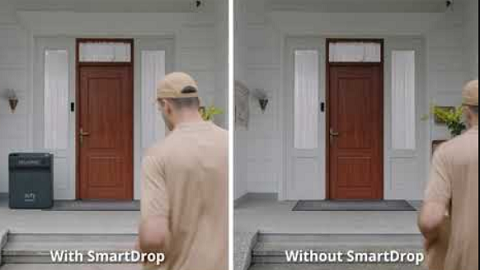
Protect Your Packages with SmartDrop

eufy App Functions
View More


