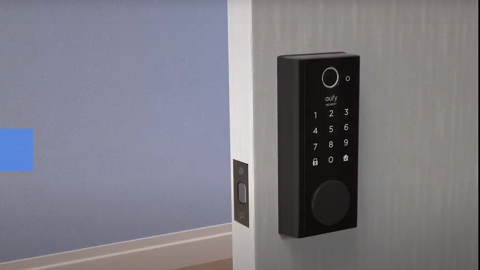
The Anker eufy app will auto-update the devices' status when you first open the App. This article applies to all eufy devices using Anker eufy app.
Check Your Firmware Version
You can check the firmware version of your device on the App under the page “About Device”.
Steps in App: Device Tab>... icon> Gear icon> Settings> General> About Device > System Version.
Update Your Firmware Version
Normally, when the eufy device has network access (is connected to Wifi), it will upgrade the firmware automatically in the wee hours.
If the automatic update fails, please just wait another 24 hours. It will update again in 24 hours. You can use the current version. Don't worry.
You can also manually update the devices' software as well in the "About Device" page and check for firmware/check for firmware update. It will tell you if the firmware is up to date or not.