What does Smart Connect do on the monitor?

Under normal conditions, the monitor connects directly to the camera without using Wi-Fi, which allows for quick setup but may limit the connection range.


When the monitor and camera are too far apart or the signal becomes weak, Smart Connect enables them to communicate through your home Wi-Fi router, providing a more stable and extended connection.


This feature helps ensure smoother video transmission and more reliable monitoring even in larger homes.


If you have any other questions, please don't hesitate to contact eufy Support Engineers for further assistance.

Unresolved icon
25 undefined
"Can I share my device with others through the app? "
2137 views1 likes/2025-12-16 10:22:04
What are the differences between E20/E21 and C10?
1632 views1 likes/2025-12-05 15:56:55
How can I access and view 24/7 recording and playback?
1548 views1 likes/2025-12-16 10:17:28
Where is the SD card slot?
1491 views1 likes/2025-12-17 18:34:16
What is Privacy Mode?
1191 views1 likes/2025-12-16 10:20:06
What is the principle of the split-screen function?
722 views1 likes/2025-12-16 10:13:18
How many cameras can be connected to the monitor?
649 views1 likes/2025-12-16 10:44:39
Download icon
Baby Monitor C10 User Guide (T6310)
Download icon
Baby Monitor C10 取扱説明書 (T6310)
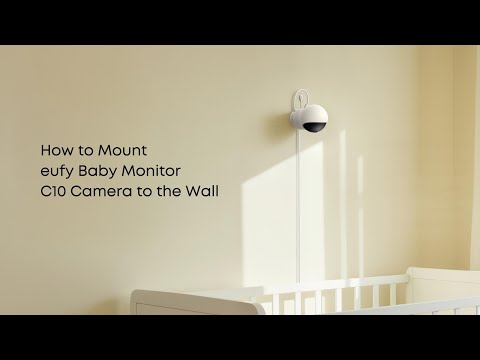
Play videoHow to Mount eufy Baby Monitor C10 Camera to the Wall
How to Mount eufy Baby Monitor C10 Camera to the Wall
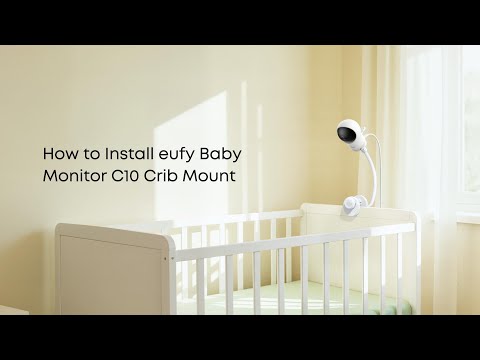
Play videoHow to Install eufy Baby Monitor C10 Crib Mount
How to Install eufy Baby Monitor C10 Crib Mount
Contact Us
Buy on the eufy Store
Download the App
affirmamazonPayamexapplePaydinnersClubdiscovergooglePaymastercardpaypalshopPayvenmovisa