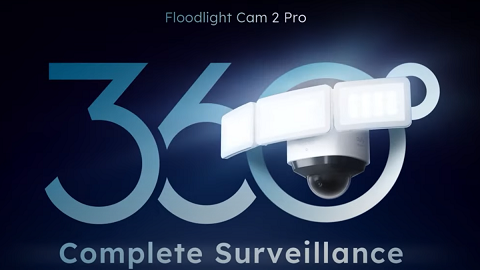
What if Panorama on eufy Floodlight Cam 2 Pro Failed to Generate


When Panorama fails to generate on Floodlight Cam 2 Pro, please troubleshoot according to the following tips:


1. Check the network stability of your phone.

2. Update the eufy app to the latest version.

3. Use another phone to log in to your eufy account and check if the panorama feature is able to work well. If the panorama feature works well on a second phone, please check if the previous phone is one of the newer phones that is able to support the panorama feature. 


If you still can't generate a panorama view on Floodlight Cam 2 Pro after many attempts, please contact us for further assistance.

Unresolved icon
208 undefined
Download icon
Monitoring_sticker
Download icon
Floodlight_camera_manual_us
Download icon
Floodlight_camera_manual_eu
Download icon
Monitoring_sticker
Download icon
Floodlight_Cam_E_2K_manual_us
Download icon
Floodlight_Cam_E_2K_manual_eu
View More
Play videoHow to Install eufy Security Floodlight Camera
How to Install eufy Security Floodlight Camera
Play videoHow to Use Geofencing on eufySecurity App
How to Use Geofencing on eufySecurity App
Play videoHow Do I Connect My eufy Cameras with Amazon Alexa
How Do I Connect My eufy Cameras with Amazon Alexa
Play videoHow Do I Connect My eufy Cameras to the Google Assistant App
How Do I Connect My eufy Cameras to the Google Assistant App
Play videoHow to Share Account Access of eufySecurity Devices
How to Share Account Access of eufySecurity Devices
Play videoHow to Schedule Your eufySecurity Devices
How to Schedule Your eufySecurity Devices
View More
Contact Us
Buy on the eufy Store
Download the App
affirmamazonPayamexapplePaydinnersClubdiscovergooglePaymastercardpaypalshopPayvenmovisa