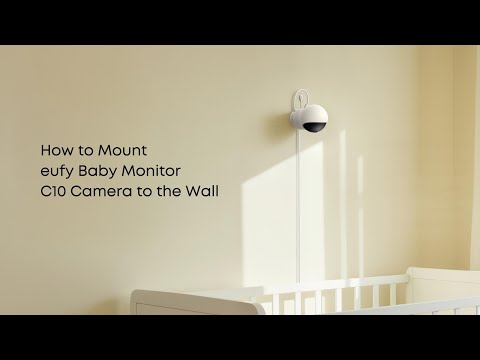
Privacy Mode is a feature that temporarily turns off your camera’s audio and video feed to protect your privacy. When activated, the camera stops recording and live streaming until you choose to turn it off.
How to enable Privacy Mode
You can enable Privacy Mode in the eufy app by tapping the Privacy Shutter option.
What happens when Privacy Mode is enabled
Once enabled, the camera will automatically rotate to face the back and stop all recording and live streaming. The camera remains in this position until Privacy Mode is turned off.
How to disable Privacy Mode
To disable it, simply use the same Privacy Shutter option in the app. The camera will then resume normal recording and live streaming.
How to locate the Privacy Shutter option
Navigate through the following path in the app:
Home Page > Tap the settings icon (three dots) on the Live Stream screen > Settings > Privacy Shutter
If you have any other questions, please don't hesitate to contact eufy Support Engineers for further assistance.