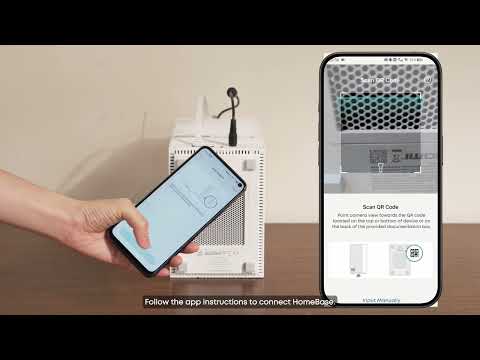
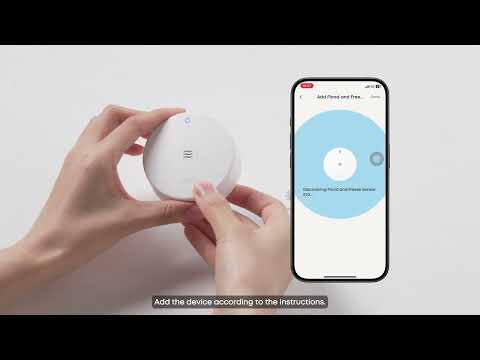
Professional Mode is a dedicated experience within the eufy app, designed specifically for users who purchased their eufy security system through a professional installer or authorized dealer. It provides a clean, focused interface centered on your security devices.
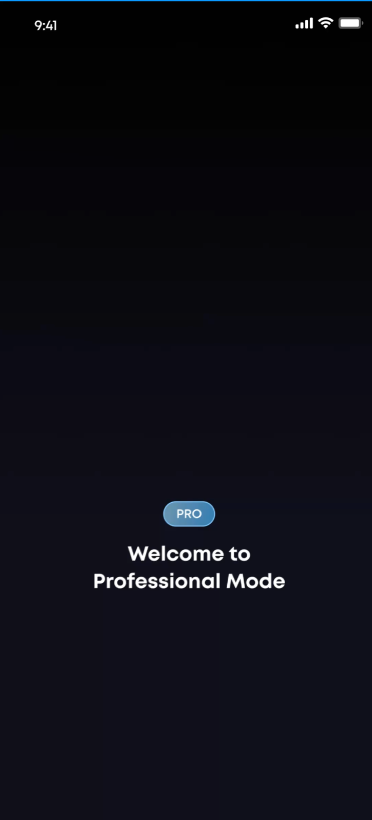
What makes Professional Mode different?
Security-first dashboard
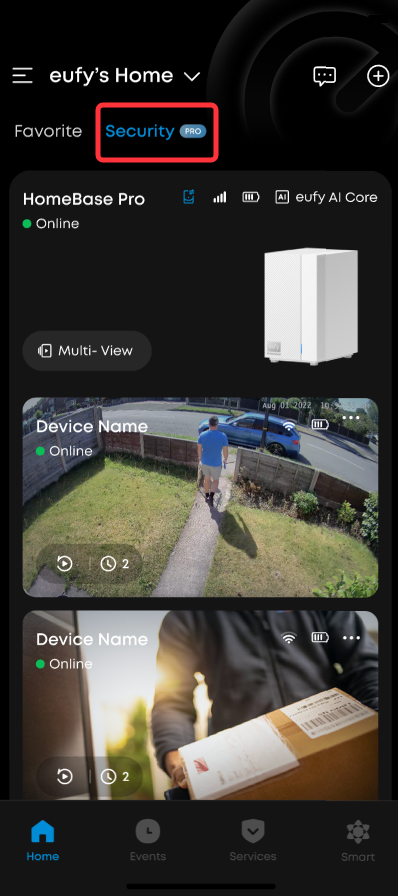
Your app homepage prioritizes showing security-related products — your HomeBase, sensors, doorbells, cameras, and smart locks.
No store or promotions
Shopping tabs, online deals, and consumer-focused promotions are removed from your view. No distractions — just your security system.
Clean management
When adding new devices, pairing accessories, or setting up automations, you will only see compatible professional-channel products. The system automatically checks that your devices are compatible before pairing.
Professional help resources
FAQ articles and support contacts in Professional Mode are geared toward professionally installed systems.
Always know where you are
A "Professional Mode" badge is always visible in the app header, so you always know which mode you are in.
FAQs
Can I still use Alexa or Google Home?
Yes. Devices that originally support Alexa or Google Home will continue to work with voice assistants in Professional Mode. For example, you can still ask Alexa to show your camera feed or arm your system — just like before.
What if I also have devices from the online store?
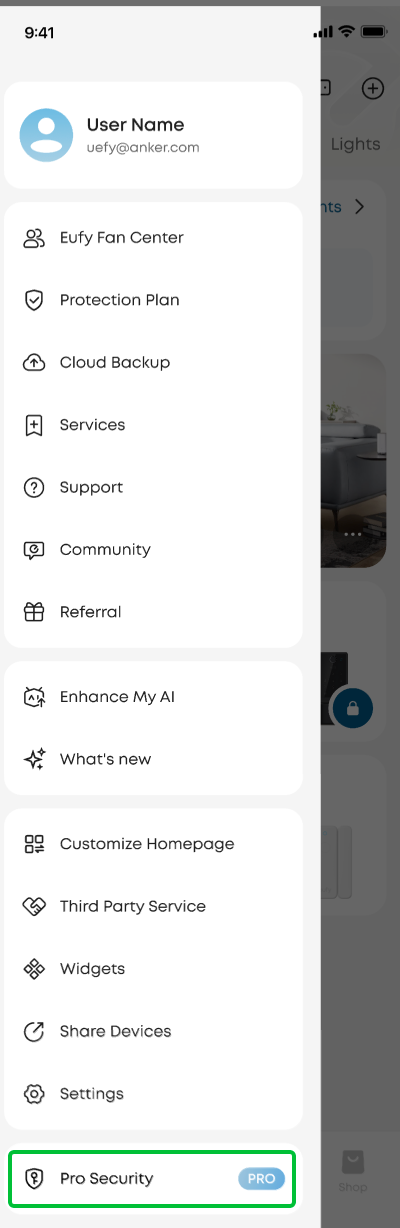
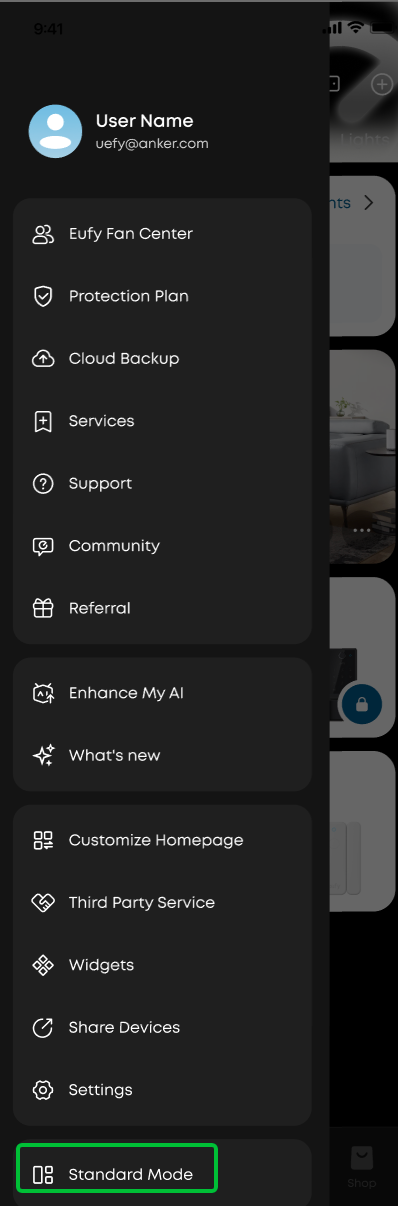
No problem. If you own devices from both the professional channel and the online store, you can switch between Standard Mode and Professional Mode anytime from the sidebar menu. Each mode shows only its corresponding devices, keeping things organized.
Can I switch back to the regular app experience?
Yes. Simply open the sidebar menu and tap the mode switcher at the top to switch between Standard Mode and Professional Mode. The app remembers your last used mode, so you will pick up right where you left off.
What happens if I remove all my professional-channel devices?
If you unbind all professional-channel devices from your account, Professional Mode will be automatically removed, and the app will return to Standard Mode.
Does this affect how my security system works?
No. Professional Mode only changes what you see in the app. Your security system, automations, and device settings continue to work as configured, regardless of which mode you are viewing.