What should I do if Omni X12 Pro misses some areas during cleaning?
If Omni X12 Pro misses some areas or messes during cleaning, you can usually fix it by following these steps:
-
Change cleaning intensity from "Quick" to "Deep" to ensure the robot cleans along edges, then restart cleaning.
-
Check the cleaning area for debris, furniture, etc., and remove any obstacles that may obstruct the robot vacuum.
-
If you've confirmed the cleaning path is correct on the app, but some mess has still been missed, please refer to this video for troubleshooting:
https://www.youtube.com/watch?v=mgl4DOq6Ocs&feature=youtu.be
If you have any other questions regarding Omni X12 Pro, you can visit the eufy Support Center for further assistance.


20 undefined
What should I do if my Omni X12 Pro crashes into a wall or furniture while navigating?


What should I do if my Omni X12 Pro doesn't cross the threshold?
What should I do if Omni X12 Pro cannot effectively clean areas such as wall edges, corners, and recessed furniture edges?
How Can I Optimize Omni X12 Pro's Cleaning Performance?
How Can I Optimize Omni X12 Pro's Mopping Performance?
How to clean the residual water tray of Omni X12 Pro?
Omni X12 Pro Robot Vacuum: Smart Home Compatibility
Omni X12 Pro Robot Vacuum: Drying Function Overview

eufy Omni X12 Pro User Guide (T211AV11)

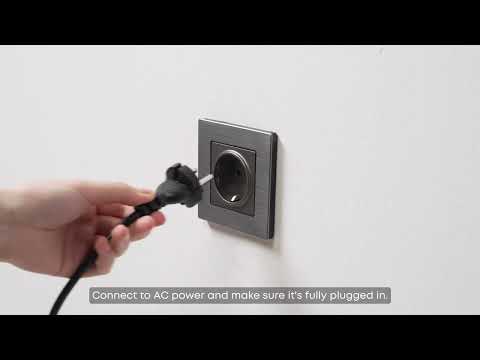
eufy Omni X12 Pro Unboxing and Quick Start Guide Video
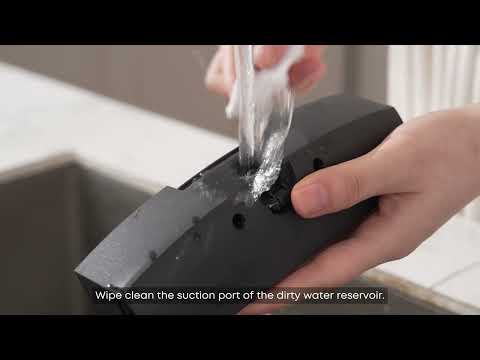
eufy Omni X12 Pro Cing and Maintaining Accessories
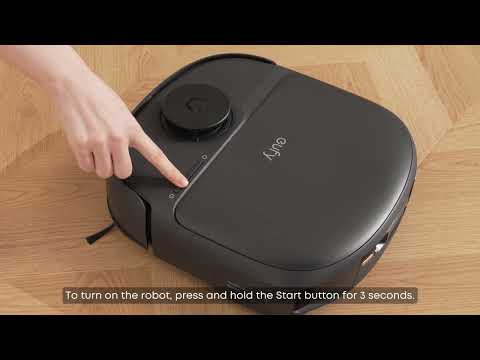
eufy Omni X12 Pro How to Connect to Wi-Fi (iOS/Android)
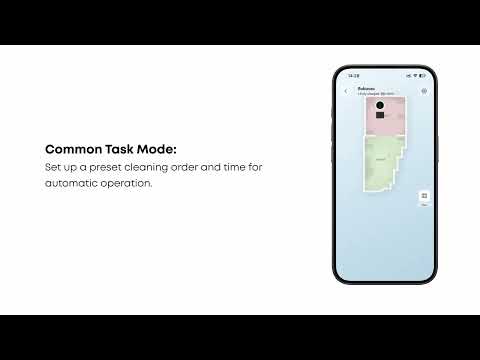
eufy Omni X12 Pro How to Control Your Device via the eufy App
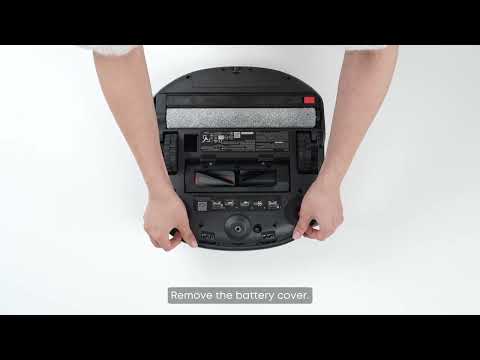
eufy Omni X12 Pro How to Replace the Battery
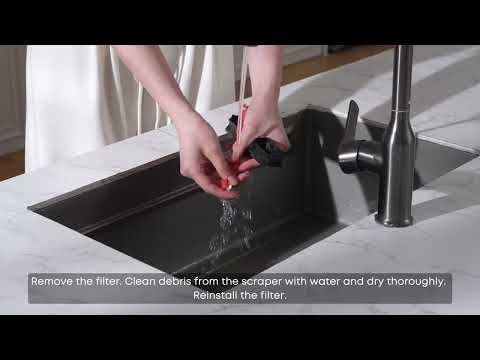
eufy Omni X12 Pro Troubleshooting Mop Cleaning Alerts
View More


