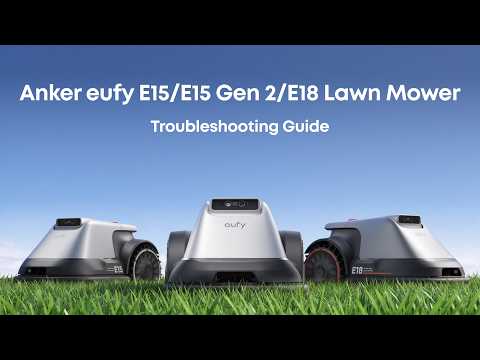
What should I do if my Robot Lawn Mower E15, E18 or E15Gen2 emits an audible error: "EufyVision is dirty or obstructed" and stops working?

If your Robot Lawn Mower emits an audible error: "EufyVision is dirty or obstructed" and stops working, try the following troubleshooting steps:

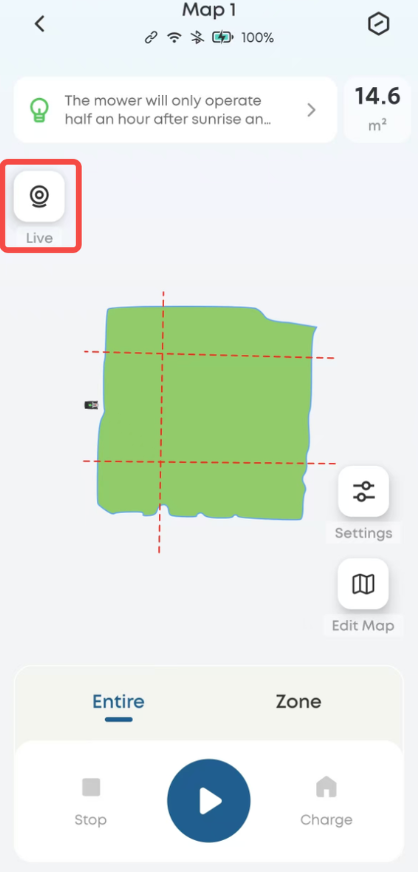
  1. Please open Live Camera to check the camera status.
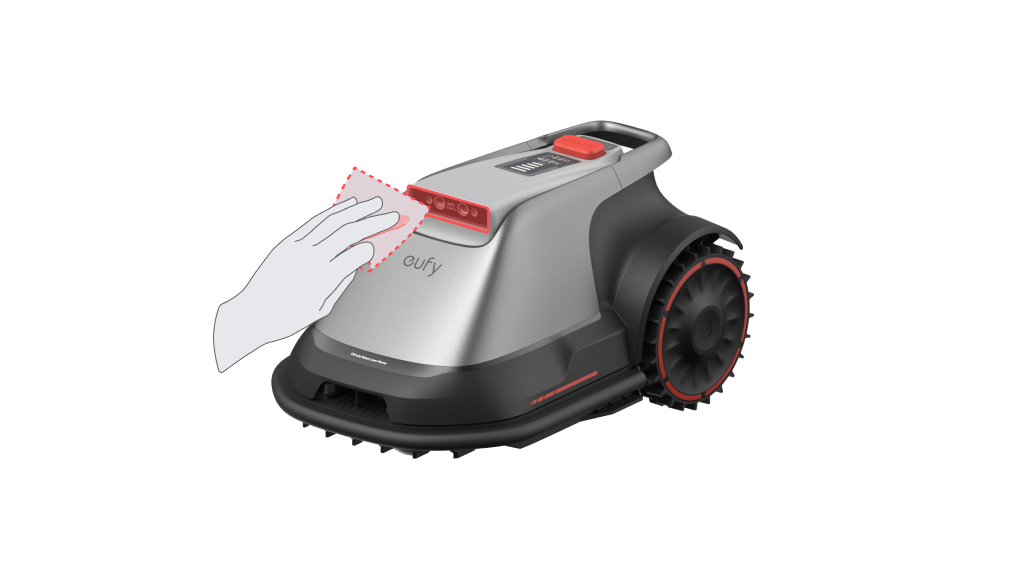
  1. Clean the vision sensor using a soft cloth.
  1. Remove any mud, leaves, or other debris from the Base Station Marker to keep it clean.
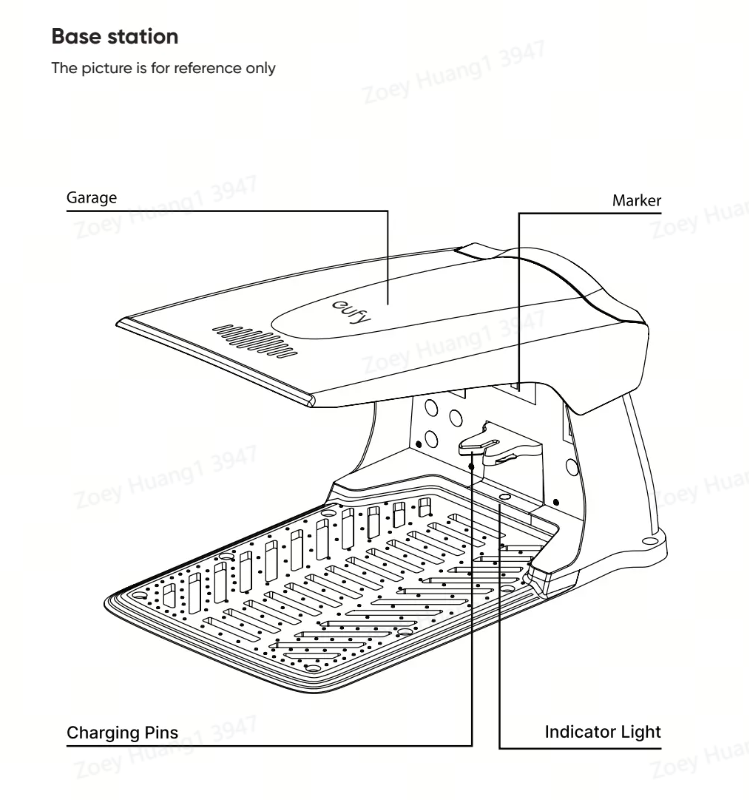
  1. Verify that the Base Station Marker and QR code are not damaged. If they are damaged, try disabling the "Multi-base Map" feature in the app settings found under "Robot Settings."

  2. Clear weeds surrounding the base station. For detailed instructions, please check the "Base Station" section under "Maintenance" in the app.


If you have any other questions about the E15, E18 or E15Gen2 Robot Lawn Mower, please contact eufy Support Engineers for further assistance.


Unresolved icon
20 undefined
Download icon
eufy Auto Robot Lawn Mower E15/E15 Solo/E18 User Guide (T2880 & T2801)
Download icon
【T2880】eufy Robot Lawn Mower E15 EU Declaration
Download icon
【T2801】eufy Robot Lawn Mower E18 EU Declaration
Download icon
Anker eufy Robot Lawn Mower E15 Gen2 User Guide (T280L)
Play video
eufy E15/E18 Lawn Mower Wi-Fi Connection (iOS/Android)
Play video
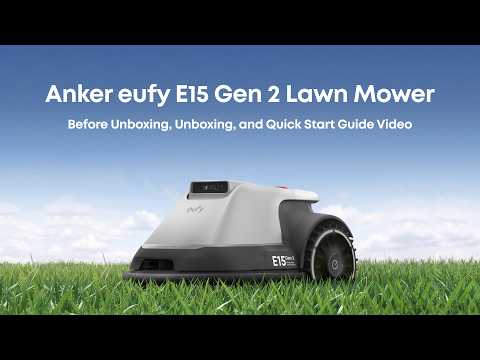
Anker eufy E15 Gen 2 Lawn Mower Before Unboxing, Unboxing, and Quick Start Guide Video
Play video
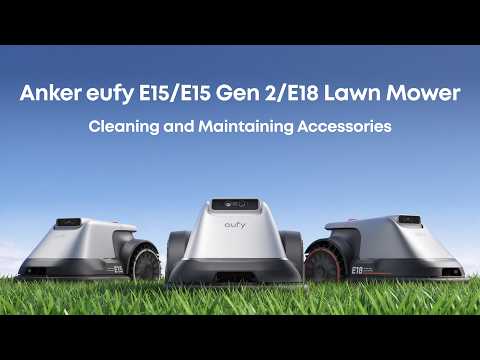
Anker eufy E15/E15 Gen 2/E18 Lawn Mower Cleaning and Maintaining Accessories
Play video
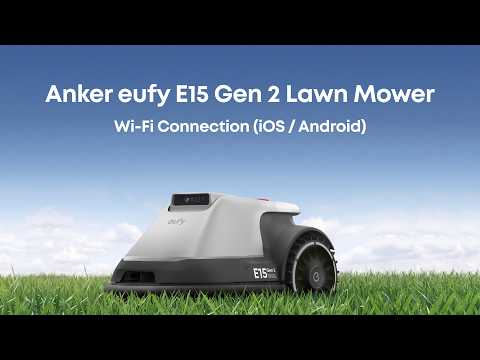
Anker eufy E15 Gen 2 Lawn Mower Wi-Fi Connection (iOS / Android)
Play video
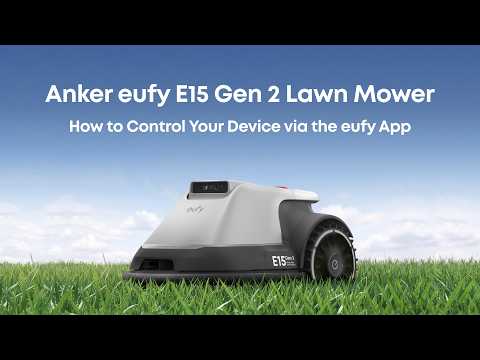
Anker eufy E15 Gen 2 Lawn Mower How to Control Your Device via the eufy App
Play video
Anker eufy E15/E15 Gen 2/E18 Lawn Mower Troubleshooting Guide
View More
Contact Us
Buy on the eufy Store
Download the App
affirmamazonPayamexapplePaydinnersClubdiscovergooglePaymastercardpaypalshopPayvenmovisa