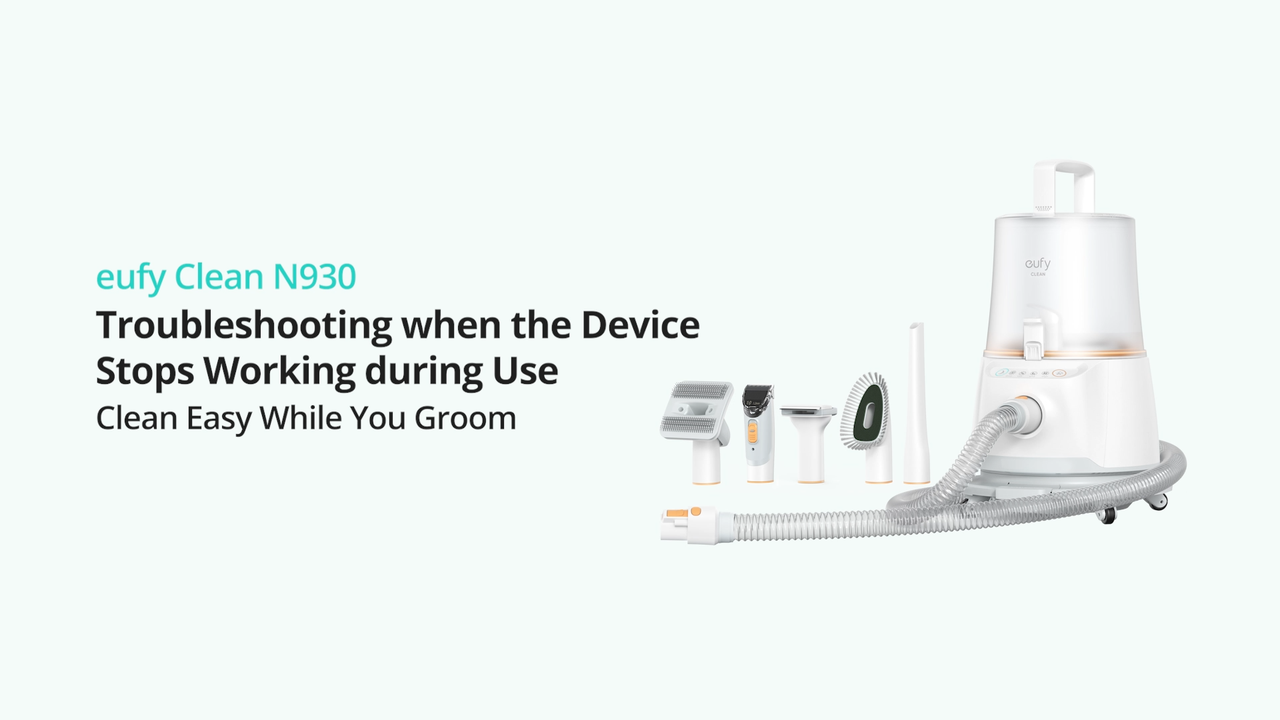
What should I do if the suction mode indicator light on my Pet Grooming Vacuum N930 stays on but the vacuum stops working?
This issue occurs when the vacuum may be overheating. Please try the following troubleshooting steps to verify if the issue can be resolved:
Press the main power switch on the vacuum to power off the vacuum.
Check whether the attachment tool is clogged. If necessary, please clean the attachment tool thoroughly.
Check whether the hose is clogged. If necessary, please clean the hose thoroughly.
Check whether the dust cup is full. If necessary, please empty the dust cup completely.
Check whether the filters are clogged. If necessary, please clean the filters thoroughly. Simply tap the filters to remove any dirt and dust. It is also recommended to wash the filters under cold running tap water; however, please air dry the filters completely by placing them in a well-ventilated area for at least 24 hours before reinstalling the filters.
Note: Do not use the filters when they are still wet. Please note that using wet filters can lead to electric shock and may also damage the vacuum.
After cleaning the vacuum and its accessories, please remove the dust cup and set the vacuum aside for a while (approximately 30 minutes) until the vacuum's temperature cools down, and then power on the vacuum again.
Please refer to the following video for instructions on how to use your pet grooming vacuum N930:
If you have any further questions, please contact us and include a video to show the details for assistance.