Will replacing the battery on the RoboVac X8/X9 Pro/L50/L60/L35/LR30/LR20/L50/L60 series delete its cleaning map?
Please know that replacing the battery or powering off/on the RoboVac will not cause the map to be lost or the cleaning history to be erased.
However, the cleaning map will be lost under the circumstances listed below:
- Manually recharging the RoboVac during its cleaning process
- Manually moving the RoboVac during its cleaning process
- When the RoboVac gets stuck for a long period of time and is unable to continue its cleaning process
- Manually resetting the map
- Manually deleting the map
Apart from these above scenarios, the map should not be lost.
If you need further assistance, please email eufy support.


20 undefined
What if my RoboVac has a clicking noise in the side brush?


How to mop with G10/G20/G30 Hybrid?
Difference between X8 and X8 Hybrid
Specification of X8 and X8 Hybrid
How to delete a map for the X8 series?
How to order washable mopping cloth for my RoboVac?
What if my RoboVac has a rolling brush noise when it’s running?

eufy Clean L60 User Guide (T2267)
eufy Clean L60 SES User Guide (T2277)
eufy Clean L60 Hybrid User Guide (T2268)
eufy Clean L60 Hybrid SES User Guide (T2278)
L50+L60_EN_Manual
eufy Clean L60 SES Benutzerhandbuch (T2277)
View More


Quick Start Guide for RoboVac X8 Series

eufy RoboVac X8 Hybrid Unboxing Video

RoboVac X8 Series: How to Replace the Wheels

RoboVac X8 Series:How to Connect iOS Devices
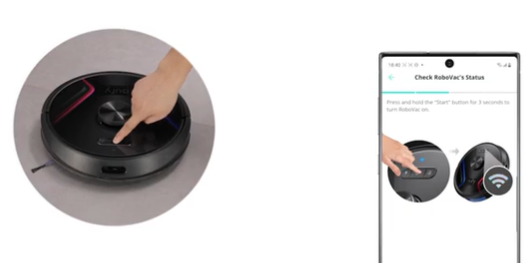
RoboVac X8 Series:How to Connect Android Devices
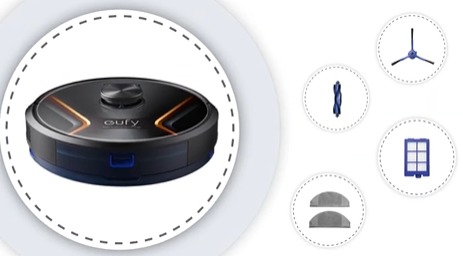
Cleaning and Maintenance of X8 Series RoboVac Accessories
View More


