eufy Indoor Cam 2K (Solo IndoorCam C24) Device Introduction
Product Overview

① Microphone
② Lens
③ Status LED
④ SD card slot
- Insert a micro SD card to store recordings
⑤ Speaker
⑥ SYNC button
⑦ Power input
- Connect to a USB cable and USB adapter
Any questions, please contact us for further assistance.


20 undefined
How can I use Geofencing on HomeKit?


How can I connect to other smart home devices on HomeKit?
Will my data be stolen if the device is being stolen?
Why the shared account can’t view the Daily Security Report?
Differences Between eufy Indoor Cams
How to Unsubscribe Newsletter From Anker/Soundcore/eufy/Nebula?
Which App should I use HomeKit?
How can I disable notifications on HomeKit?
How can I create activity zone on HomeKit?

Indoor_Cam_2K_manual_us
Indoor_Cam_2K_manual_eu
T8400X_EU_Declaration_of_Conformity


How Do I Connect My eufy Cameras with Amazon Alexa

How Do I Connect My eufy Cameras to the Google Assistant App

How to Use Geofencing on eufy App

eufy App Functions

How to Schedule Your eufy Devices
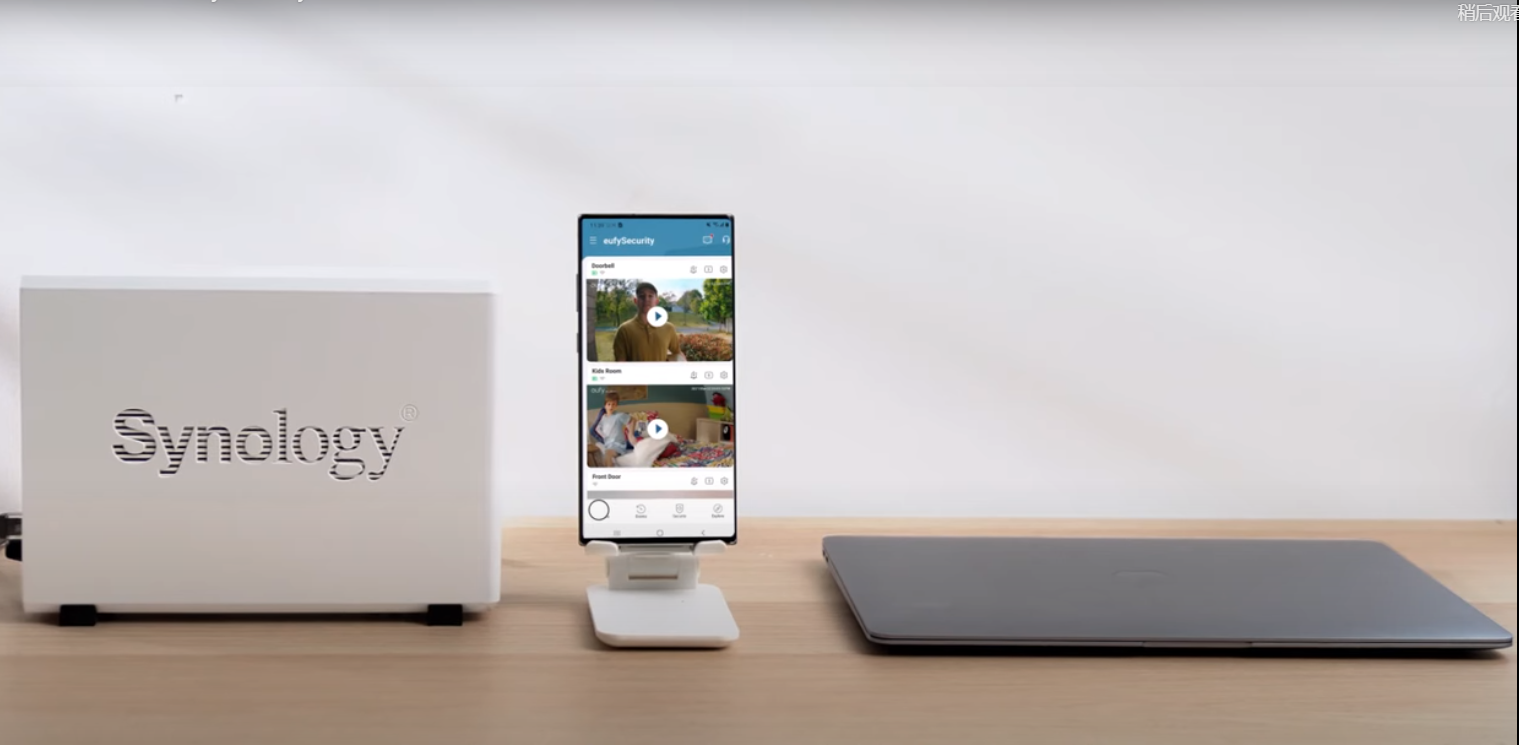
How to Use NAS to Control eufy Products
View More


