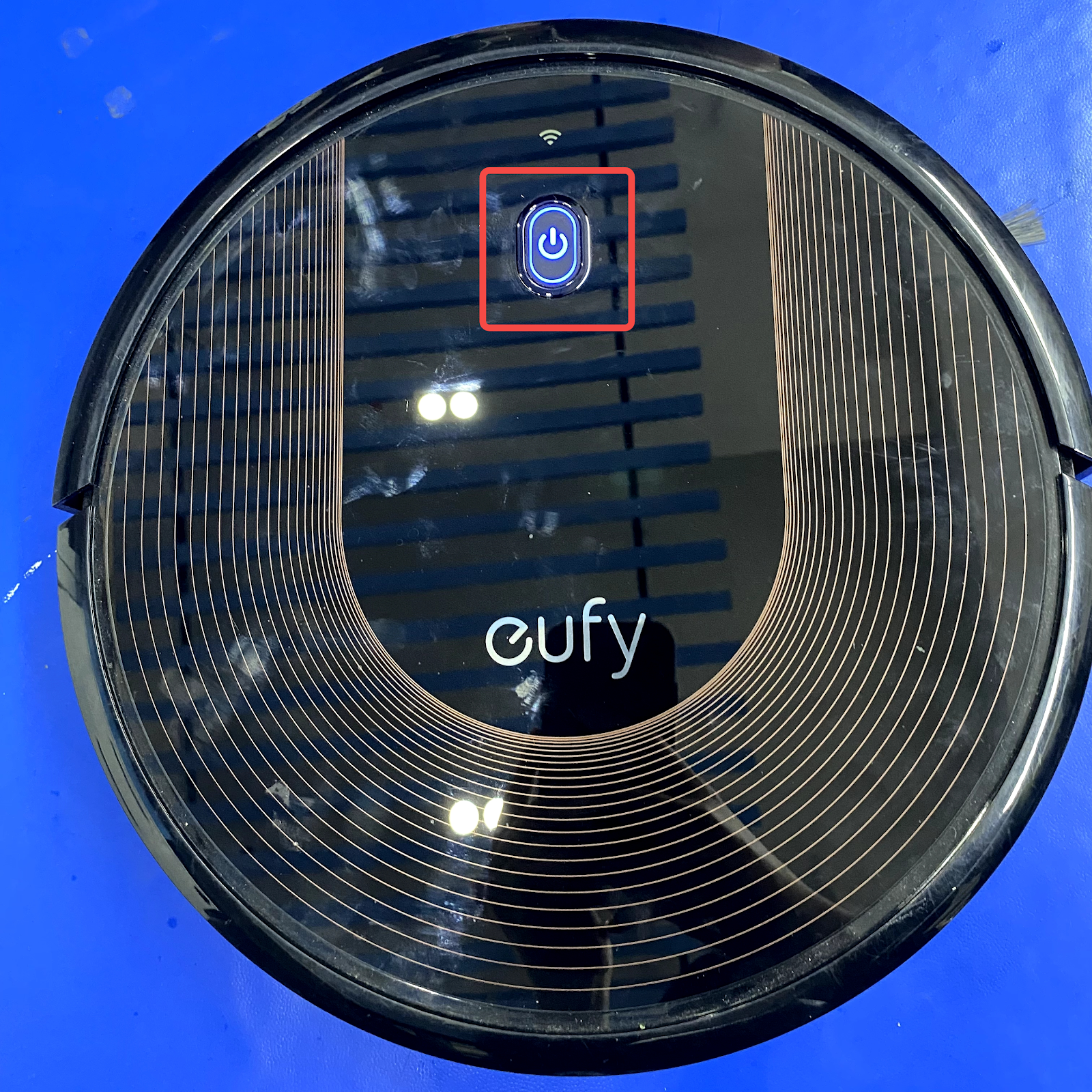
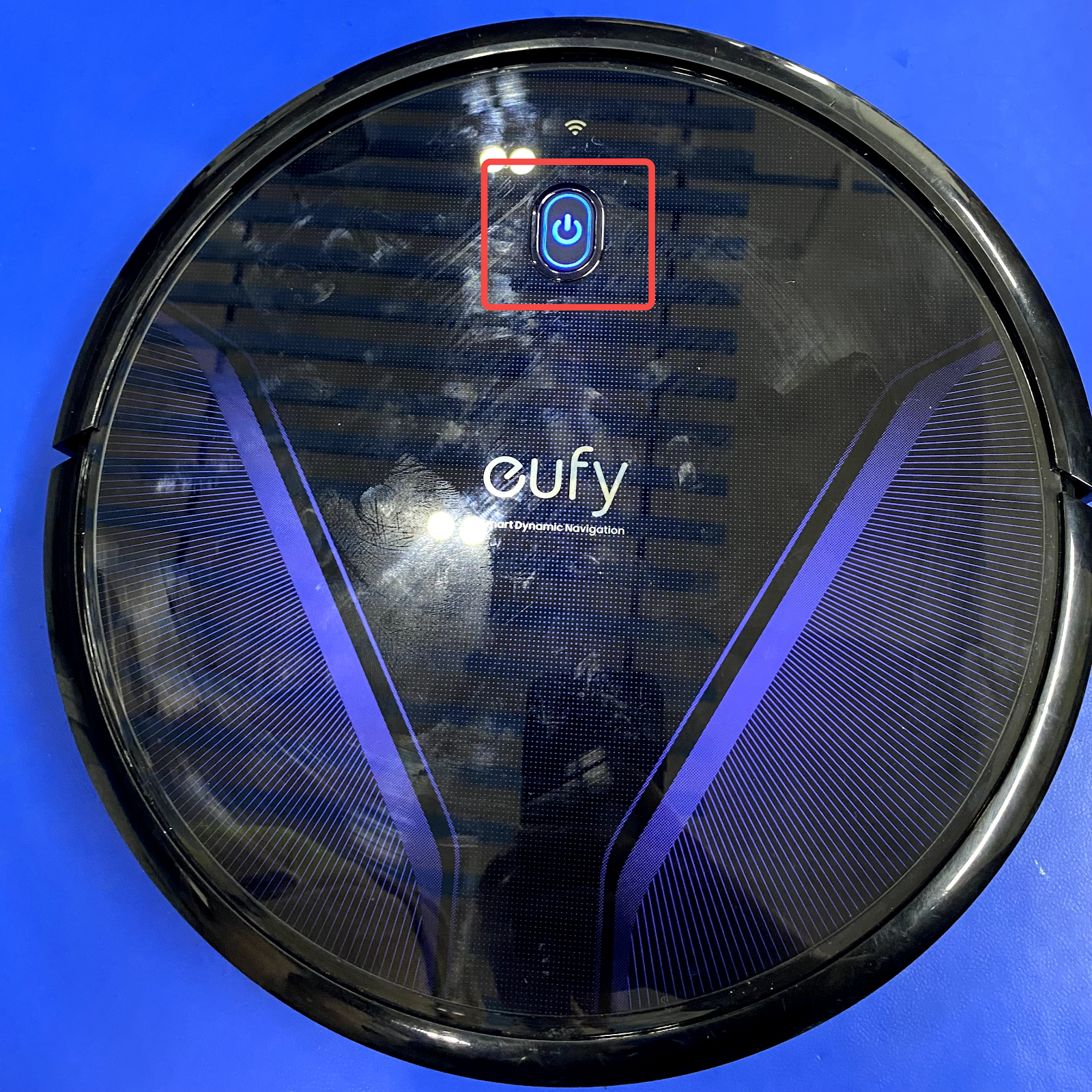
What does the status light on RoboVac indicate?


  1. What does the status light on RoboVac indicate?

Model

Indicator

Meaning

For Bounce series

Breathing orange

Charging(when docked to charging base)

Solid blue

Standby / Cleaning / Fully charged

Solid orange

Low power and returning to charging base


Flashing / Solid red + Beeping

RoboVac has an error


Off

RoboVac is powered off. To conserve power, the light automatically turns off when RoboVac is not docked to the Charging Base and has been inactive for 1 minute.

For G-series and X8 series

Breathing orange

Charging(when docked to charging base)

Solid blue

Standby / Cleaning / Fully charged / Pause cleaning / Returning to charging base

Solid orange

Standby or working in low battery status


Flashing red + Voice alert

RoboVac has an error


Flashing blue slowly

Returning to charging base or spot cleaning mode


Off

RoboVac is powered off. To conserve power, the light automatically turns off when RoboVac is not docked to the Charging Base and has been inactive for 1 minute.

For LR20, LR30, and L35 series

Flashing blue

Charging


Solid blue

Standby / Cleaning / Fully charged


Solid red

Low power and return to charging base


Off

RoboVac is powered off. 

To conserve power, the light automatically turns off when RoboVac is not docked to the Charging Base and has been inactive for 10 minutes.


Flashing blue

Waiting for WiFi connection


Flashing red with voice alert

RoboVac has an error

 
  1. What does the status wifi light on RoboVac indicate?(For all WiFi models)
Note: For LR20, LR30, and L35 series, they do not have a separate wifi light.

Indicator

Meaning

Slowly flashing blue

Waiting for connection

Rapidly flashing blue

Connecting with your wireless router

Solid blue

Connected to your wireless router

 
  1. If your RoboVac stops with beeps or voice alerts or shows red light while charging, please refer to the below articles for troubleshooting:

If you need further help, please contact us for assistance.

Download icon
What does the status light on RoboVac indicate?
Unresolved icon
318 undefined
What if my RoboVac charges with a red indicator?
25577 views9 likes/2025-04-07 18:06:39
How to factory reset my RoboVac's WiFi?
23569 views1 likes/2025-04-07 18:24:15
What if My RoboVac Stops with Error S1? (for L70/G Series)
13285 views4 likes/2025-04-07 18:23:27
How to connect RoboVac to WiFi? (For Android)
11847 views9 likes/2025-04-07 18:04:53
What does the status light on RoboVac indicate?
17704 views1 likes/2025-04-07 17:40:36
What if my RoboVac runs with a loud noise?
8229 views2 likes/2025-04-07 18:26:09
Download icon
eufy Clean L60 Hybrid دليل المستخدم (T2268)
Download icon
eufy Clean L60 SES Benutzerhandbuch (T2277)
Download icon
eufy Clean L60 Hybrid SES دليل المستخدم (T2278)
Download icon
T2108 EU DOC
Download icon
T2128&T2123 EU DOC
Download icon
T2128&T2123 EU DOC
View More
Play videoRoboVac X8 Series: How to Replace the Wheels
RoboVac X8 Series: How to Replace the Wheels
Play videoRoboVac X8 Series: How to Replace the Wheels
RoboVac X8 Series: How to Replace the Wheels
Play videoHow to Replace Bumper of RoboVacs
How to Replace Bumper of RoboVacs
Play videoHow to Replace Bumper of RoboVacs
How to Replace Bumper of RoboVacs
Play videoHow to Replace Bumper of RoboVacs
How to Replace Bumper of RoboVacs
Play videoHow to Replace Bumper of RoboVacs
How to Replace Bumper of RoboVacs
View More
