No, the WiFi of eufy RoboVac cannot be turned off.
For the Bounce series WiFi-enabled RoboVac, it will come with remote control. If you don’t want to control it with the eufy Clean app (don’t want to use WiFi connection), you can control it with remote control.
For Gyro Navigation RoboVac(G series ), IPath Navigation RoboVac (L series and E series) , the most features can only be achieved via the eufy Clean app, thus it’s recommended to connect RoboVac to your home WiFi for a better experience.
Please rest assured that eufy has privacy policies to protect customers' personal privacy and you don't need to worry about privacy issues. The connection between your RoboVac and eufy's cloud server is encrypted.
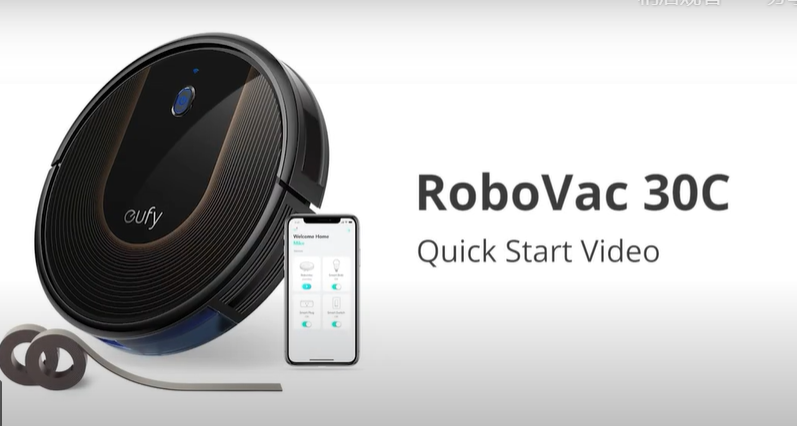
If you still have concerns about your privacy protection or simply prefer a non-WiFi model, we have non-WiFi RoboVac, including RoboVac 11S, RoboVac 11S Max, and RoboVac 30.
If you need further assistance, please contact us.