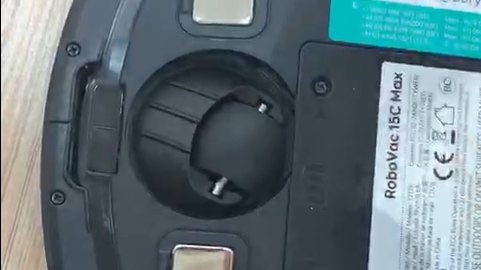
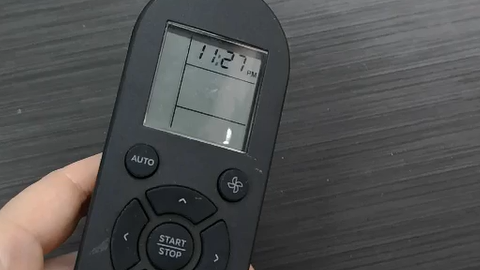
If your RoboVac runs for a while and stops with a 4-beep error, please confirm it stops with a flashing or solid red indicator.
* If it stops with a 4-beep error with a flashing red indicator (low battery), please try following and let us know whether it helps:
- Re-connect the adapter and the charging base. Make sure the white power indicator on the charging base lights up.
- Clean the pins on the charging base and on the bottom of the vacuum with a dry clean cloth;
- Put the RoboVac right in front of / facing the charging base within 6 feet and press the return-to-home button to let it dock on its own. This is to make sure the charging pins are connected properly.
- Charge for 6+ hours. It's a flashing orange light when it's charging, and it changes to a solid blue light when fully charged.
* If with a solid red indicator (rolling brush stuck), please try the following:
- Remove the rolling brush and side brushes to clean them out, especially 2 ends of the rolling brush and connectors on the vacuum.
- Charge the RoboVac for 6+ hours until there is a solid blue light
- Remove the brush guard and rolling brush, then run the vacuum on hard floors without these parts. Let us know whether the error persists when the vacuum is running without the parts.
* Note: if your RoboVac charges on the base with a solid red indicator, please refer to this article: What if my RoboVac charges with a red indicator?
If the troubleshooting did not solve the problem, please click here to email us for further assistance with photos of the 2 ends of the rolling brush and 2 connectors on the vacuum.