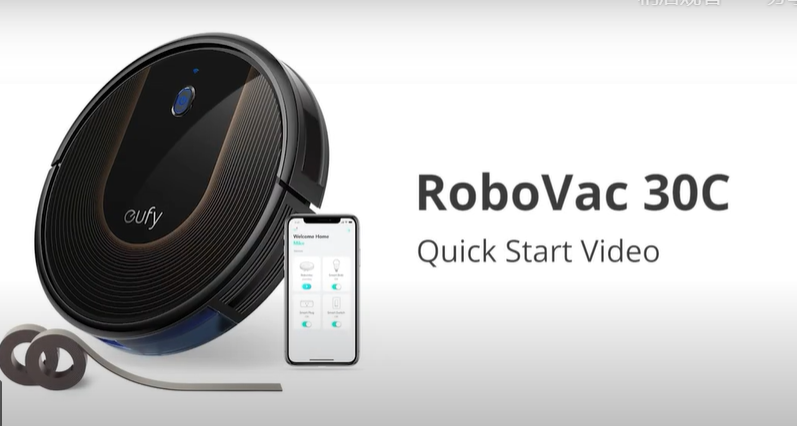
First of all, please check to make sure your RoboVac has WiFi capacity.
You can try the general troubleshooting first:
1. Make sure your phone is connected to a 2.4 GHz (L60 can support 5 GHz) network first. Move the vacuum and your phone close to your router.
2. Disconnect a few other devices and try again. Make sure the name and password of your router are correct (like capital letters).
3. Turn on the GPS and authorize the location access for your eufy Clean app in your phone settings. If there is a "precise location" option, please turn it on.
4. Enable the Airplane mode before you start connecting and turn on the WiFi only (cellular remains off all the time)
5. Press and hold the start button on the top of the vacuum for 10+ seconds until you hear a beep or "reset WiFi" voice alert. Make sure you hear the beep or "reset WiFi" voice alert.
For the L70/L50/L60 series, please press and hold both 2 buttons on the vacuum top until you hear the "reset WiFi" voice alert. Make sure you hear the voice alert.
A slow flashing light means "ready to connect", and a quick flashing light means "connecting". Only a solid blue light means the RoboVac is "connected".
You can refer to the videos instructions:
For L50/L60 Series, please refer to the video below:
To verify if the issue lies with the RoboVac, you could connect the RoboVac via the HotSpot of your phone.
How to connect eufy RoboVac via a personal hotspot?
If you are still experiencing issues connecting RoboVac to your 2.4GHz WiFi network, please contact us for further assistance.
If possible, please provide eufy support team with the following information to resolve the issue in a timely manner:
- eufy Clean account email.
- A short video showing the WiFi setup process