How Do I Adjust Cleaning Modes in the eufy Clean App?
You are able to easily adjust RoboVac’s cleaning modes in the eufy Clean app according to your preferences and needs. Please refer to the following steps to adjust cleaning modes in the eufy Clean app according to each eufy RoboVac model.
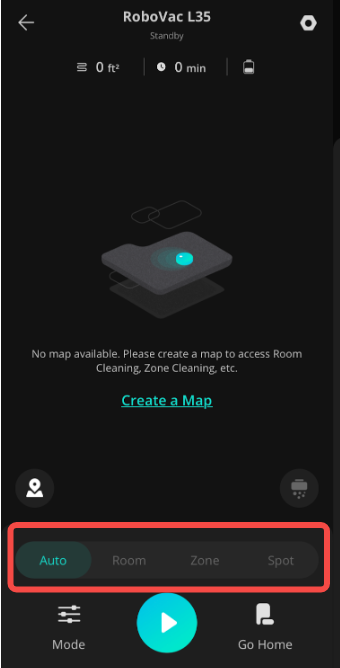
RoboVac X8 / X8 Hybrid/L35 Hybrid+/L35 Hybrid/LR30 Hybrid+/LR30 Hybrid/LR20:
Launch eufy Clean app > Select Auto / Room / Zone / Spot.

RoboVac L70 Hybrid / L70 Max:

RoboVac G series:
Launch eufy Clean app > Select Clean or Spot.

RoboVac 15C / 25C / 30C / 35C / 15C Max / 25C Max / 30C Max:
Launch eufy Clean app > Select Auto / Quick Clean / Spot / Edge.

If you still have questions regarding how to adjust RoboVac’s cleaning modes in the eufy Clean app, please contact us for further assistance.


20 undefined
What if my RoboVac stops in the middle of cleaning with Three Beep Error?


What if my RoboVac stops in the middle of cleaning with Four Beep Error?
How to order a water tank for G10/G30 Hybrid?
How to order a mopping module for L70 Hybrid?
How to order filter elements for water tank (G10/30 Hybrid)?
How to order a remote control for my RoboVac?
Can RoboVac work with my carpets/floor? (for Bounce Series)
What to do if my RoboVac does not Run with Schedule on Remote Control

RoboVac 35C/25C_Manual_EN
RoboVac 25C Max_EN+ES+TR_Manual
RoboVac 15C Max_JP_Manual
Eufy RoboVac 15C Max (T2128) &25C (T2123) EU DOC
RoboVac G30 Series/G40 Series EU DOC (T2250/T2251/T2252/T2253/T2254/T2255/2256)
RoboVac G20_Manual_EU
View More

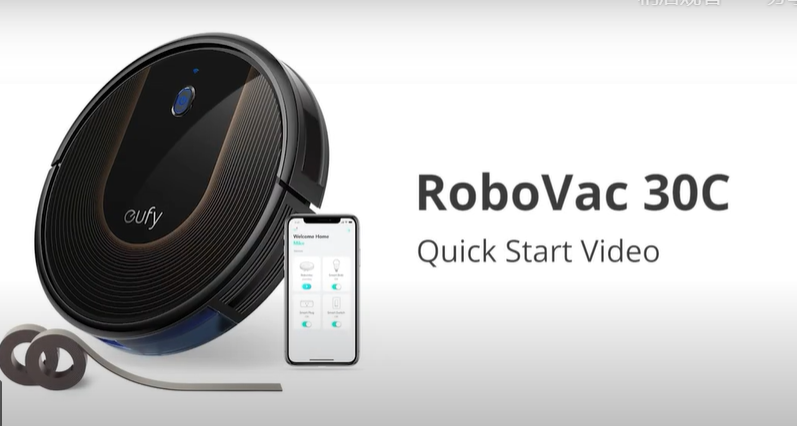
RoboVac 30C Quick Start Video (other WiFi RoboVacs of Bounce series are similar)
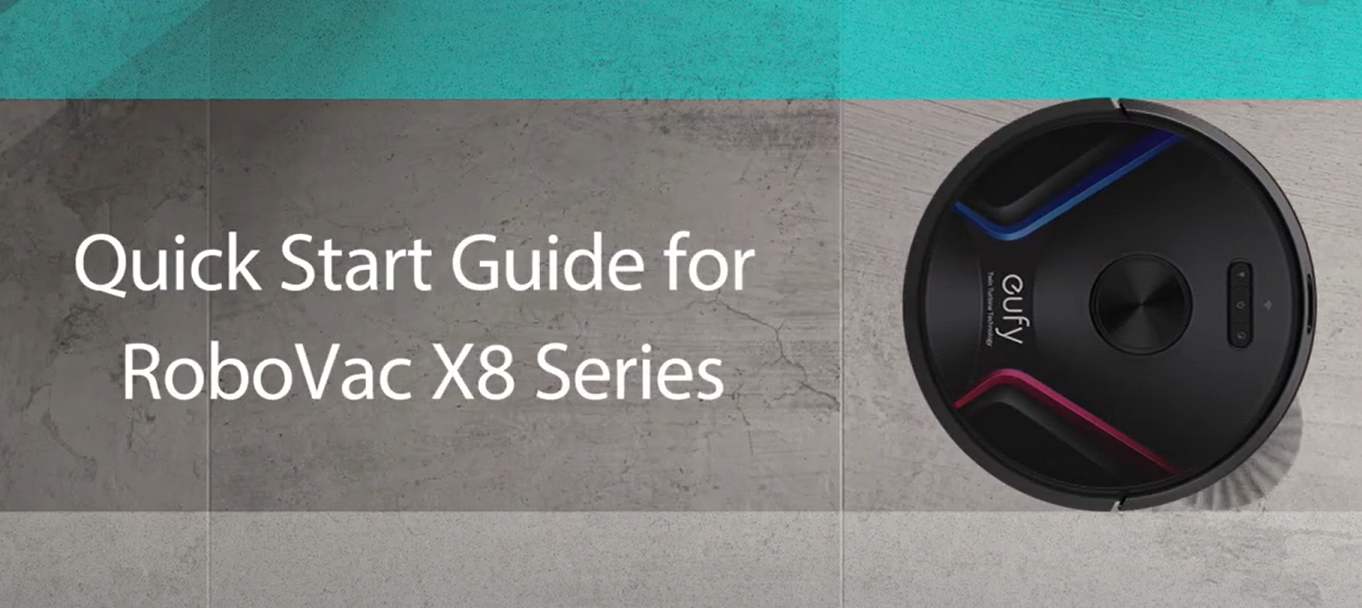
Quick Start Guide for RoboVac X8 Series
eufy RoboVac X8 Hybrid Unboxing Video
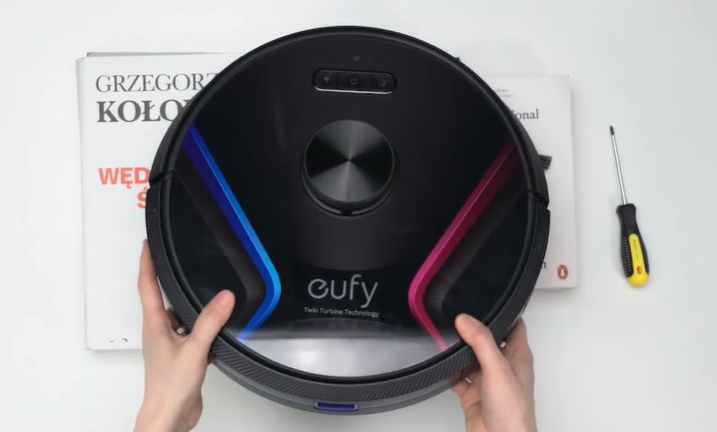
RoboVac X8 Series: How to Replace the Wheels

How to Replace Bumper of RoboVacs

RoboVac X8 Series:How to Connect iOS Devices
View More


