How to Charge the WetVac W31

The vacuum is powered by a lithium-ion battery. Before using the vacuum for the first time, please make sure to charge the vacuum for at least five hours.
 

Here are the steps to charge your WetVac:

  1. Place the vacuum on the charging base.
  2. Connect the adapter to a power outlet.
 

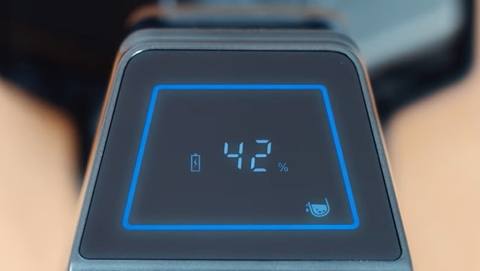
The LED display will light up to indicate that the vacuum is ready to charge. 


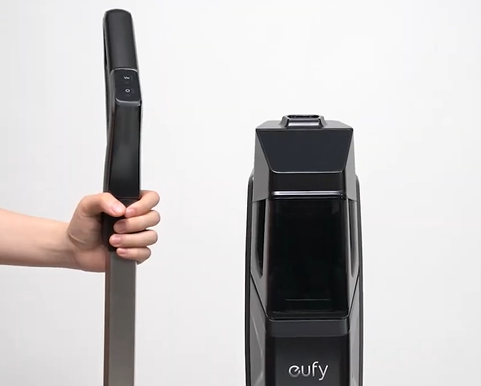
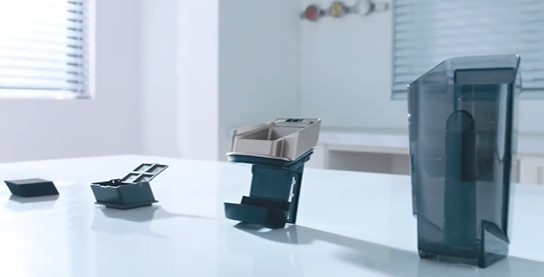
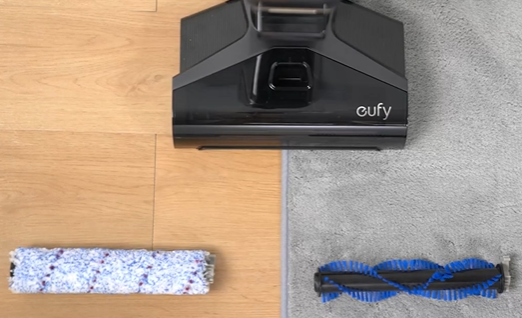
Please refer to the following images showing the steps to charge your WetVac:


If you need any further assistance, please contact eufy support.
How to Charge the WetVac W31
49 undefined
Payments & Vouchers FAQ
3849 views/1 likes/2024-11-27 10:08:25
How to Add Cleaning Solution to the WetVac
6078 views/1 likes/2022-05-20 13:52:32
How to Use the Clean Water Tank on the WetVac
3986 views/1 likes/2022-05-20 13:51:39
What should I do if my WetVac W31 cannot power on or off?
2368 views/1 likes/2022-05-20 14:10:10
Quick Start Guide for the eufy WetVac W31
1988 views/1 likes/2022-05-20 12:25:27
Voice Prompts & Quick Solutions for WetVac
1223 views/1 likes/2022-08-16 18:25:40
‬⁡‌​⁢‬⁣‬‌⁢⁣‌⁣⁢⁢​⁤​⁣‬‬​‌​​⁣‌⁡‍‬​‬‍⁢⁤‍⁣​‍‌​‬⁢【T8010】【HomeBase 2】EU Declaration
T8113S_EU Declaration of Conformity
eufyCam_2C_Pro_Set_Manual_us
RoboVac 30C_Manual_EN
video_Doorbell_2K_(Wired)_Manual_us
Motion_Sensor_manual_us
View More
How to Connect RoboVac to iOS Devices
eufy 3-in-1 E20: Unboxing and Quick Start Guide Video
How to Install eufy Security Video Doorbell (Wired)
How to set up eufy Security Video Doorbell (Battery-Powered)
How to Install eufy Security Floodlight Camera
eufy Security App Functions
View More