How to adjust the map angle of L70 Hybrid?

For L70 Hybrid, there isn’t a quick “rotate” button to rotate the map in the eufy Clean app. You can adjust the size of the No-go and No-mop zones, but they cannot be rotated either. 


L70 Hybrid’s map direction is dependent on the direction its charging base faces. If you want to adjust the angle, you can move the charging base to the other side / 45° / 90° of your floorplan, and start the RoboVac from the new charging base location to refresh the map. Let it run a complete Auto Clean cycle and return to the new base location automatically so the new map can be saved. You can also try installing the charging base at different locations in order to get the best map angle.


After the map is successfully rotated in the eufy Clean app, you can then set your No-go and No-mop zones on the new map. 

Unresolved icon
185 undefined
How to factory reset my RoboVac's WiFi?
26770 views1 likes/2025-04-07 18:24:15
What if My RoboVac Stops with Error S1? (for L70/G Series)
15362 views4 likes/2025-04-07 18:23:27
How to connect RoboVac to WiFi? (For Android)
14123 views9 likes/2025-04-07 18:04:53
What if my RoboVac runs with a loud noise?
10060 views2 likes/2025-04-07 18:26:09
eufy Warranty Policy
19846 views1 likes/2024-11-27 10:27:18
How to connect RoboVac to WiFi (For iOS)?
8607 views1 likes/2025-04-07 18:04:52
When should I replace the battery on my eufy RoboVac?
11483 views1 likes/2025-04-07 18:06:28
What should I do if my RoboVac is offline?
14519 views1 likes/2025-04-07 18:06:39
Download icon
RoboVac LR20_EN/ES/FR_Manual
Download icon
RoboVac LR20_EN_Manual
Download icon
RoboVac LR20_EN/ES/FR_Quick Start Guide
Download icon
RoboVac LR30 Hybrid_EN/DE/ES/FR/IT/TR/RU/NL_Manual
Download icon
RoboVac LR30/L35 Hybrid_EN&ES_Quick Start Guide
Download icon
RoboVac LR30 Hybrid_EN/ES_Manual
View More
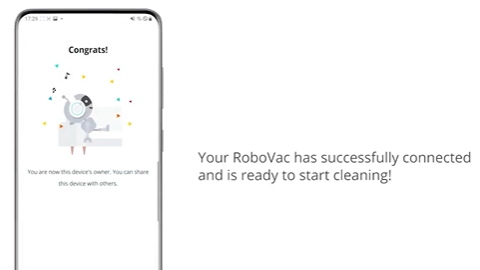
Play videoHow to Connect RoboVac to Android Devices
How to Connect RoboVac to Android Devices
Play videoHow to Connect RoboVac to iOS Devices
How to Connect RoboVac to iOS Devices
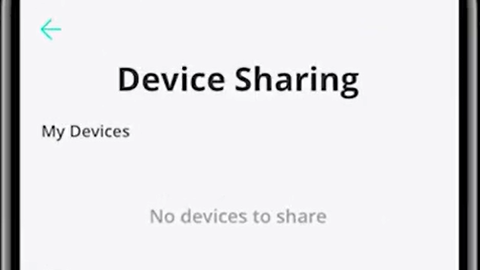
Play videoHow to Share RoboVac Access with Others
How to Share RoboVac Access with Others
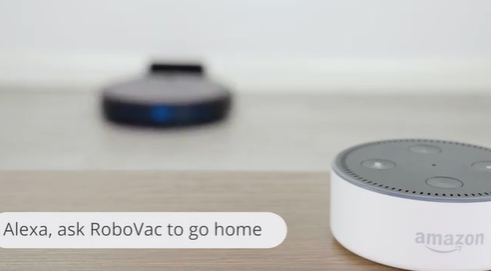
Play videoHow to Link Your RoboVac with Alexa
How to Link Your RoboVac with Alexa
Play videoConnecting RoboVac to an Android phone (30C as an example)
Connecting RoboVac to an Android phone (30C as an example)
Play videoConnecting RoboVac to an iOS phone (30C as an example)
Connecting RoboVac to an iOS phone (30C as an example)
View More
Contact Us
Buy on the eufy Store
Download the App
affirmamazonPayamexapplePaydinnersClubdiscovergooglePaymastercardpaypalshopPayvenmovisa