What should I do if I don't want my RoboVac L70 Hybrid to go to specific places?

For iPath Navigation models like L70 Hybrid, you can set No-Go Zones and No-Mop zones in the eufy Clean App, so the RoboVac can avoid the areas where No-Go zones are set, and avoid No-Mop zones (usually for carpets) when mopping the floors.


The L70 Hybrid also works with boundary strips, though it does not include any in its packaging. That is because setting No-Go zones have the same functions, and it's even more convenient and more environmentally friendly.

Unresolved icon
185 undefined
Download icon
RoboVac LR20_EN/ES/FR_Manual
Download icon
RoboVac LR20_EN_Manual
Download icon
RoboVac LR20_EN/ES/FR_Quick Start Guide
Download icon
RoboVac LR30 Hybrid_EN/DE/ES/FR/IT/TR/RU/NL_Manual
Download icon
RoboVac LR30/L35 Hybrid_EN&ES_Quick Start Guide
Download icon
RoboVac LR30 Hybrid_EN/ES_Manual
View More
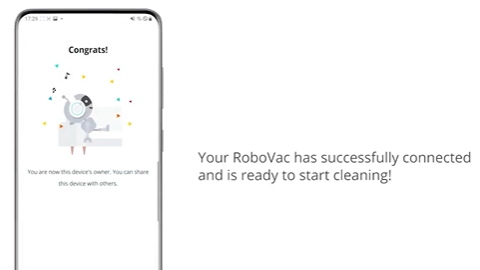
Play videoHow to Connect RoboVac to Android Devices
How to Connect RoboVac to Android Devices
Play videoHow to Connect RoboVac to iOS Devices
How to Connect RoboVac to iOS Devices
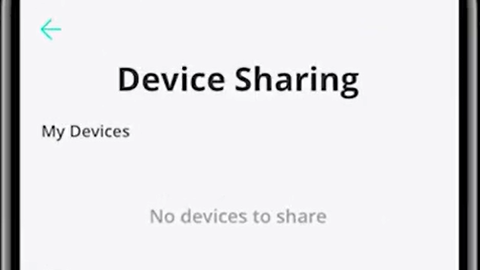
Play videoHow to Share RoboVac Access with Others
How to Share RoboVac Access with Others
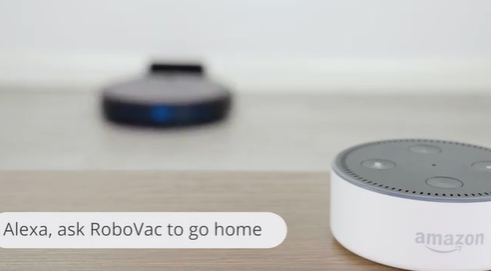
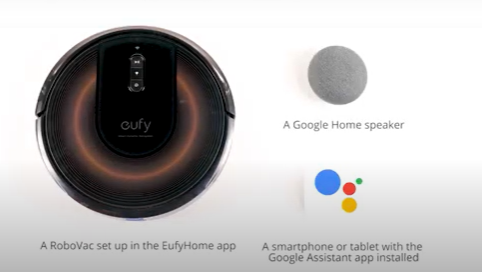
Play videoHow to Link Your RoboVac with Alexa
How to Link Your RoboVac with Alexa
Play videoConnecting RoboVac to an Android phone (30C as an example)
Connecting RoboVac to an Android phone (30C as an example)
Play videoConnecting RoboVac to an iOS phone (30C as an example)
Connecting RoboVac to an iOS phone (30C as an example)
View More
Contact Us
Buy on the eufy Store
Download the App
affirmamazonPayamexapplePaydinnersClubdiscovergooglePaymastercardpaypalshopPayvenmovisa