How to change the Duress Code for eufy Protection Plan?
When do you need Duress Code?
If you are under the hostage and are forced to disarm your eufy ExpertSecure System E10, you still need to secretly send out an alarm.
One can either enter the Duress Code on the keypad E10, or say the duress code to a live agent if receives a call.
Note:
The Duress Code can be generated without an ongoing alarm.
How to change the Duress Code?
There are two ways to change your Duress Code:
1. Change via your eufy Protection Plan
-
Open the eufy App →
-
Open side bar →
-
click “Service” →
-
Go to "Expert Monitoring" →
-
click "Duress Code" to change it
2. Change via your keypad E10 settings
-
Open the eufy App →
-
select the keypad →
-
click “Access Code” →
-
click "Emergency Code" to change it


20 undefined
Total Home Security Simplified: eufy Expert Secure System E10's All-in-One Smart System for 24/7 Protection


Download a Certificate to get a Discount on your Home's Insurance
How to adjust the alarm volume of HomeBase Professional S1
Eufy ExpertSecure System Return Policy
Modify Notifications of eufy App, Homebase Professional S1, and eufy Security Cameras
Keep Your eufy Account Safe
How do I add a Video Doorbell C30 to my eufy App?
Entry Delay and Exit Delay of eufy ExpertSecure System E10
How do I add eufy Indoor Cam 2K Pan & Tilt to my eufy App?

eufy ExpertSecure Sytem User Guide (E9000)
Plan Terms and Conditions


How to Set Up and Install HomeBase Professional S1
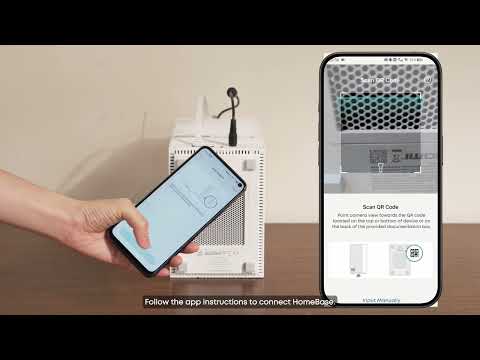
How to Set Up and Install eufy ExpertSecure System

How to Set Up and Install Entry Sensor E20

How to Set Up and Install Motion Sensor E20

How to Set Up and Install Smoke Alarm E10
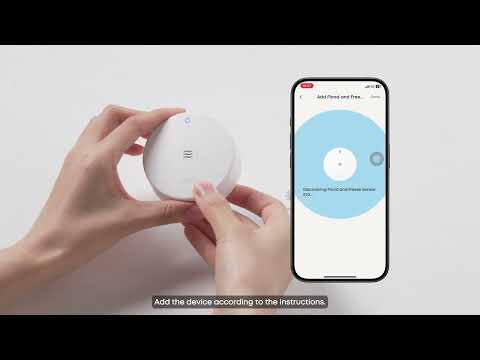
How to Set Up and Install Flood and Freeze Sensor E20
View More


