Please make sure you have already downloaded and installed the Eufy app on your phone. You can download the Eufy app from Google Play Store and Apple App Store.
When using the Eufy app for the first time, you'll need to register an account and fill out your basic information(gender, age, and height).
Before starting the setup process, please ensure the following:
- Your phone's Bluetooth is turned on;
- Your phone's Bluetooth permission for the Eufy app has been turned on.
To set up your scale on the Eufy app, please follow the steps below:
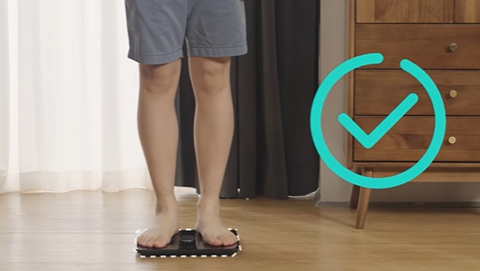
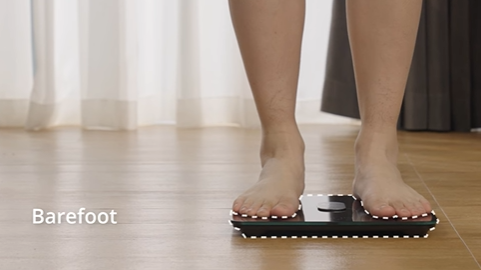
- Step on the scale to turn it on.
- Open the Eufy app and select "eufy Care device tab -> Multi-user card " on the home page or click the "+" on the sidebar. The Eufy app will automatically search for nearby scales to connect to.
- If no device can be found, check to see if the scale is turned on and the Bluetooth light is flashing. A flashing blue light means it is connecting.
You can press and hold the UNIT button at the bottom of the scale for 10 seconds to restore the scale to factory settings and then restart the connection.
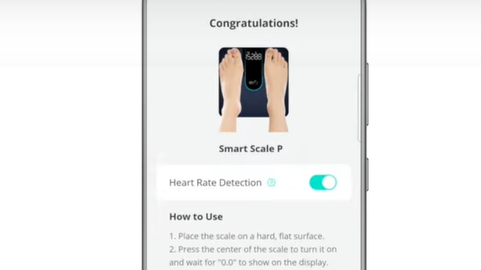
After connecting the scale via Bluetooth, you can connect to Wi-Fi by clicking "Start", or you can click "Not Now" to finish the connection.
If you have further questions regarding how to connect eufy Smart Scale P2 series to Bluetooth, please contact us for assistance.