How to enable HomeKit Secure Video?
1.Update your iPhone, iPad, or iPod Touch to iOS 13.4 or later. Please note that only the iOS 13.4+ will support HomeKit Secure Video on Bridge and Accessories devices.
2. The Home app set up on your iOS device using the Apple ID that you use with iCloud.
3. Prepare a home hub set up on an iPad, HomePod, or Apple TV.
4. Update your HomeBase 2 and eufyCam 2C/2 series firmware to the latest version which supports HomeKit Secure Video.
5. Enable the HomeKit on eufy app > HomeBase Settings > HomeKit Setup > HomeKit Authentication. Or add the HomeBase 2 and eufyCam 2C/2 directly in the Home app.
6. Choose to “Stream & Allow Recording” when household members are at home or away in the Home app. Then the HomeKit Secure Video is enabled.


20 undefined
Fail to Add a Face Profile in Smart Detection for eufyCam/E


Does HomeBase 2 support universal voltage?
What is the average data consumption needed per month for eufyCams?
How far can the HomeBase be placed from the router?
Does the eufyCam system support 7x24 recording?
How long does the eufyCam's battery last on one charge?
What should I know if I install the eufyCams?
How many months of video can the micro SD card of eufyCam/E save?
How can I use Geofencing on HomeKit?
How can I connect to other smart home devices on HomeKit?

eufyCam_2_Pro_Set_Manual_us
T8113_eufyCam 2C_EU_QSG
T8140_eufyCam 2 Pro_EU_QSG
T8160_S330 eufyCam_EU_QSG
T8161_S300 eufyCam_EU_QSG
T8142_eufyCam 2C Pro_EU_QSG
View More


How to Mount Your eufyCam E

How to Mount Your eufyCam

How to Set the Automation Function
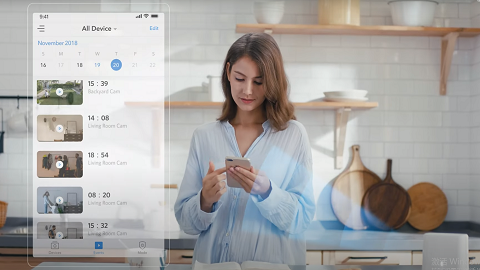
Introducing eufy Security eufyCam 2 Pro
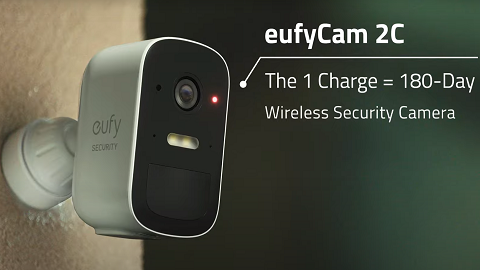
eufyCam 2C Introduction Video
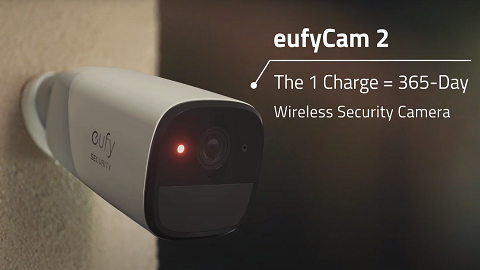
eufyCam 2 Introduction Video
View More


