How to order Side Brushes for my RoboVac?

Please note side brushes are consumable parts, so they need to be regularly replaced depending on their frequency.


As for how to choose the correct accessory for your model, please follow the below steps.


1. Please check the model of your RoboVac on the bottom of the RoboVac.

2. Choose the correct side brushes for your RoboVac model:


For 11S,11S PLUS,11S MAX,12,15C,15C MAX,15T,25C,30,30C,30C MAX,35C, G10 Hybrid,G30,G20,G20 Hybrid,G30 Edge,G30 Verge,G30 Hybrid, G32 Pro, G40, G40 Hybrid, G35+, G40+, G40 Hybrid+: https://us.eufylife.com/collections/accessory/products/t2905031


For L70 Hybrid: https://us.eufylife.com/collections/robovac-accessory/products/t2921031


For X8 and X8 Hybrid: https://us.eufylife.com/products/t2930131
 

For L35 Hybrid+, L35 Hybrid, LR30 Hybrid+, LR30 Hybrid, LR20: Left side brush and

Right side brush


If your model is not listed here, please contact us for further information. 

Unresolved icon
20 undefined
Download icon
RoboVac 35C/25C_Manual_EN
Download icon
RoboVac 11S_JP_ Manual
Download icon
RoboVac 25C Max_EN+ES+TR_Manual
Download icon
RoboVac 15C Max_JP_Manual
Download icon
Eufy RoboVac 15C Max (T2128) &25C (T2123) EU DOC
Download icon
RoboVac G30 Series/G40 Series EU DOC (T2250/T2251/T2252/T2253/T2254/T2255/2256)
View More
Play video
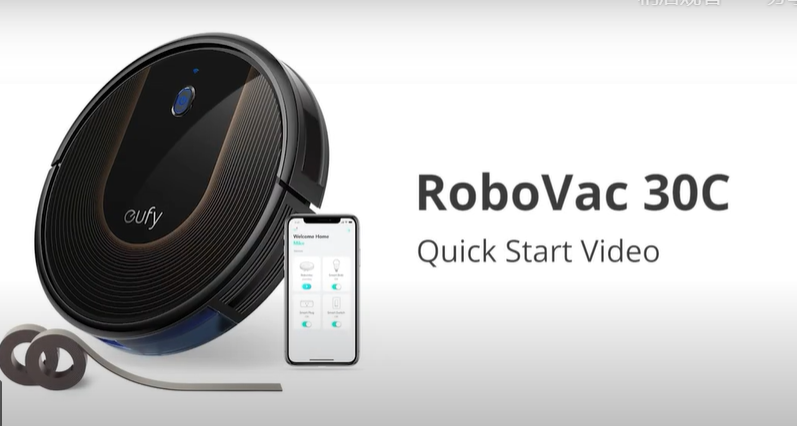
RoboVac 30C Quick Start Video (other WiFi RoboVacs of Bounce series are similar)
Play video
Quick Start Guide for RoboVac X8 Series
Play video
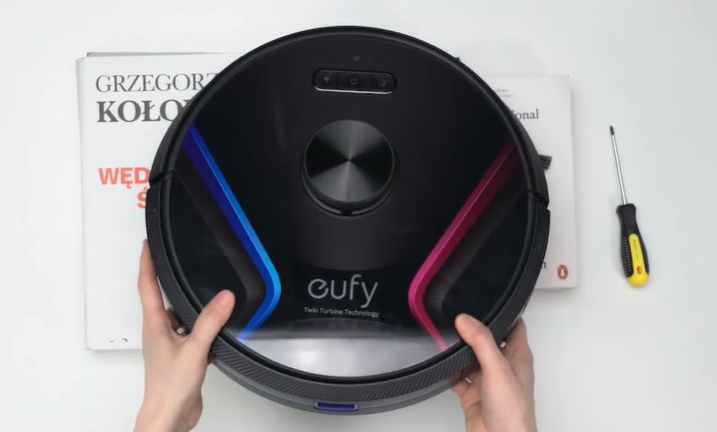
eufy RoboVac X8 Hybrid Unboxing Video
Play video
RoboVac X8 Series: How to Replace the Wheels
Play video
How to Replace Bumper of RoboVacs
Play video
RoboVac X8 Series:How to Connect iOS Devices
View More
Contact Us
Buy on the eufy Store
Download the App
affirmamazonPayamexapplePaydinnersClubdiscovergooglePaymastercardpaypalshopPayvenmovisa