Is it normal for eufy RoboVac's WiFi network to show "No Internet Connection” during the setup process?

Why do I need to connect to eufy RoboVac’s WiFi SSID?

The reason for using your smartphone or tablet to connect to your eufy RoboVac’s WiFi SSID is to add the RoboVac to your local 2.4GHz WiFi network. Your smartphone and tablet acts as a liaison between your RoboVac and the local WiFi network during the initial setup process.


Why does eufy RoboVac’s WiFi SSID show “No Internet Connection”?

The purpose of eufy RoboVac’s WiFi SSID is for it to be discovered and connected by your smartphone or tablet; therefore, its WiFi SSID will display “No Internet Connection” available since it is intended to be connected to your local 2.4GHz WiFi network through your smartphone or tablet.


If you have further questions regarding eufy RoboVac’s WiFi network, please contact us for assistance.

Unresolved icon
20 undefined
Download icon
RoboVac 35C/25C_Manual_EN
Download icon
RoboVac 25C Max_EN+ES+TR_Manual
Download icon
RoboVac 15C Max_JP_Manual
Download icon
Eufy RoboVac 15C Max (T2128) &25C (T2123) EU DOC
Download icon
RoboVac G30 Series/G40 Series EU DOC (T2250/T2251/T2252/T2253/T2254/T2255/2256)
Download icon
RoboVac G20_Manual_EU
View More
Play video
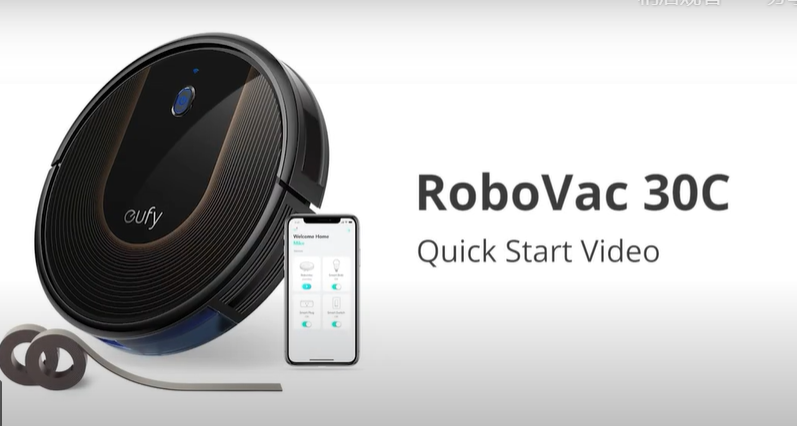
RoboVac 30C Quick Start Video (other WiFi RoboVacs of Bounce series are similar)
Play video
How to Replace Bumper of RoboVacs
Play video
Troubleshooting if RoboVac Cannot Power On
Play video
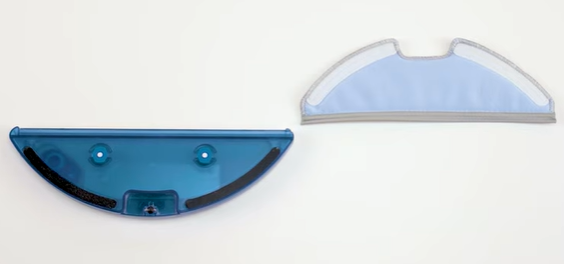
How to Use the Mop Function of G10/G20/G30 Hybrid
Play video
RoboVac Battery Replacement and Installation Video (for 11S series)
Play video
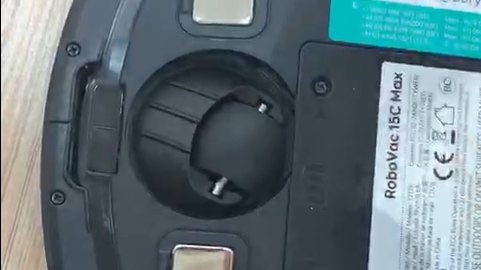
How to Replace the Swivel Wheel for the Max and G series RoboVacs
View More
Contact Us
Buy on the eufy Store
Download the App
affirmamazonPayamexapplePaydinnersClubdiscovergooglePaymastercardpaypalshopPayvenmovisa