Moving the debris stuck in the suction fans

We usually don't recommend our customers to disassemble the RoboVac. However, sometimes some debris might get into the suction fans, causing suction fan alerts or loud noise.


You can try this at first:

- With the dust collector removed from the unit, hold the vacuum upright with the bumper facing up, the suction "hole" facing downwards. Shake out any debris that might be stuck in the suction fans inside the machine.


If the debris cannot be shaken out,  you can try disassembling the vacuum to clean the suction fans from the internal. While it might look a little difficult seeing it for the first time, it is much easier than expected. You can have a look at the video links below to see if you could disassemble it.

How to Disassemble and Assemble  RoboVac's Fan Motor  (for 11S series)
How to Disassemble and Assemble  RoboVac's Fan Motor  (for Max series and G series)
 

If you still need further assistance, please contact us.

Unresolved icon
20 undefined
Download icon
RoboVac 35C/25C_Manual_EN
Download icon
RoboVac 11S_JP_ Manual
Download icon
RoboVac 25C Max_EN+ES+TR_Manual
Download icon
RoboVac 15C Max_JP_Manual
Download icon
Eufy RoboVac 15C Max (T2128) &25C (T2123) EU DOC
Download icon
RoboVac G30 Series/G40 Series EU DOC (T2250/T2251/T2252/T2253/T2254/T2255/2256)
View More
Play video
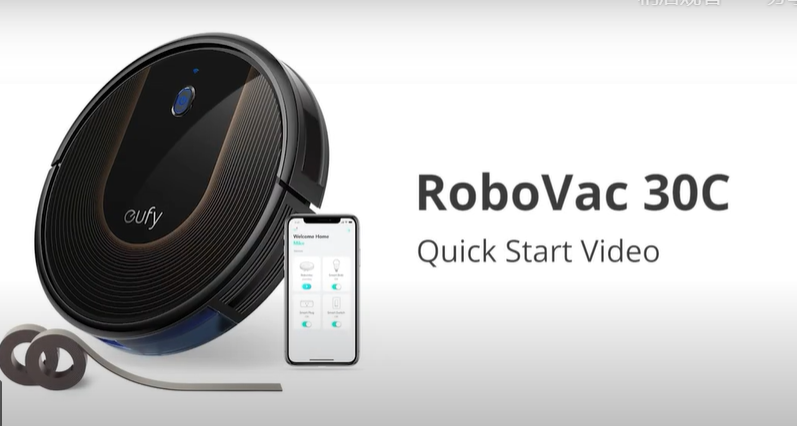
RoboVac 30C Quick Start Video (other WiFi RoboVacs of Bounce series are similar)
Play video
How to Replace Bumper of RoboVacs
Play video
Troubleshooting if RoboVac Cannot Power On
Play video
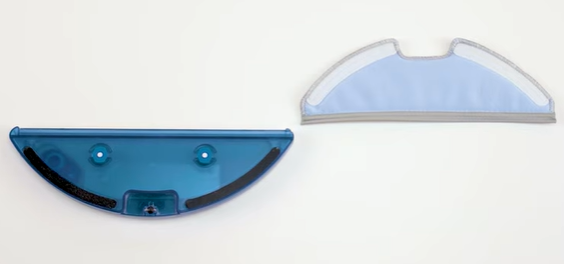
How to Use the Mop Function of G10/G20/G30 Hybrid
Play video
RoboVac Battery Replacement and Installation Video (for 11S series)
Play video
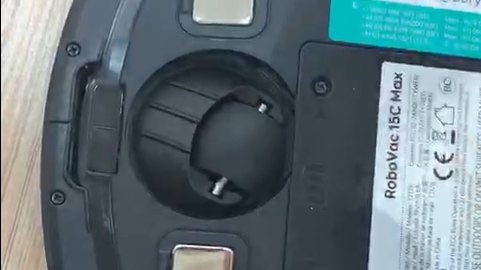
How to Replace the Swivel Wheel for the Max and G series RoboVacs
View More
Contact Us
Buy on the eufy Store
Download the App
affirmamazonPayamexapplePaydinnersClubdiscovergooglePaymastercardpaypalshopPayvenmovisa