Tips to Help X8 Quickly Build A Map

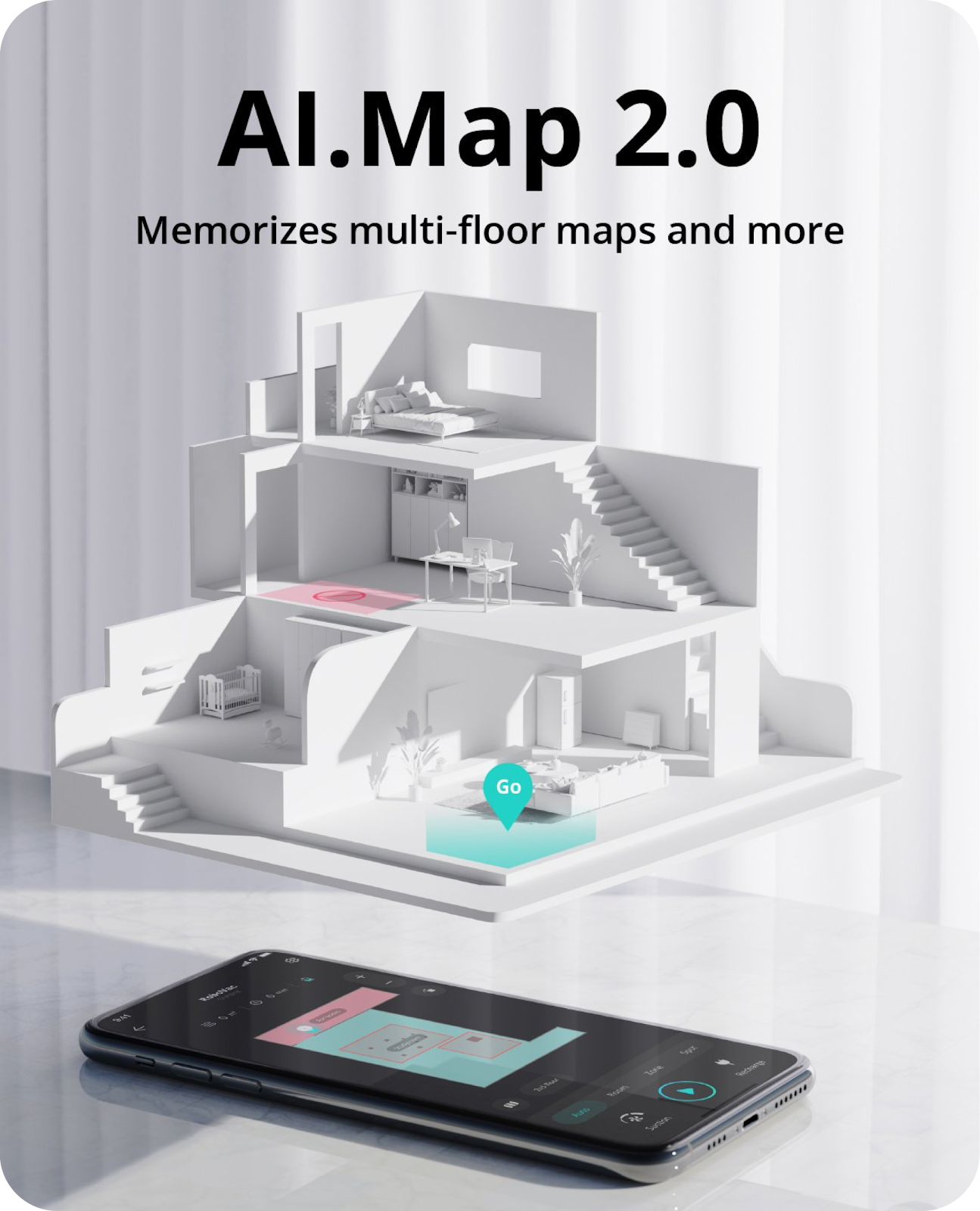
With iPath™️ Laser Navigation, RoboVac X8 will memorize your house layout and build a real-time map to systematically follow for a more efficient clean. 


To build a map for the first time:

 
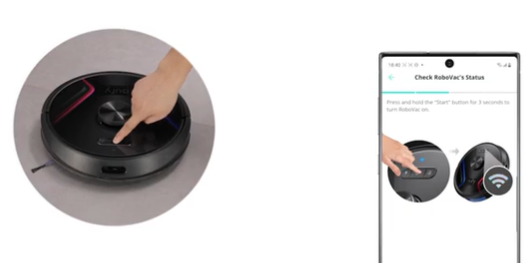
  • Activate RoboVac while it is on the charging base;
  • Open the doors of all the rooms that you want RoboVac to clean;
  • Clean up objects on the ground that may trap/entangle RoboVac;
  • Do not manually move RoboVac during the cleaning process;
  • Let Robovac return to the charging base automatically.


You will get a more detailed control page after a map has been created successfully.


If you failed to save a map, please refer to What to do if my X8/X8 Hybrid failed to save a map? If you want to add another map, please refer to How do I save multiple maps on my RoboVac X8/X8 Hybrid?
 

We hope you enjoy using your RoboVac! Contact us directly at support@eufylife.com if you need any assistance.

Unresolved icon
20 undefined
Download icon
X8 Hybrid_US_Manual
Download icon
X8_EN/DE/ES/FR/IT/TR/RU/NL_Manual
Download icon
RoboVac X8/X8 Hybrid EU DOC (T2261/T2262)
Download icon
X8_EN+ES_Manual
Download icon
X8 Hybrid_Others_Manual
Download icon
X8 Hybrid_EU_Quick Start Guide
View More
Play video
Quick Start Guide for RoboVac X8 Series
Play video
eufy RoboVac X8 Hybrid Unboxing Video
Play video
RoboVac X8 Series: How to Replace the Wheels
Play video
RoboVac X8 Series:How to Connect iOS Devices
Play video
RoboVac X8 Series:How to Connect Android Devices
Play video
Cleaning and Maintenance of X8 Series RoboVac Accessories
View More
Contact Us
Buy on the eufy Store
Download the App
affirmamazonPayamexapplePaydinnersClubdiscovergooglePaymastercardpaypalshopPayvenmovisa