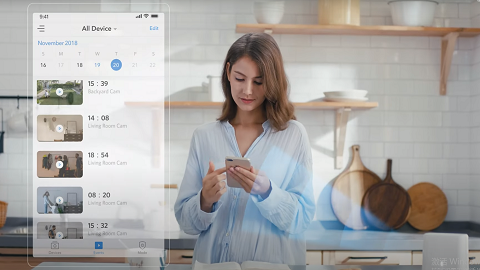
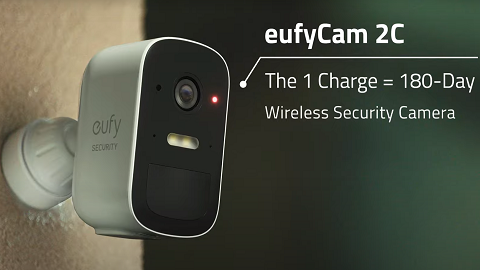
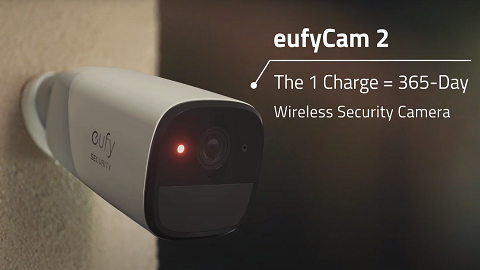
Unable to See LiveStream of eufyCams


To help you solve the issue when you can’t watch the Livestream of eufy battery cameras on eufy App. Please check the following:


1. Try connecting the phone to a different wifi or using the mobile data.


2. Check your firewall setting to see if there are any special restrictions for eufyCam. You can check the firewall setting at your router's official website. 


2. If you recently relocated the eufyCam that is not working, please try to move and adjust the camera location to get a better Wi-Fi signal.


3. Please set the HomeBase to Wi-Fi connection if possible.


4. Pull down the device list to refresh the device’s status.


5. Try to remove the eufyCam from the App and then add it again to HomeBase.


6. For HomeKit enabled devices, such as eufyCam 2/2C/2 Pro/2C Pro, please enable stream on eufy App

Steps in the App: Devices Tab> ... icon> Gear icon> Settings > General> HomeKit setup.

 
7. Make sure the Low Data Mode is turned off on your SmartPhone: How to Turn Off Low Data Mode or Data Saver: iPhone & Android

If you have any questions, please contact us for further assistance.

Unresolved icon
272 undefined
FAQ
Security
S380 HomeBase (HomeBase 3) Compatibility
157 views1 likes/2026-07-08 11:59:23
HomeKit on eufy Devices
43 views1 likes/2026-08-13 18:40:15
How to View eufySecurity Cameras on a Computer
82184 views13 likes/2025-04-07 18:27:47
Compatibility Between eufy Devices
780 views1 likes/2026-06-24 17:12:13
What type of microSD card does eufy device use?
226 views1 likes/2026-06-24 16:34:06
Share Your eufy Devices With Your Family
127 views1 likes/2026-08-13 18:45:09
Using NAS Storage Step by Step
470 views1 likes/2026-07-13 11:19:21
Introducing Cloud Backup
438 views1 likes/2026-07-13 14:55:14
Which eufy cameras work with HomeKit?
224180 views44 likes/2023-01-06 11:49:40
Two-Step Verification for eufy App
683 views1 likes/2026-06-24 17:55:48
Download icon
eufyCam C35 사용자 가이드 (T8110)
Download icon
eufyCam C35 Uživatelská Příručka (T8110)
Download icon
eufyCam C35 Ghidul utilizatorului (T8110)
Download icon
eufyCam C35 Használati útmutató (T8110)
Download icon
eufyCam C35 Používateľská príručka (T8110)
Download icon
eufyCam C35 Navodila uporabnika (T8110)
View More
Play videoHow to Install the Mutli-Functional Mount Bracket for eufyCam C35
How to Install the Mutli-Functional Mount Bracket for eufyCam C35
Play videoHow to Mount Your eufyCam
How to Mount Your eufyCam
Play videoHow to Set the Automation Function
How to Set the Automation Function
Play videoHow Do I Connect My eufy Cameras with Amazon Alexa
How Do I Connect My eufy Cameras with Amazon Alexa
Play videoHow Do I Connect My eufy Cameras to the Google Assistant App
How Do I Connect My eufy Cameras to the Google Assistant App
Play videoHow to Share Account Access of eufySecurity Devices
How to Share Account Access of eufySecurity Devices
View More
Contact Us
Buy on the eufy Store
Download the App
affirmamazonPayamexapplePaydinnersClubdiscovergooglePaymastercardpaypalshopPayvenmovisa