What Should I Do if My X8 Series RoboVac Triggers Error 14?
RoboVac’s Voice Alerts When It Encounters an Issue
Some of eufy’s RoboVac models provide users with audible voice alerts when the RoboVac encounters an issue. In order to correctly troubleshoot and resolve specific issues of your RoboVac, please first find out the exact voice alert error triggered by the RoboVac.
What Caused Voice Alert: Error 14 (Please insert dust collector and filter)?
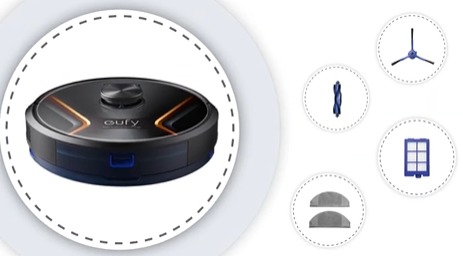
This error is triggered when the metal pin on the filter is missing, rusty, or dirty.
How Do I Fix Voice Alert: Error 14 (Please insert dust collector and filter)?
Please refer to the following steps to troubleshoot and fix this specific issue:
Confirm whether the metal pin on the filter is missing. If the metal pin is missing, please try anew filter.
If the metal pin on the filter is either dirty or rusty, please use a soft cloth to clean the metal pin. If the metal pin has already been cleaned and it has not resolved the issue, please try anew filter.
If the filter was replaced recently, please verify that the filter was purchased directly from the official eufy website.
If the issue persists, pleasecontact us for further assistance.