What if my RoboVac charges with a red indicator?
If your RoboVac shows a red light while charging, you can check the following:
- Reconnect the adapter to the charging base. Make sure the white power indicator on the charging base lights up.
- Let the RoboVac dock on its own to make sure the charging pins are connected properly.
- Charge for 6+ hours to see if the breathing orange light turns to solid blue.
- If your RoboVac has been used for more than a year, trying to replace a new battery can usually solve this issue.
If the issue still persists or you need further assistance, please contact us.


20 undefined
What if my RoboVac stops in the middle of cleaning with Three Beep Error?


What if my RoboVac stops in the middle of cleaning with Four Beep Error?
How to order a water tank for G10/G30 Hybrid?
How to order filter elements for water tank (G10/30 Hybrid)?
How to order a remote control for my RoboVac?
Can RoboVac work with my carpets/floor? (for Bounce Series)
What to do if my RoboVac does not Run with Schedule on Remote Control
What if my RoboVac has a clicking noise in the side brush?
How to mop with G10/G20/G30 Hybrid?

RoboVac 35C/25C_Manual_EN
RoboVac 11S_JP_ Manual
RoboVac 25C Max_EN+ES+TR_Manual
RoboVac 15C Max_JP_Manual
Eufy RoboVac 15C Max (T2128) &25C (T2123) EU DOC
RoboVac G30 Series/G40 Series EU DOC (T2250/T2251/T2252/T2253/T2254/T2255/2256)
View More

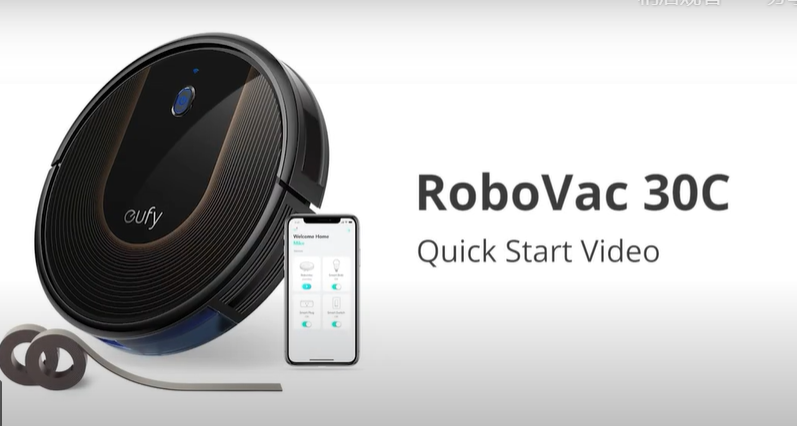
RoboVac 30C Quick Start Video (other WiFi RoboVacs of Bounce series are similar)

How to Replace Bumper of RoboVacs

Troubleshooting if RoboVac Cannot Power On
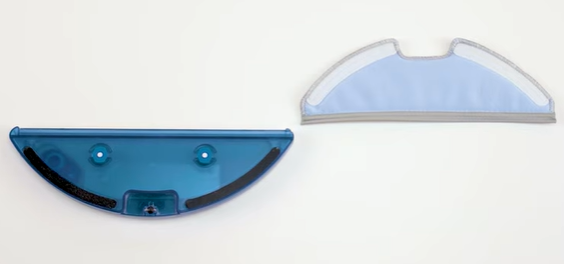
How to Use the Mop Function of G10/G20/G30 Hybrid

RoboVac Battery Replacement and Installation Video (for 11S series)
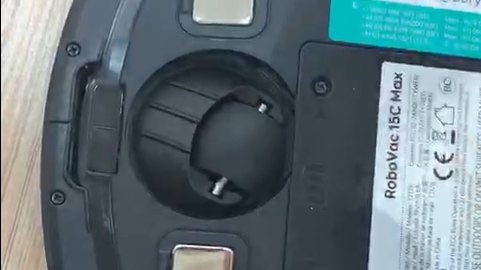
How to Replace the Swivel Wheel for the Max and G series RoboVacs
View More


