What to try if you cannot connect to a Mesh WiFi?

Some routers have two separate Wi-Fi networks (one for the 2.4 GHz band and another for the 5 GHz band), which require you to manually connect to the band you want. 


Sometimes it's tricky to connect your RoboVac to your mesh network, as they use a single WiFi SSID for 2.4 and 5 GHz radio frequency and you can't designate which band you're using.
 

eufy Clean App only connects to the 2.4 GHz band, so you'll need to connect to the 2.4G band on your mesh wifi network.  

If normal troubleshooting fails, you can try taking your RoboVac and moving far away from your mesh nodes.  Get as far away as you can while still maintaining a connection to your wifi.   The 2.4 GHz band travels much further than the 5 GHz band - so there's a greater chance you are now connected to the 2.4Ghz band.


If you have other concerns, please contact us for further assistance.

Unresolved icon
20 undefined
Download icon
eufy Clean L60 User Guide (T2267)
Download icon
eufy Clean L60 SES User Guide (T2277)
Download icon
eufy Clean L60 Hybrid User Guide (T2268)
Download icon
RoboVac 35C/25C_Manual_EN
Download icon
eufy Clean L60 Hybrid SES User Guide (T2278)
Download icon
L50+L60_EN_Manual
View More
Play video
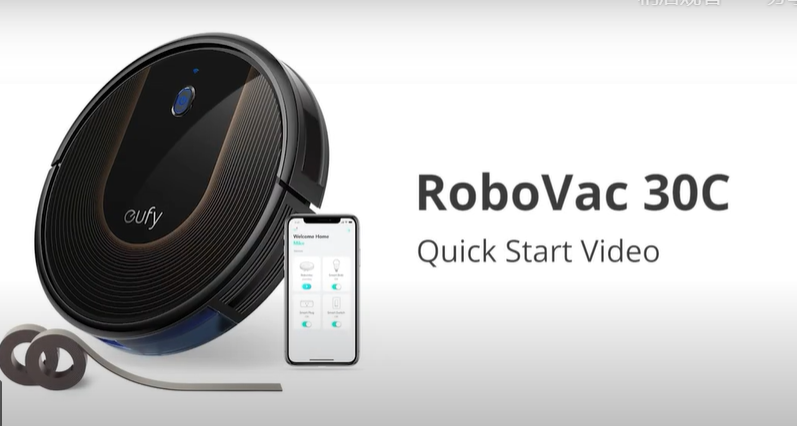
RoboVac 30C Quick Start Video (other WiFi RoboVacs of Bounce series are similar)
Play video
Quick Start Guide for RoboVac X8 Series
Play video
eufy RoboVac X8 Hybrid Unboxing Video
Play video
RoboVac X8 Series: How to Replace the Wheels
Play video
How to Replace Bumper of RoboVacs
Play video
RoboVac X8 Series:How to Connect iOS Devices
View More
Contact Us
Buy on the eufy Store
Download the App
affirmamazonPayamexapplePaydinnersClubdiscovergooglePaymastercardpaypalshopPayvenmovisa