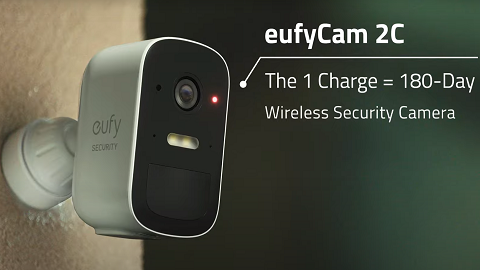
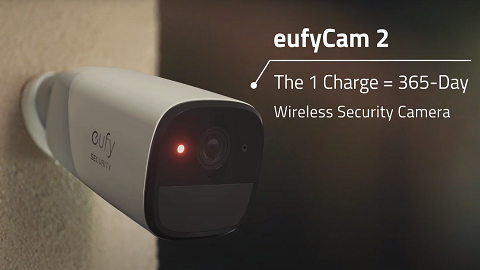
When your eufyCams is offline, the live view page will display a warning sign showing camera status is currently offline. If the camera goes offline, check the following:
1. Check if the camera has gone out of battery. If yes, charge the battery.
2. Press and release the SYNC button quickly to check if the camera has switched off or turned off. If the LED does not light up, try to set the camera to ON in the camera settings or press and hold the camera for 2 seconds to boot up.
3. If you recently relocated the camera, try to move it closer to the HomeBase.
4. Remove the eufyCam that is offline on the Eufy App and then add it again to HomeBase by navigating to Main Page > Security > Add Device > Scan QR code.
If the above instructions cannot solve your issue, please contact us for further assistance.