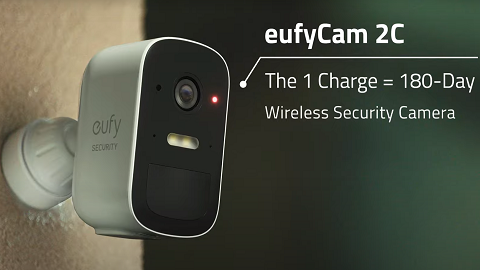
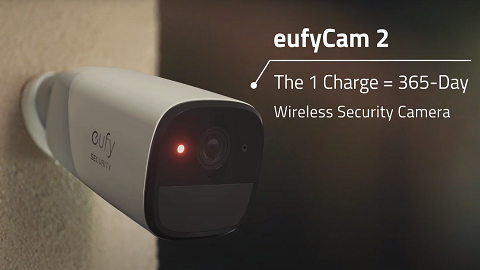
Every eufy Cameras ships out from the factory with the battery charged to approximately 60% - 80%.
HomeBase has one USB charging port with Anker Power IQ Technology. We recommend that you charge your eufyCams with HomeBase.
- Charging via HomeBase from 0 to 100% takes about 4 hours.
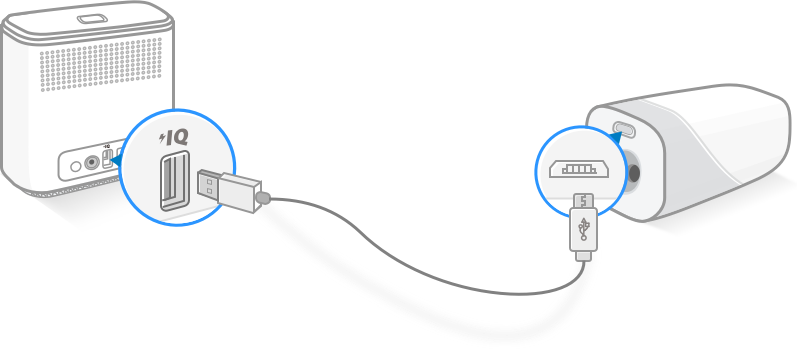
- In addition, any 5V or 9V USB charger can charge eufyCam.

If the camera cannot be charged, please read the following steps.
1. Please try to use the USB cable in the package and connect to a 5V/2A or 9V/2A charger. Or please try to connect the camera to the USB port on the back of HomeBase.
The eufycam camera’s LED will be solid red when the battery is being charged, and the app will show charging status. The eufyCam 2C and eufyCam 2’s LED will be solid blue when the battery is being charged, and the app camera settings menu will show battery percent.
2. Please make sure the camera's ambient temperature is between 0℃(32℉) - 45℃(113℉) during charging.
3. Please use another cable to charge the camera and put it in the wall socket.
If you still have questions, please contact us for further assistance.