When my Omni X12 Pro encounters a technical problem, what information do I need to provide to eufy to resolve the issue?
If you encounter any technical issues while using Omni X12 Pro, please provide the following details to help us quickly identify the root cause of the problem and ensure a swift resolution:
Describe the problem in detail, and provide the date and time the problem occurred.
Provide photos, videos, or screenshots of the error message from the eufy app.
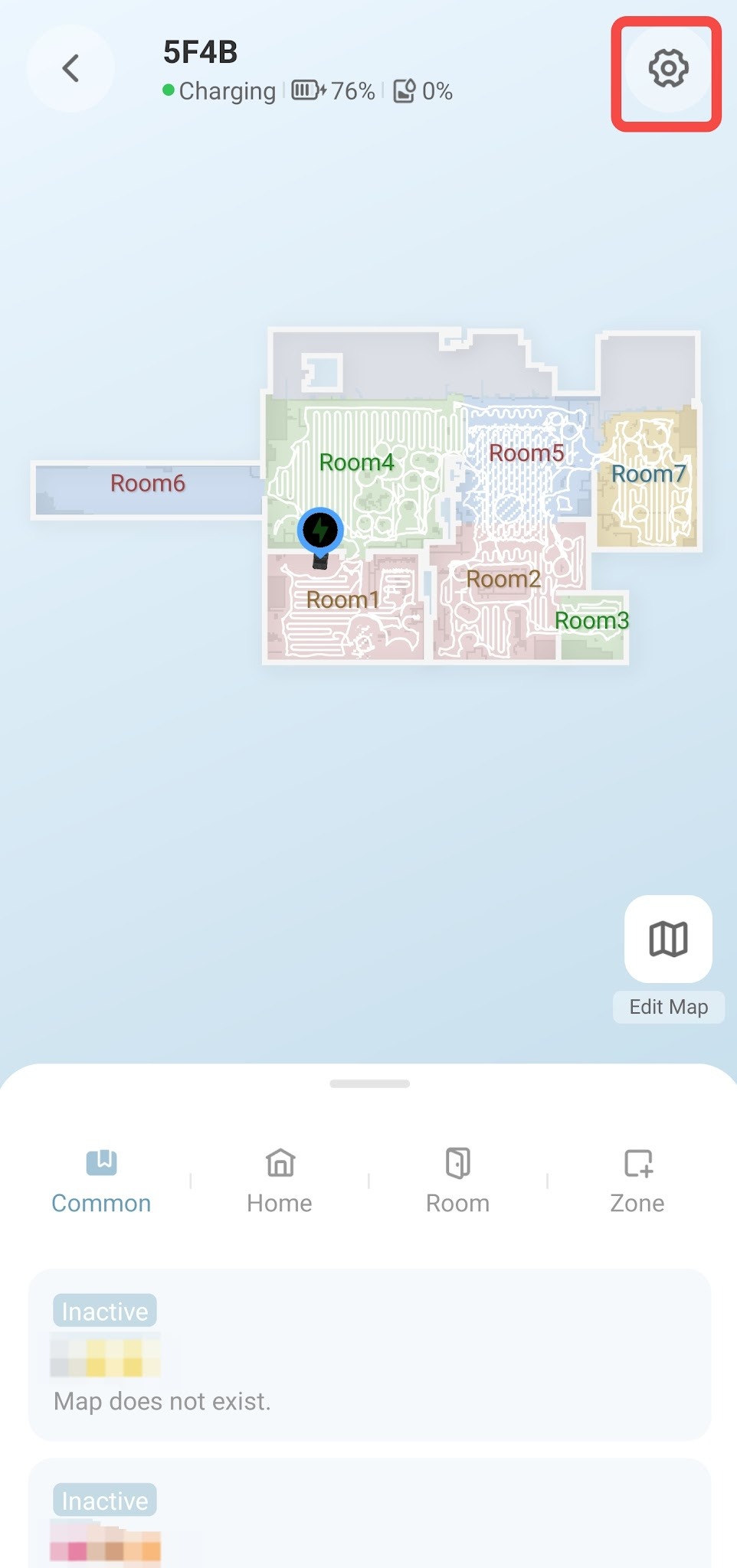
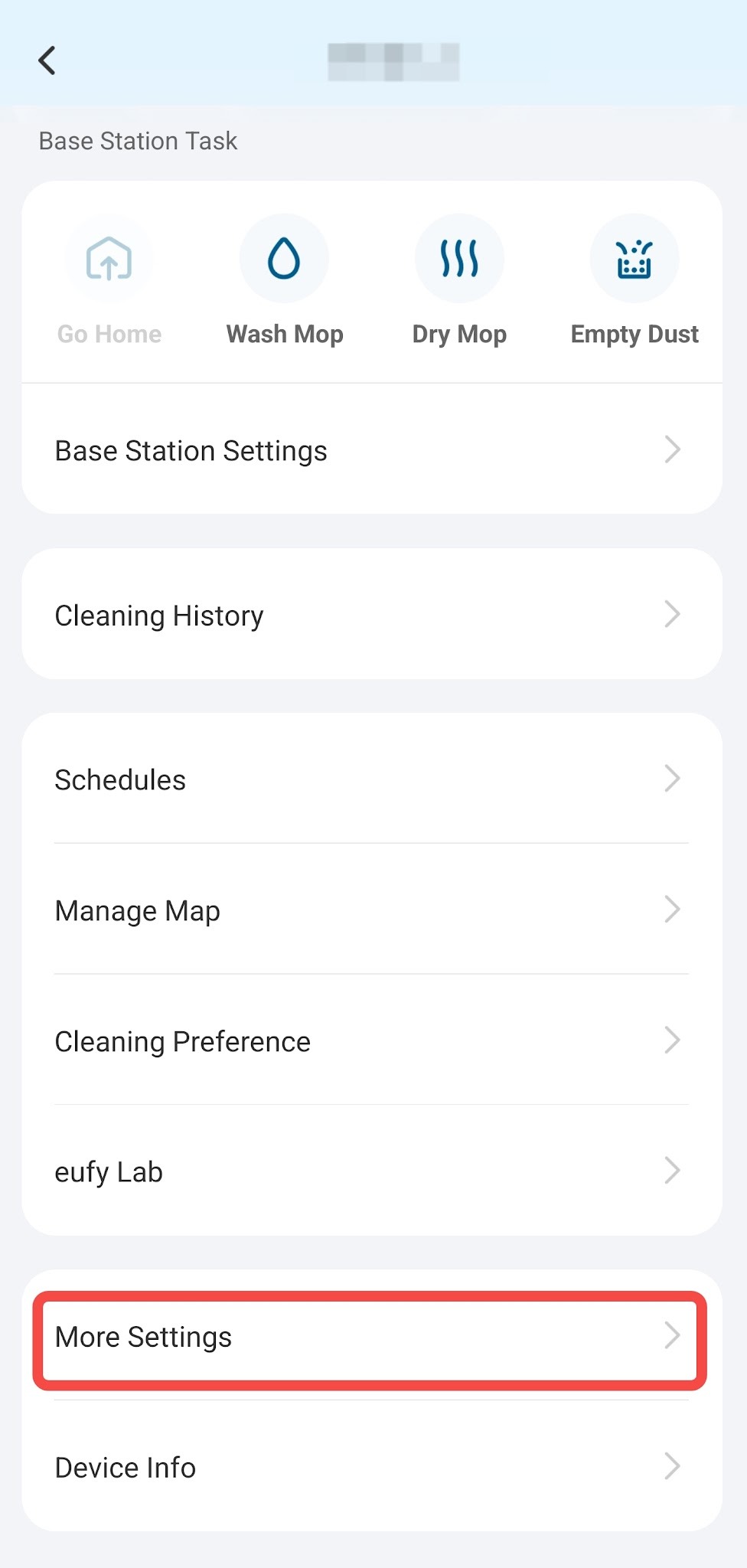
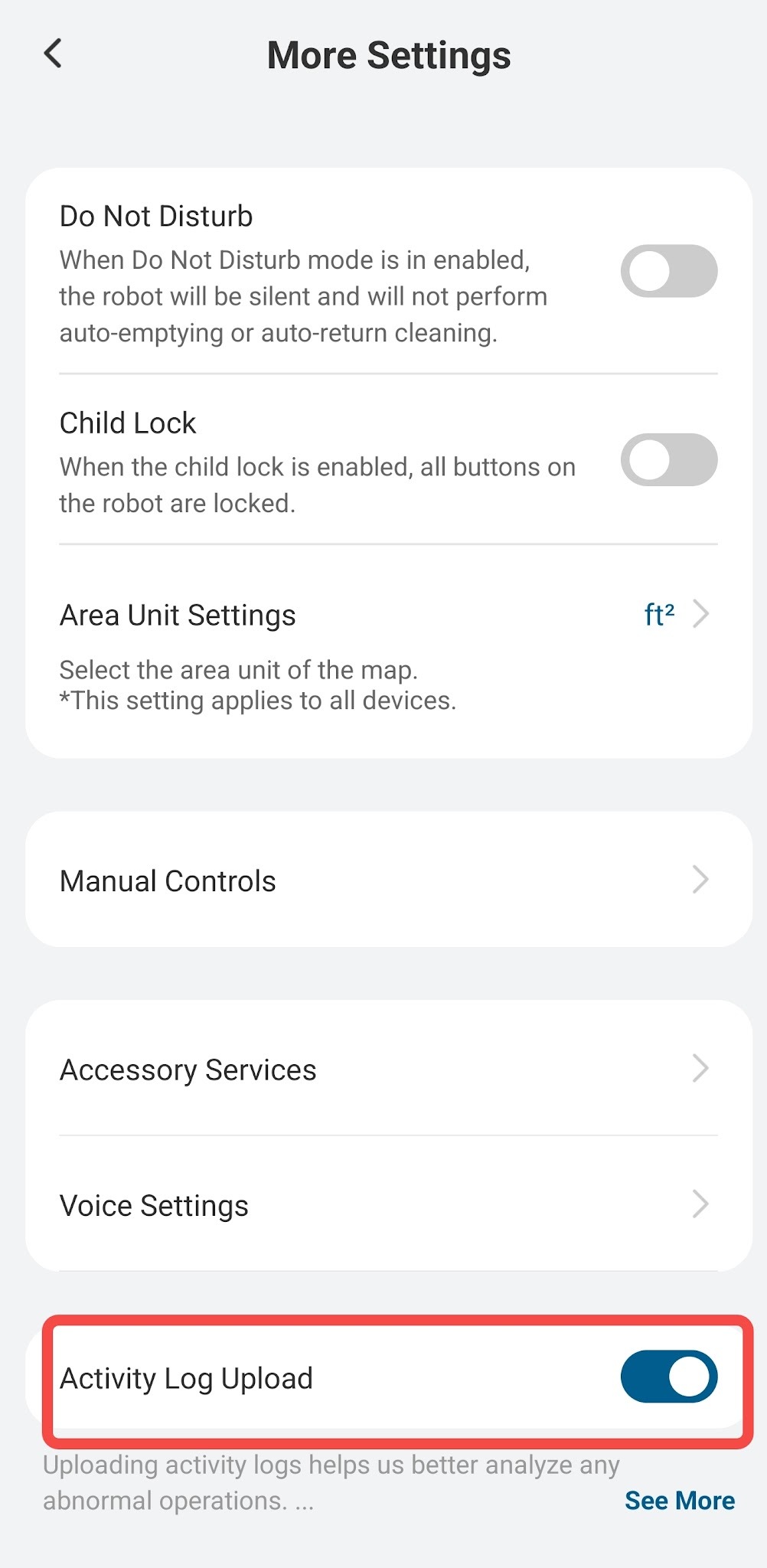
Go to Settings > More Settings > Activity Log Upload to enable the activity log upload function.
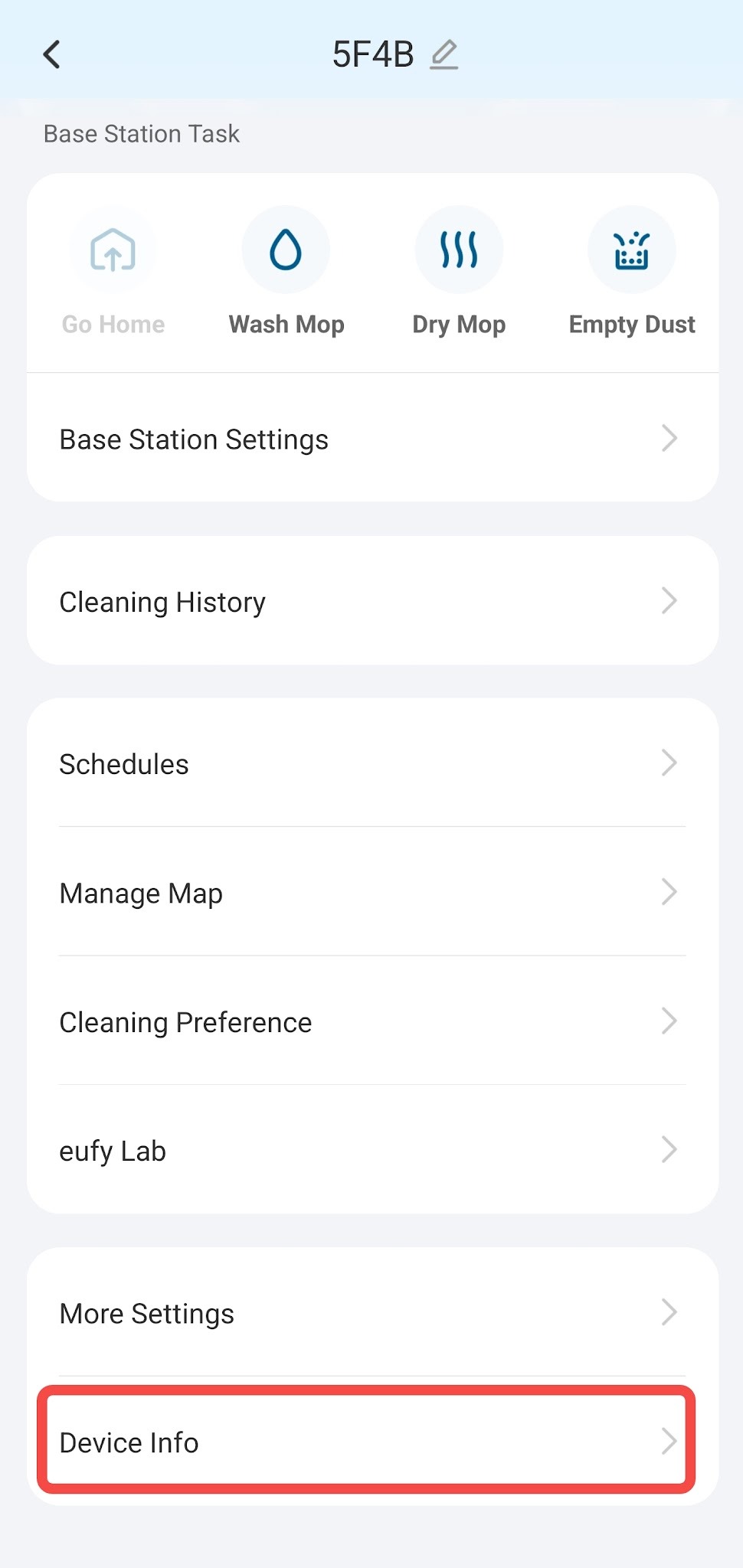
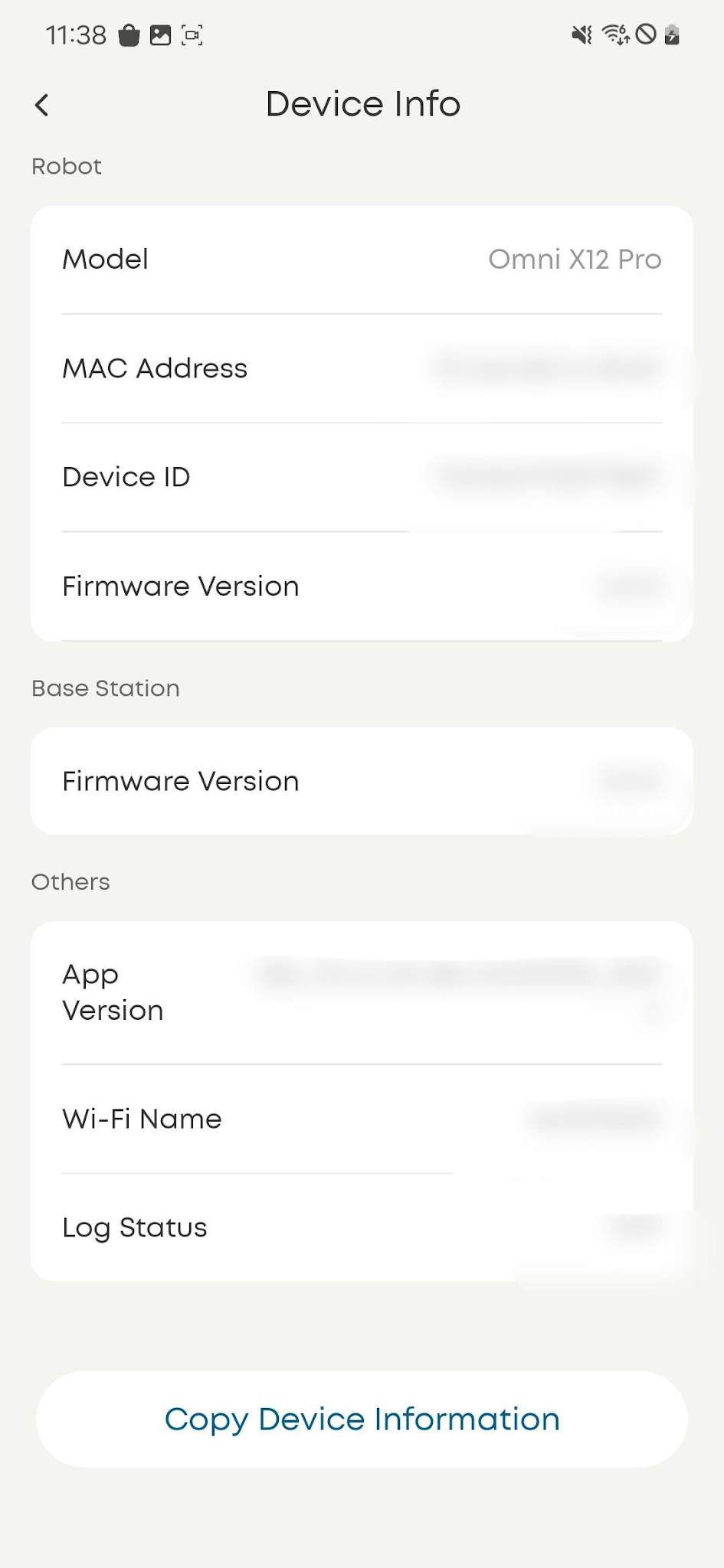
To help eufy engineers analyze your logs, go to Settings > Device Info, and tap "Copy Device Information."
If you have any other questions regarding Omni X12 Pro, you can visit theeufy Support Center for further assistance.