Cannot Find My Wi-Fi When Installing eufy Smart Lock Touch & Wi-Fi
Here are five tips to help you fix the problem of not finding your Wi-Fi network in the Wi-Fi listing of eufySecurity smart lock & WiFi version.
1. Make sure your router works properly and its network name is not hidden. If it is hidden, click "Others" and enter the Wi-Fi information manually.
2. Make sure the device is not too far out of your router's coverage.
3. Verify if your Wi-Fi is encrypted via WEP encryption. If so, change the encryption in your router. The device doesn’t support WEP encryption.
4. Rescan the network.
5. Hold the "Set" button for 5 seconds to reset the device and start the setup process again.
If you still have questions, please contact us for further assistance.


20 undefined
How long does the battery on eufy Smart Lock Touch & Wi-Fi last for?


Can eufy Smart Lock Touch & Wi-Fi connect to HomeBase?
Is there a default passcode on smart lock before setting up?
How long will the access information be kept in the smart lock when the battery dies?
Are eufy smart locks safe?
Do eufy smart locks have cameras?
What happens if the eufy smart lock battery dies?
How many passcodes and fingerprints can the eufy smart lock store?
Where is the keyhole on eufy smart locks?

eufy S231 Smart Lock User Manual
Smart_Lock_Touch&Wi-Fi_manual_us
T8520S_EU Declaration of Conformity

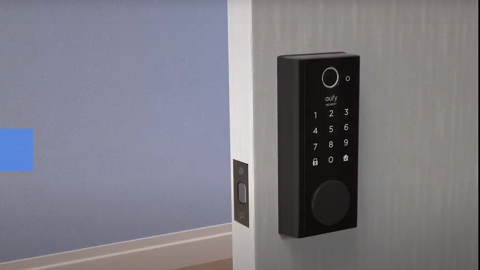
How to set up eufy Security Smart Lock Touch & Wi-Fi

eufy App Functions

Introducing eufy Smart Lock Touch & Wi-Fi


