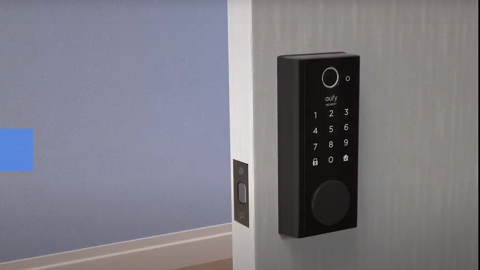
If you’re having trouble connecting the device to Wi-Fi during the setup process, it may be due to the following issues.
Wi-Fi Signal Was Not Found
As the Wi-Fi list syncs up from the device and not from your phone, the Wi-Fi signal in your home might be too weak or unstable for the device to connect.
Incorrect Wi-Fi Password
Check to make sure you have entered the correct password.
Failed to Connect to Wi-Fi
Unstable Wi-Fi signal affects the connection between the device and your home router. It is recommended for you to strengthen the Wi-Fi signal to the device to ensure it operates properly.
If none of the above helped, please try the following tips.
1. Try performing set up on a different mobile device.
2. Perform a hard reset on the device by pressing the "Sync" button 5 times in a row, wait for 30 seconds, press the "Sync" button to turn it on, and then repeat the setup process.
If you still have questions, please contact us for further assistance.