How to Check eufy Smart Lock Events
The ”Lock Event” feature shows a list of historical unlocking and locking events recorded by smart locks connected to your eufy account.
1. Go to your lock's page and tap "Lock Events" at the bottom left of the screen.

2. The Lock Events' screen will display both the unlocking and locking history of all users who can control the Smart Lock.

If you still have questions regarding the smart lock events, please contact us for further assistance.


20 undefined
How long does the battery on eufy Smart Lock Touch & Wi-Fi last for?


How many smart locks can one eufy Wi-Fi Bridge connect to?
How far can the eufy Wi-Fi Bridge be placed from the router?
How far can the eufy Wi-Fi Bridge be placed from the smart lock?
Can eufy Smart Lock Touch & Wi-Fi connect to HomeBase?
Is there a default passcode on smart lock before setting up?
How long will the access information be kept in the smart lock when the battery dies?
Are eufy smart locks safe?
Do eufy smart locks have cameras?

eufy Security Video Smart Lock E330 (T8531) / eufy Security Video Smart Lock E330 with Chime (E8531) USER GUIDE
Smart_Lock_with_Wi-Fi_Bridge_manual_us
Smart Lock C220 User Guide (T8506)
GUÍA DEL USUARIO de eufy Security Video Smart Lock E330 (T8531) / eufy Security Video Smart Lock E330 with Chime (E8531)
Smart_Lock_Front_Door_manual_us
Video_Smart_Lock_E330_User_Guide_EN
View More

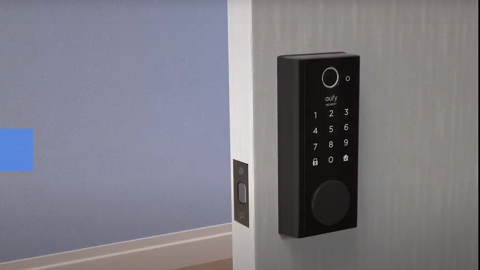
How to set up eufy Security Smart Lock Touch & Wi-Fi
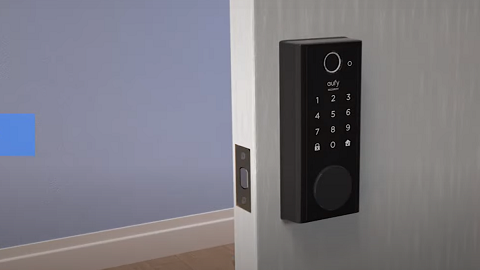
How to Install the Smart Lock Touch

Introducing eufy Security Smart Lock Touch
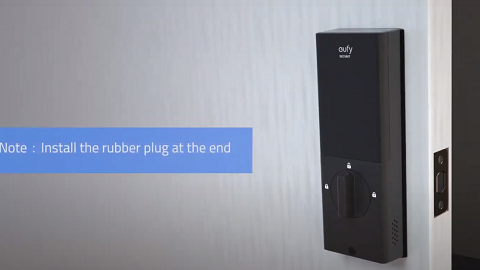
How to Install eufy Smart Lock Front Door
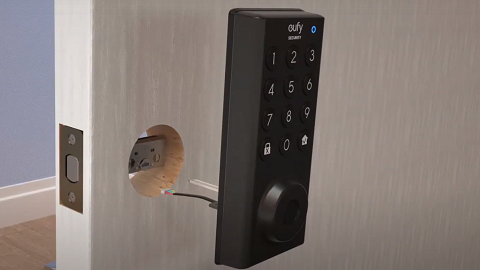
How to Install eufy Solo Smart Lock D20

How to Install Smart Lock C220
View More


